-2.png)
-1.png)
Not just point of sale but the whole operation behind it.
Taking the payment is where most tills finish and where ocapii starts. Digitising the kitchen, the stock and everything you would normally do manually.
Ordering shouldn’t be complicated.
Take card payments, issue receipts and manage orders from one device, while guests can also order themselves by scanning a QR code.
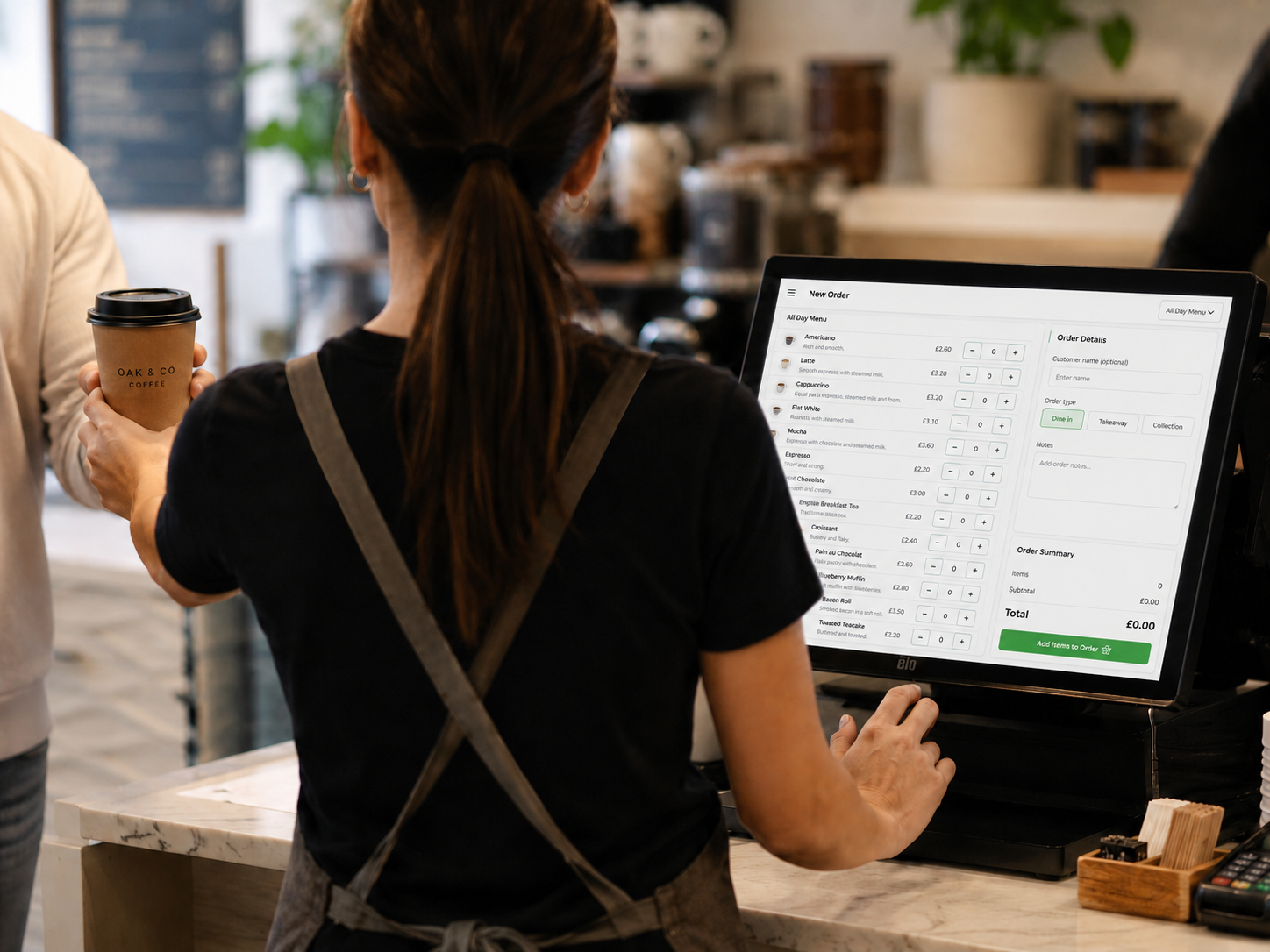
Most tills stop at the payment.
Orders are sent straight to the right station. Menus, recipes and stock are all connected, so when something is sold, the correct ingredients and costs are automatically taken from inventory.
Easy ordering for your guests
- ✓ Guests can easily split the bill
- ✓ Optional tip at checkout
- ✓ Easily add extras and increase spend
- ✓ Update the menu easily for daily specials
Ready to simplify your front of house?
Let us walk you through how ocapii POS can help your business.
Free up time stuck in your office.
One system, not multiple vendors
The app is a place where multiple ocapii layers can live, view food safety, temperature monitoring and POS all in one place.
Food Safety →Stock that matches what you cooked
The published recipe deducts the same inventory products once, with a cost snapshot. Refunds return money, not ingredients.
Inventory Management →Safety that supports what's been ordered
Ingredients, allergen union and per-serving nutrition come from the recipe you published, not a spreadsheet someone updated in March
Food Labelling →Intelligence insight that improves your business
Revenue, channel mix, payment mix, top items and refunds in one report. Ask Mira, or open the report. Same numbers.
Business Intelligence →Ocapii POS common questions
A full POS. The ocapii staff app is the till: on a phone or tablet with a Bluetooth card reader, or as ocapii’s own POS app on the terminal. Plus guest QR ordering, payments by cash, card or tab, kitchen and bar boards, recipes, stock, receipts, refunds and reports. Online ordering is one channel, not the product.
No. That is the point. The till is the ocapii app you already give staff.
Not always. Pair a Bluetooth reader to a phone or tablet. Or run ocapii on a smart terminal so the till, the card and the receipt printer are one device. Tap to Pay on a compatible phone is a third option.
Not always. Pair a Bluetooth reader to a phone or tablet. Or run ocapii on a smart terminal so the till, the card and the receipt printer are one device. Tap to Pay on a compatible phone is a third option.
No. Refunds return money. If the dish was cooked, the stock stays consumed unless someone records waste or a return on purpose, as a separate audited action.
No. QR codes and links open in the phone browser. Staff need an ocapii login. Guests never do.