Food Label Printing

Every label, straight from live data.

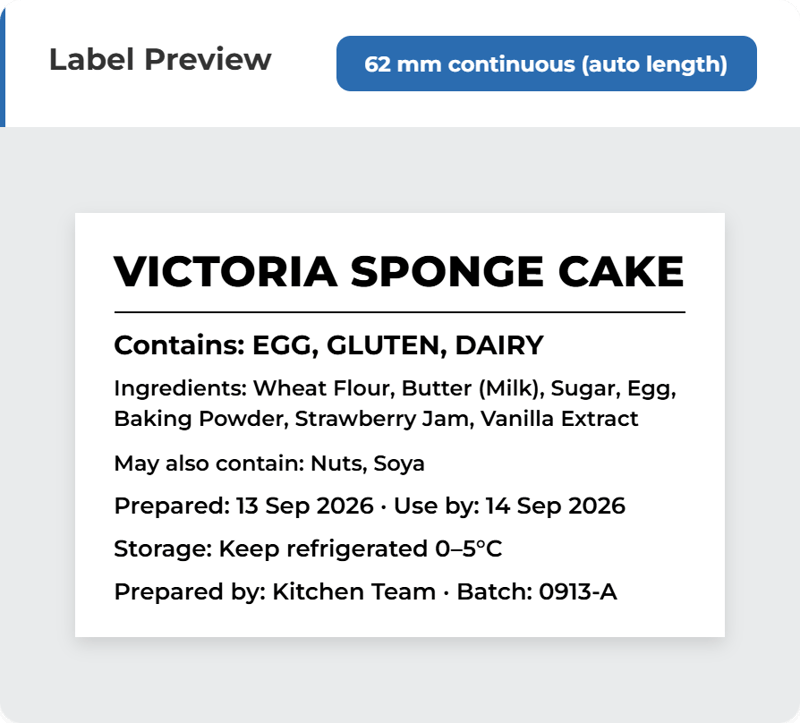
Ingredient declarations, allergen emphasis, use-by dates, batch codes and barcodes are generated from the recipe and inventory data you already hold, and printed on the printers you already have.

Ready-made templatesUse-by, allergen, nutrition, barcode
Locked use-by datesStraight from the inventory record
Any thermal printerNo proprietary hardware, no lock-in
ChatGPT Image Sep 13, 2026, 09_34_26 PM (6) Cake Label Template HQ Kitchen  (2)

#anchor

What it does

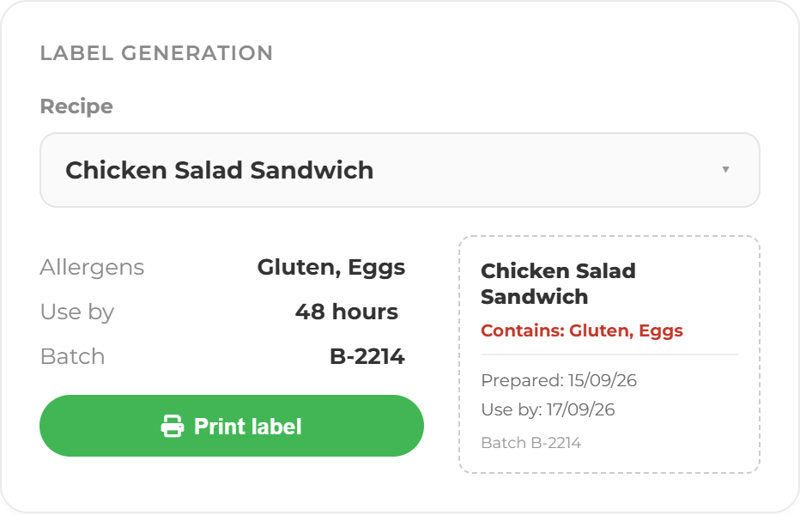
The label builds itself from the recipe.

Ingredients in descending weight order, allergens emphasised, use-by calculated from your rule. The person at the counter picks a product and prints. 

ChatGPT Image Sep 14, 2026, 03_47_18 PM (3) Label Generation-1
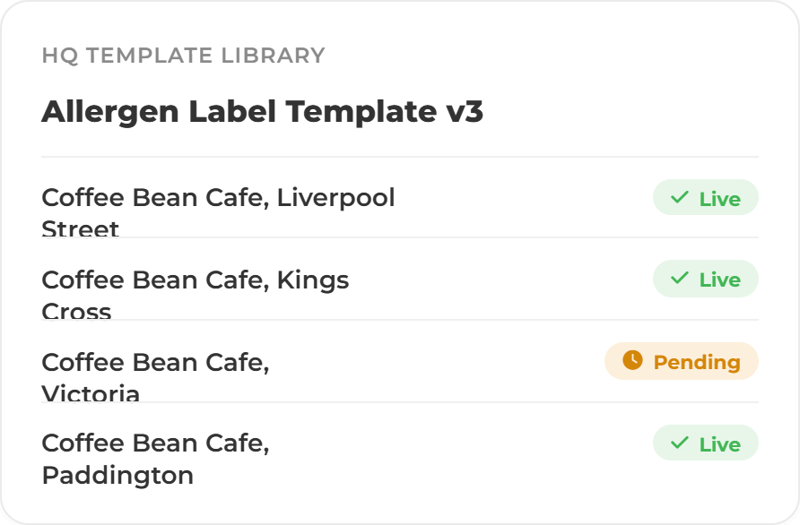
ChatGPT Image Sep 16, 2026, 12_32_58 PM Label & Template Management Cards - HQ Templates

One template, pushed from HQ

Templates are built centrally and sent to every site, so a change to the layout or the declaration rule is made once.

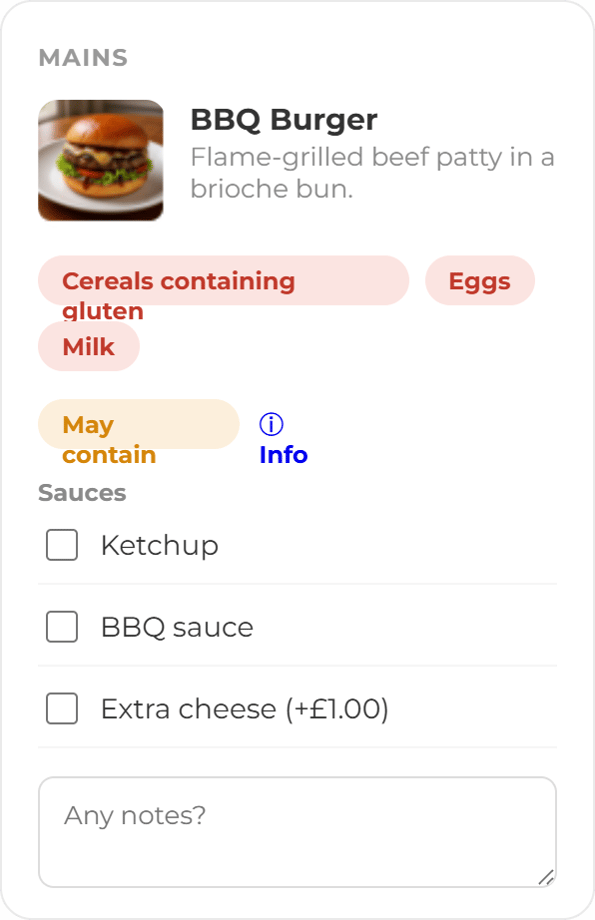
Allergen information visible on all menus

Allergen and ingredient data sits with the product, so it reaches the guest's screen without anyone retyping it. Guests filter and check before they order. This supports allergen accuracy, it does not replace your own allergen management.

ChatGPT Image Sep 16, 2026, 09_27_19 AM POS Mockup Cards Upsell
ChatGPT Image Sep 16, 2026, 01_49_53 PM Label & Template Management Cards Printers

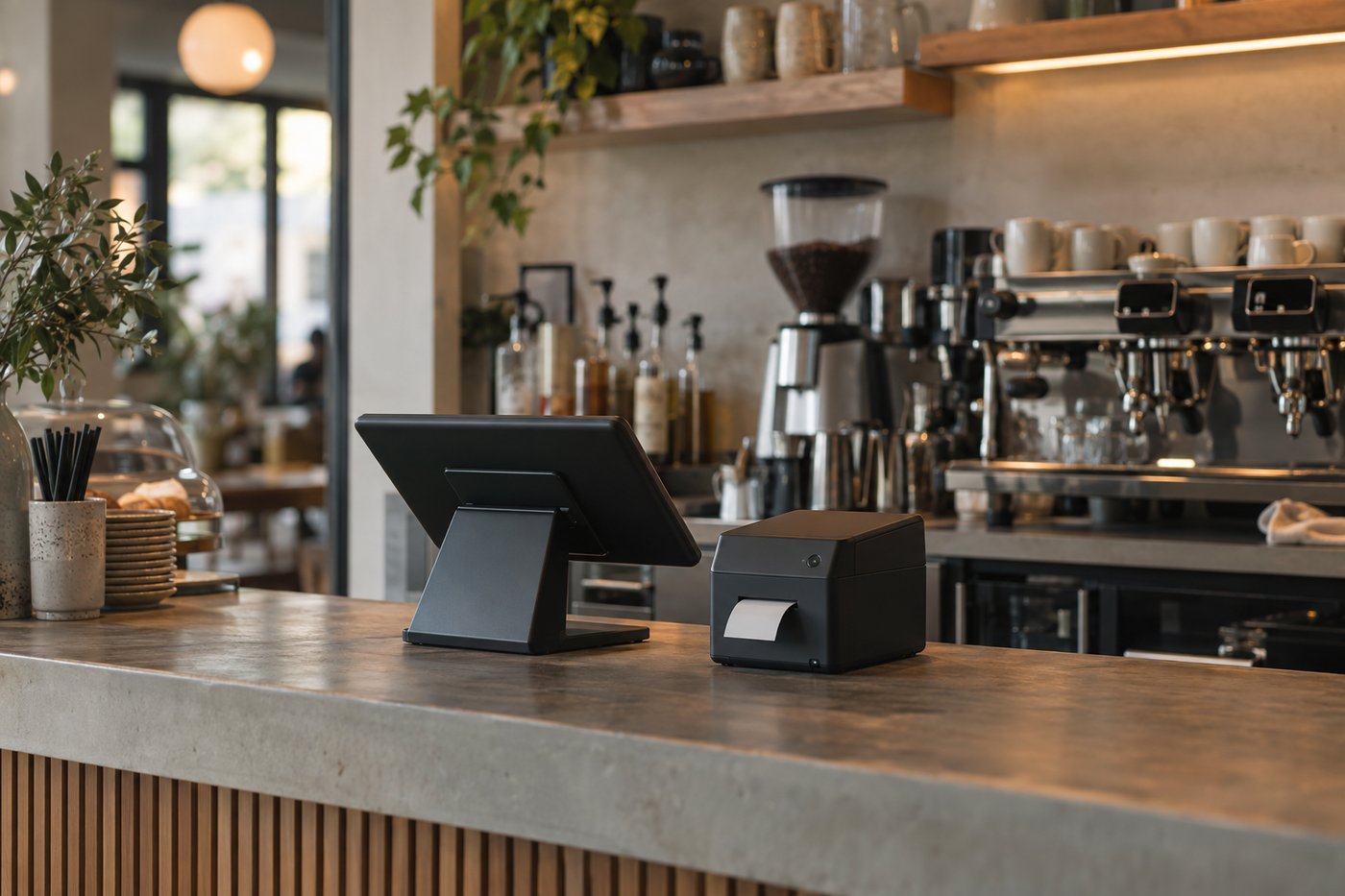
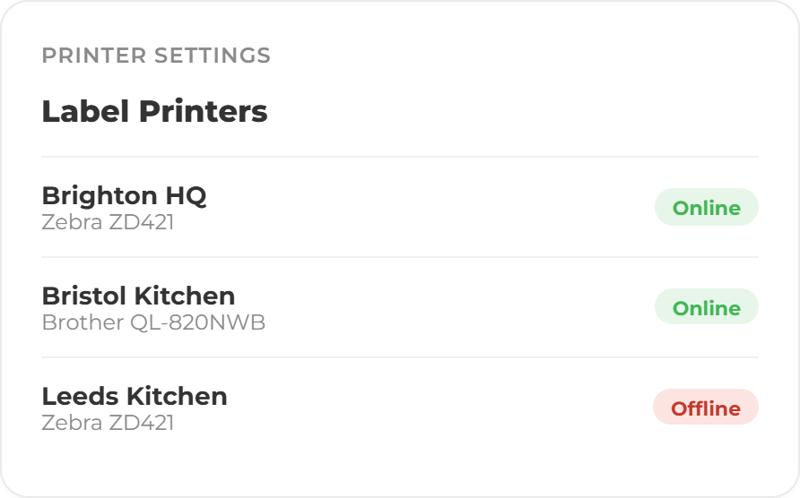
Use the printers you have

Ocapii is printer agnostic, so labels print to existing hardware rather than needing a proprietary device at every counter. 

Ready to make food labelling easier to see, act on and prove?

One template library, one permission model, every site printing the same label from the same live data.

FAQ

Food label printing common questions

No. The labels are one surface of the same operational data that runs your HACCP checks, inventory expiry alerts and corrective actions. A standalone label system needs its own product database, maintained separately by someone. Here the allergens, ingredients, nutrition and expiry dates are already in the inventory your team works to every day, captured once and reused on every label.


Any thermal label printer installed with its driver. Ocapii sizes the print page exactly to the label in millimetres and prints through the standard print dialog, so there is no proprietary hardware, no per-printer licence and no separate label-system subscription. Continuous rolls are the default consumable (62 mm and 102 mm presets, for example a Brother DK-22205 62 mm roll), with 62 × 40 mm, 57 × 32 mm and 102 × 51 mm die-cut sizes supported out of the box and custom widths from 20 to 300 mm.


No. Every site starts with ten ready-made templates covering use-by and day-dot, allergens, ingredients and nutrition, full food-information, barcodes, asset labels and QR ordering points. The designer is there when you want something of your own, and template management is handled in the web platform.


No, and we would rather be straight about it. Use-by dates come from the product's inventory expiry record, which is the date your team already maintains. Opened and check dates are entered at the point of printing, so the judgement stays with the people who know the product.


The data on every label lives in ocapii's audited records. Because a label is generated from the product and recipe rather than typed at the printer, its allergen, ingredient and use-by claims trace back to the inventory and recipe records that produced them, with the history that sits behind those records.


Ocapii supports mobile label printing through its API, using the same permissions and the same locked use-by dates as the web, with template management staying web-side. Talk to us about what your current app release supports.

Assets and ordering points as well as stock and dishes. Asset labels carry a scan payload, asset code, serial, location, category and next service date from the asset register, and QR labels encode the public ordering link for table or room stickers.