-2.png?width=400&name=Untitled%20design%20(4)-2.png)
-1.png?width=400&name=Untitled%20design%20(1)-1.png)
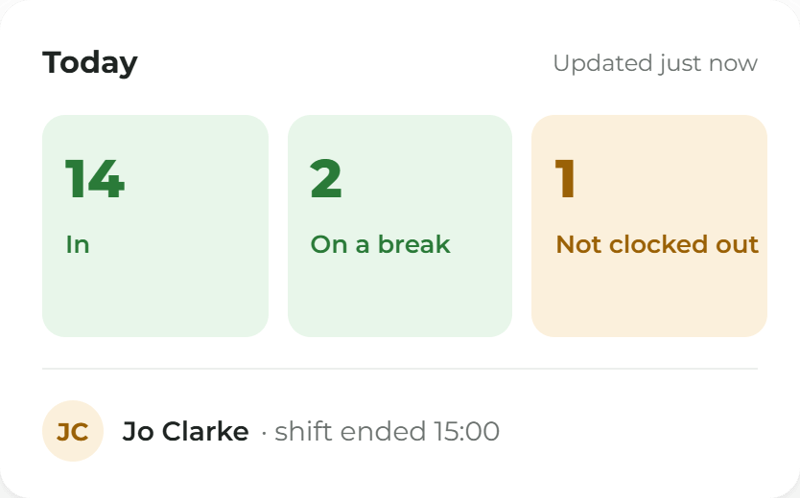
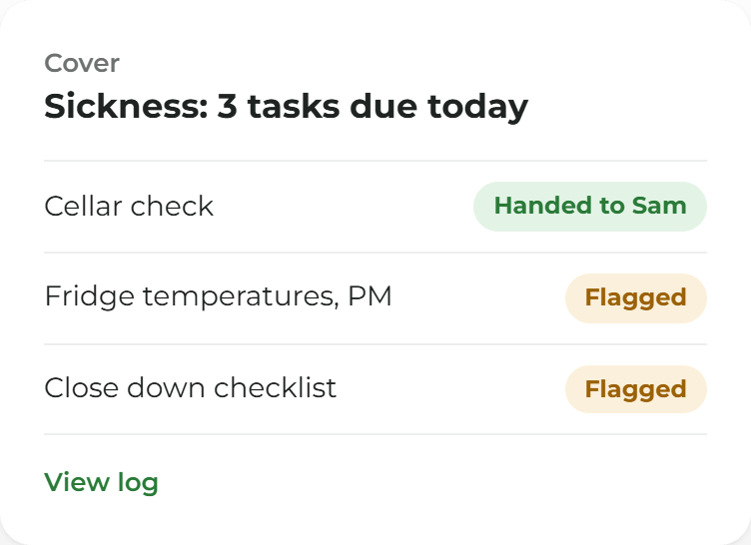
The person, the rota, the clock and today's work. One record.
Shifts, clock-ins, leave and timesheets sit on the account each person already signs in with. When someone is off, the work that was theirs can be flagged or handed on, and the log shows which.
.png?width=1000&name=Untitled%20design%20(51).png)
Keep track of your staff
The week, planned and published.
Shifts from templates, open shifts the team can pick up, and swaps a manager approves, on every phone.
.png?width=1280&name=Pub%20managers%20hands%20before%20opening-14%20(1).png)
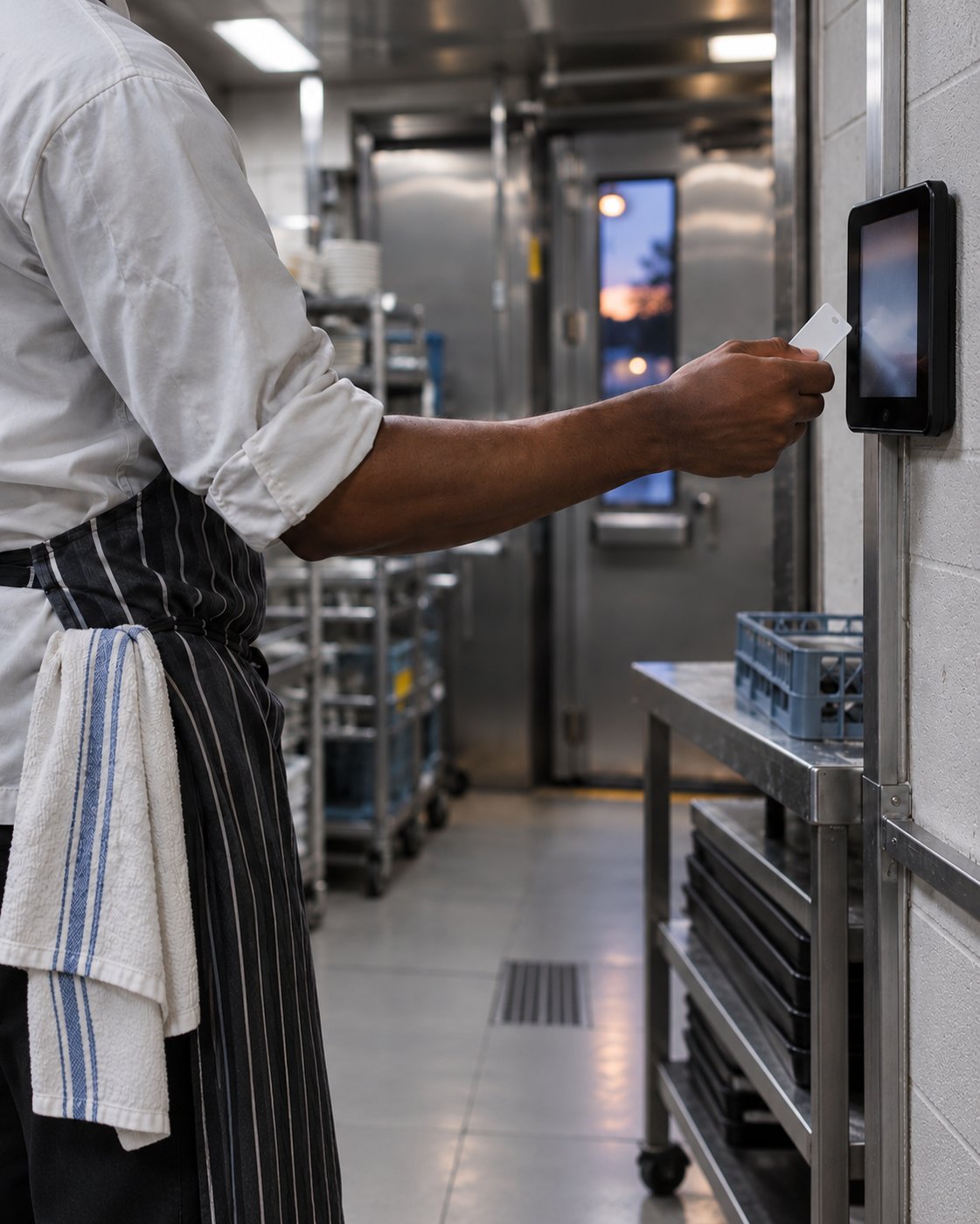
Clock in where the shift starts.
On the phone with a tap, a staff tag or a QR code, or on the tablet by the door. Breaks on the same clock.
.png?width=1280&name=Kitchen%20Porter%20Checks%20In%20at%20Back%20Door-7%20(1).png)
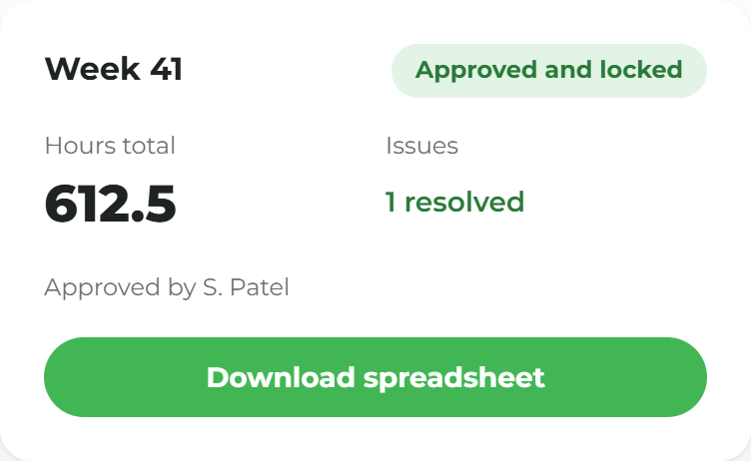
Hours approved. Payroll handed a spreadsheet.
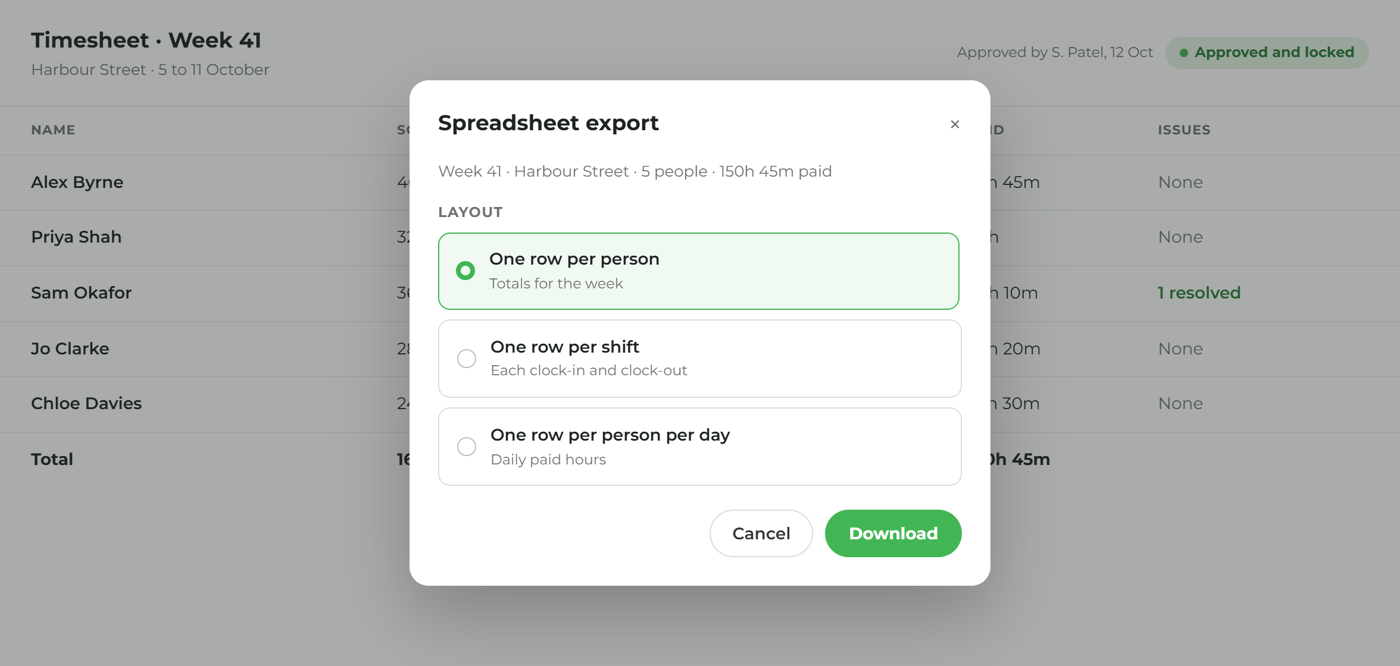
Timesheets built from clock-ins, issues marked, periods locked, and a spreadsheet for the payroll tool you already use.
-1.png?width=1280&name=Hands%20holding%20lanyard%20and%20phone-20%20(1)-1.png)
Holiday and sickness, without the texts.
Requests with approvals, the allowance on the person, and fit notes and return to work recorded.
.png?width=1280&name=Care%20manager%E2%80%99s%20hands%20at%20work-13%20(1).png)
Tips that follow the sales.
Tips attributed from the till or pooled by hours worked, and a till that can wait for a clock-in.
.png?width=1280&name=After-hours%20pub%20desk%20and%20tablet-29%20(1).png)
One person, everything that belongs to them.
Job, contracted hours, holiday, kit issued and training with an expiry reminder, on the account they already use.
.png?width=1280&name=Hotel%20HR%20hands,%20phone%20and%20diary-15%20(1).png)
Every site, one staff list.
Head office sees rotas, hours and leave across the group. A site manager sees their own.
.png?width=1280&name=Hotel%20operations%20in%20quiet%20morning%20light-10%20(1).png)
The week's hours, read while you can act.
Scheduled against actual, overtime, absence, tips and labour as a share of sales, for the people allowed to see pay.
.png?width=1280&name=Finance%20directors%20hands%20with%20tablet-27%20(1).png)
.png?width=1400&name=After-hours%20pub%20desk%20and%20tablet-29%20(1).png)
More ways to use ocapii
.png?width=1024&name=ChatGPT%20Image%20Sep%2014,%202026,%2004_27_30%20PM%20(1).png)
Food Safety
Goods-in, storage, preparation, cooking, cooling, service, labelling, cleaning and waste, captured once and connected.

Asset Management
Scan the label on any piece of equipment and its full record opens: history, safety status, open work and what's due next.
.png?width=1024&name=ChatGPT%20Image%20Sep%2011,%202026,%2001_26_46%20PM%20(4).png)