ocapii keeps your recipes current, so every label is right.
Stock, recipes and labels share one record. When a recipe changes, the labels that print from it change too.
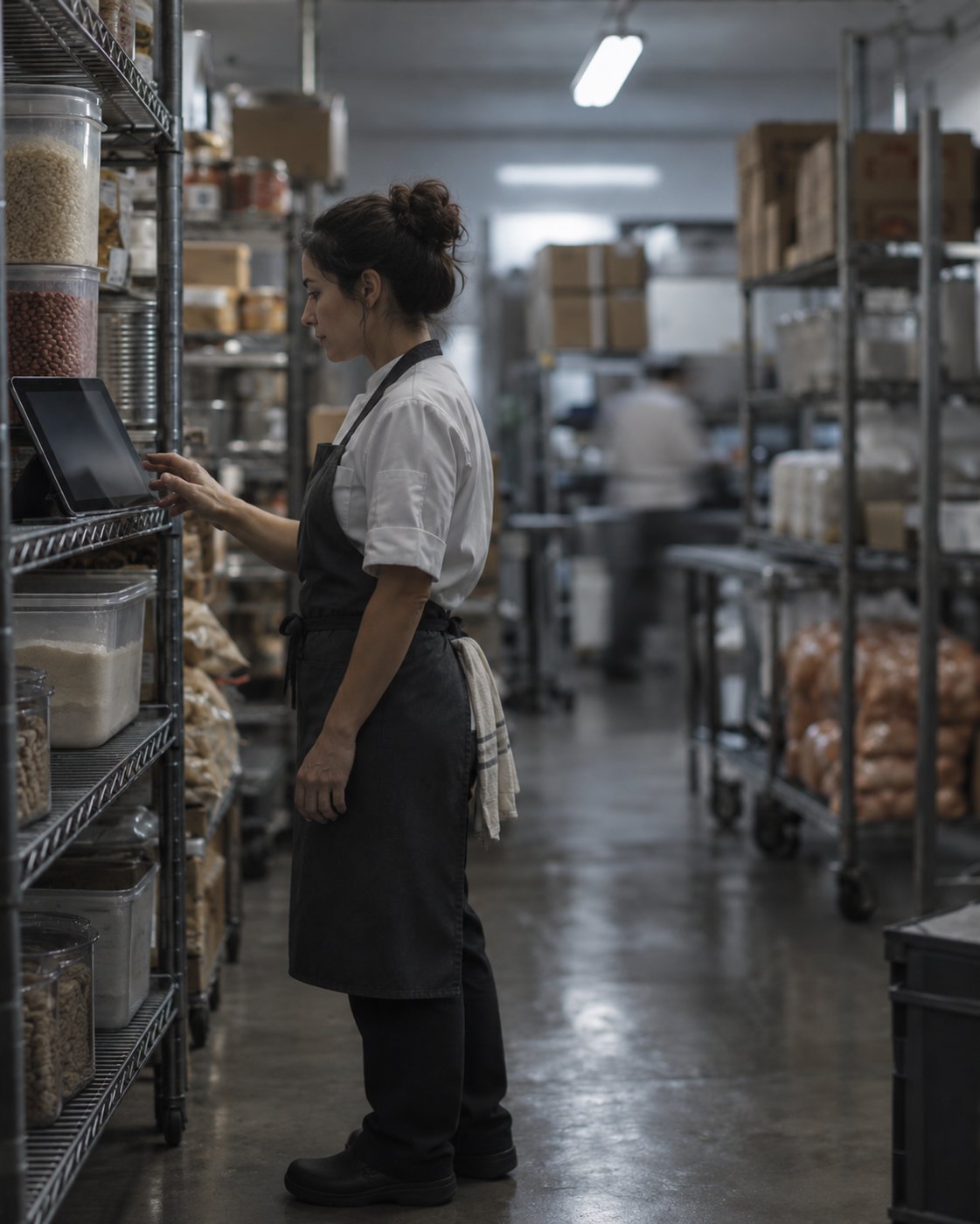
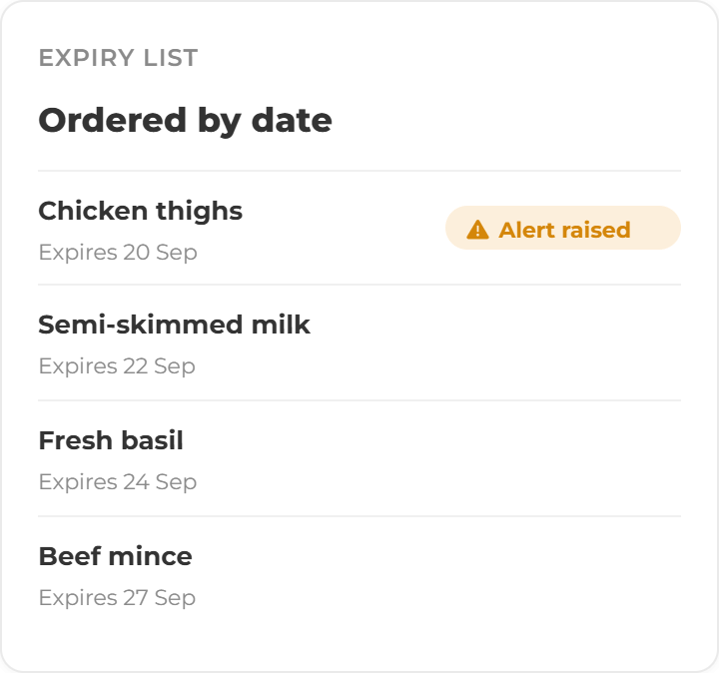
Expiry is watched, not remembered
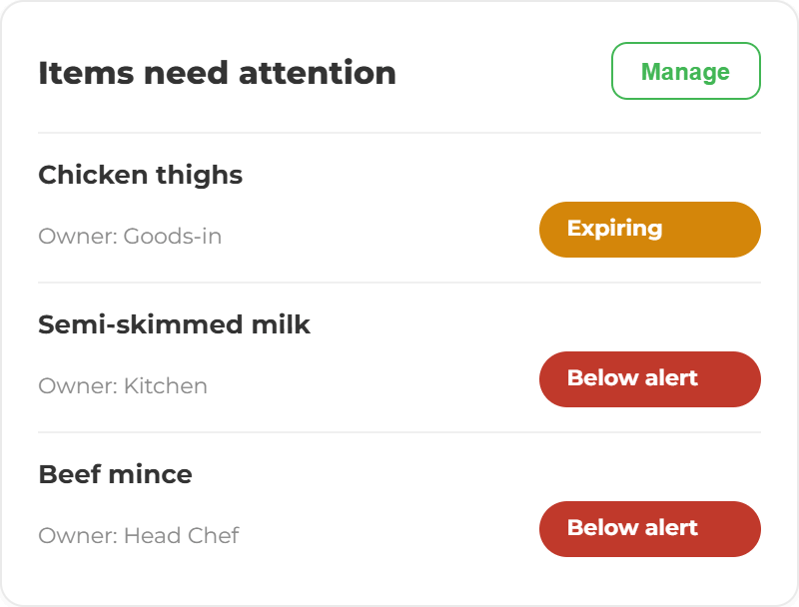
Every product carries its date. ocapii raises the alert before the date passes, to the person whose job it is, not to a shared inbox.
Start with the stock, or the recipe.
Explore inventory, recipes and labels, all working from the same record.
Inventory Management
Stock Counts & Stock takes
Goods In & Supplier Assurance
Food Waste Reduction

Related capabilities
Stock, recipes and labels are connected, so one change updates everything.
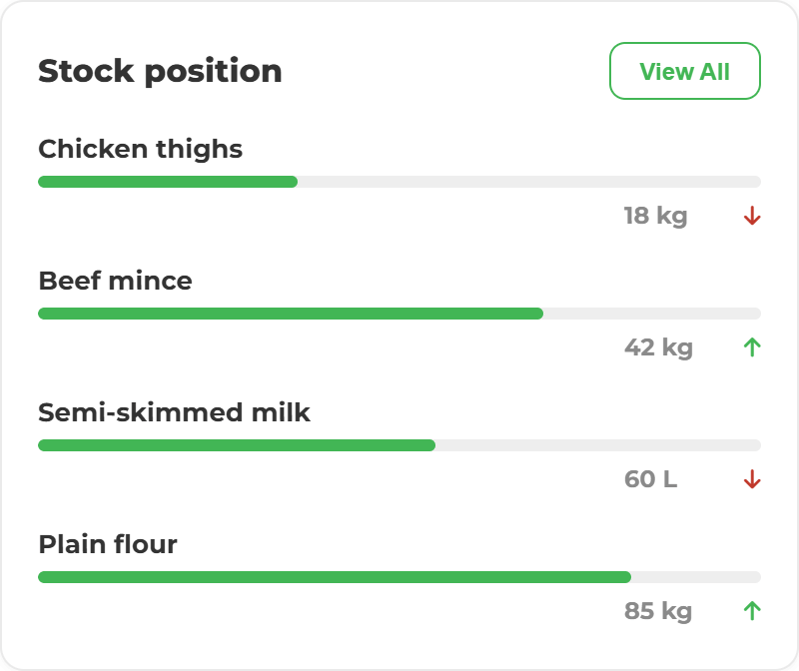
A recipe change shouldn't need three updates. In ocapii, it needs one. A delivery booked in at the back door is the same record that expiry alerts, recipes, labels and waste logs all read from. When a recipe changes, the label that prints from it changes too. When something is about to expire, the right person is told before it's wasted. Nothing is typed twice, so nothing disagrees with itself.
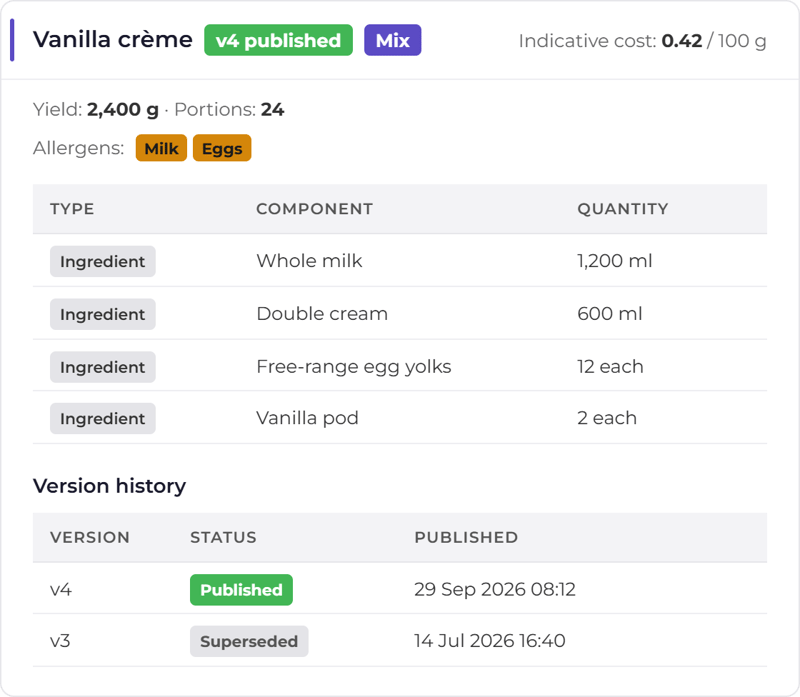
The label builds itself from the recipe.
Ingredients in descending weight order, allergens emphasised, use-by calculated from your rule. The person at the counter picks a product and prints.
Stock, recipes and labels on one record.
Inventory Management
A product catalogue with barcode scanning, suppliers and low-stock alerts across every site.
Explore the module →Goods In & Supplier Assurance
Delivery checks recorded as the stock arrives, against the supplier, so there is proof of what came in.
Explore the module →Food Waste Reduction
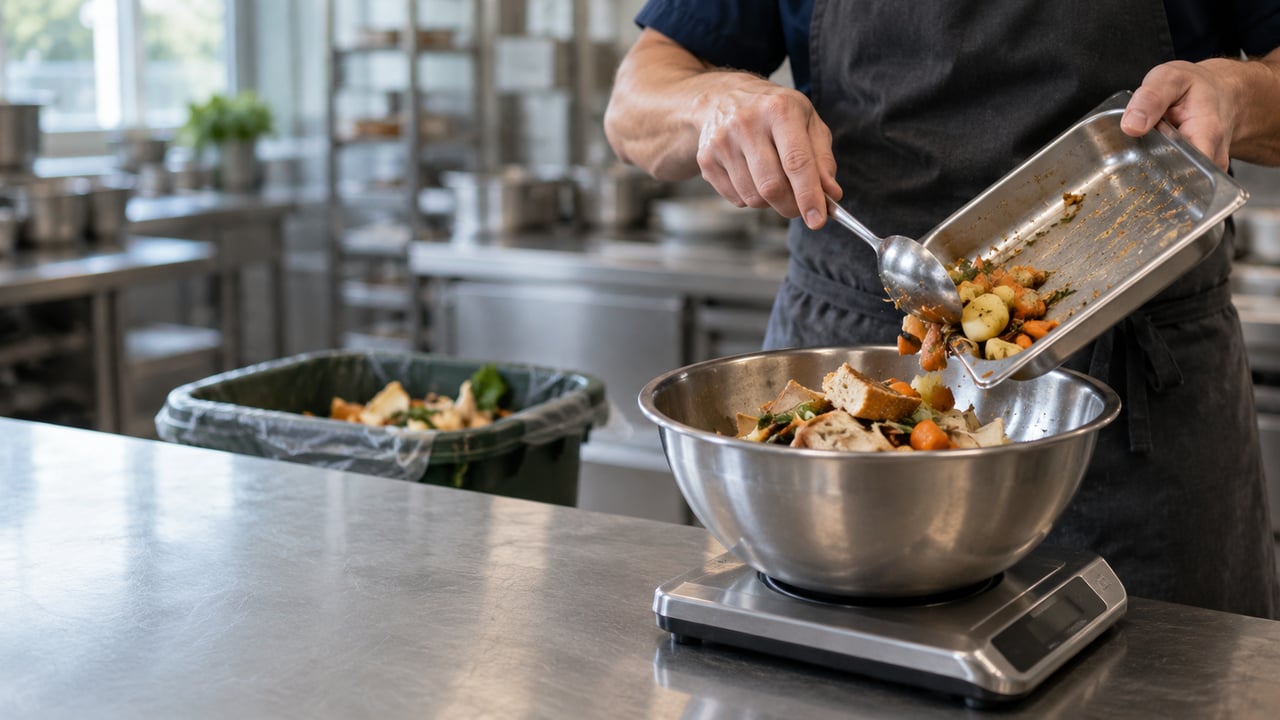
Waste logged by product, reason, location and value, so after a few weeks it starts showing a cause.
Explore the module →Stock Counts & Stock Takes
Count stock by scanning on a phone, site by site, so the figures you order from are current.
Explore the module →Recipe Management
Versioned recipes and sub-recipes with allergens, calculated nutrition and an indicative cost.
Explore the module →Food Label Printing
Allergen, ingredient, nutrition and use-by labels printed from live recipe and stock data.
Explore the module →One recipe, and everything follows it
ocapii Recipes keeps ingredients, indicative cost, allergens and production records together. The team works from the latest published version, and the labels that read from it change when it does.
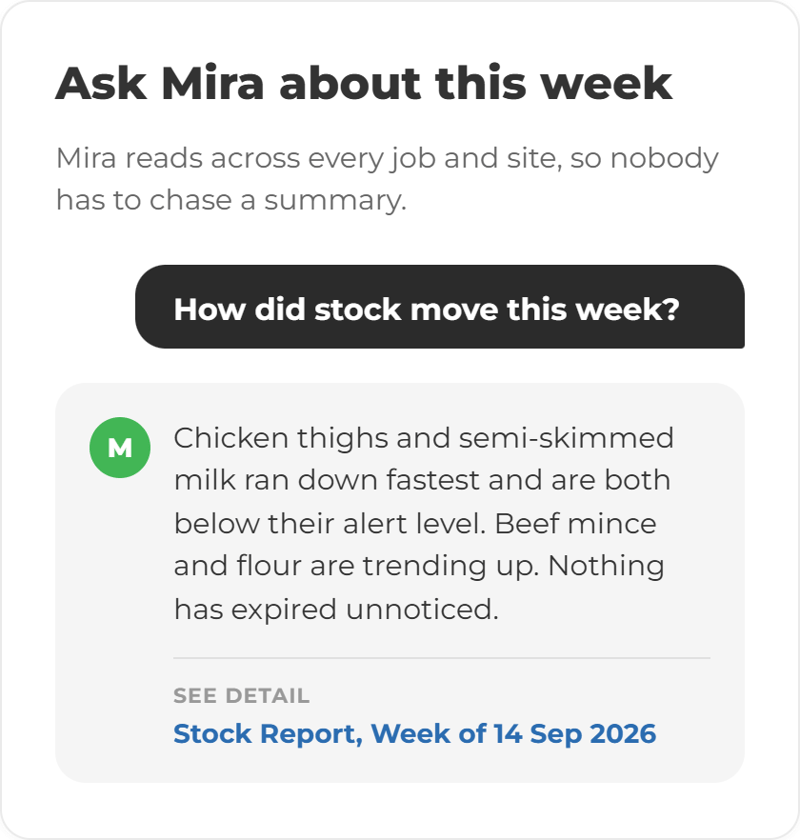
Ask what is about to go out of date.
Mira answers from your own stock, recipe and waste records: what expires this week, which product is wasted most and why, which recipe uses an ingredient. It shows the records behind the answer and says when it does not have one. It does not order stock or change a recipe; a person does.
More ways to use ocapii
Energy and Environmental Monitoring
Find energy waste and respond to conditions.
Explore the suite →Questions about Production and Inventory
Software that records what stock you hold, where it is and when it expires, and connects it to the recipes and labels that use it. In ocapii, stock, recipes, production records and labels share one record.
Inventory management, stock counts and stocktakes, goods-in and suppliers, expiry tracking, waste tracking, ocapii Recipes and food label printing. Each has its own page if you want the detail.
Yes. Each ocapii technology suite can be used on its own. Many customers add Safety and Compliance or Commerce and Service later, on the same platform and the same records.
Labels are generated from live recipe and inventory data and printed on the printer you already have. Confirm your specific printer model with the team.
Not yet. ocapii shows stock levels, low-stock alerts and usage, but recipe-based demand forecasting is not part of the platform today.
Yes. Counting, receiving and issuing work offline in the staff app and sync when the device reconnects.
See stock follow the recipe.
Walk through a delivery, a recipe change and the label that updates with it, on your own kind of site.

.png?width=1280&name=ChatGPT%20Image%20Sep%2018,%202026,%2001_49_17%20PM%20(2).png)
.png?width=1280&name=ChatGPT%20Image%20Sep%2014,%202026,%2003_47_18%20PM%20(4).png)

.png?width=1280&name=ChatGPT%20Image%20Sep%2014,%202026,%2003_47_18%20PM%20(3).png)
.png?width=1280&name=ChatGPT%20Image%20Sep%2011,%202026,%2001_26_46%20PM%20(4).png)