-2.png?width=400&name=Untitled%20design%20(4)-2.png)
-1.png?width=400&name=Untitled%20design%20(1)-1.png)
Staff & Rotas
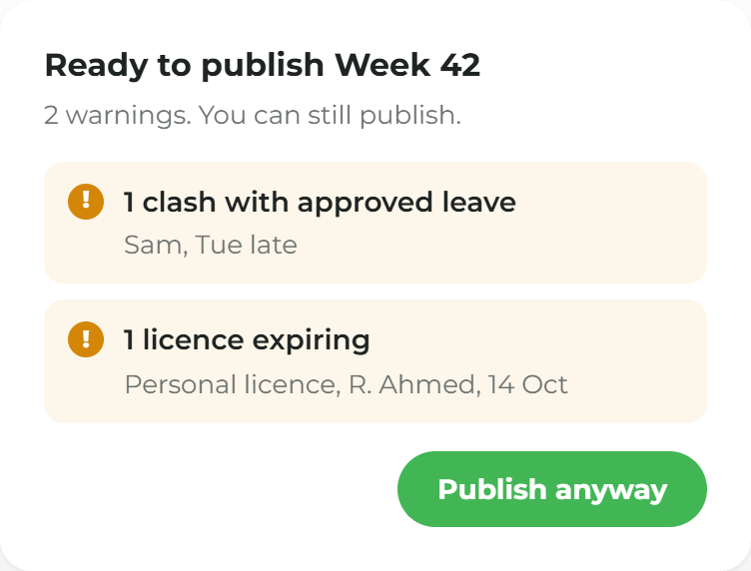
The week, planned and published
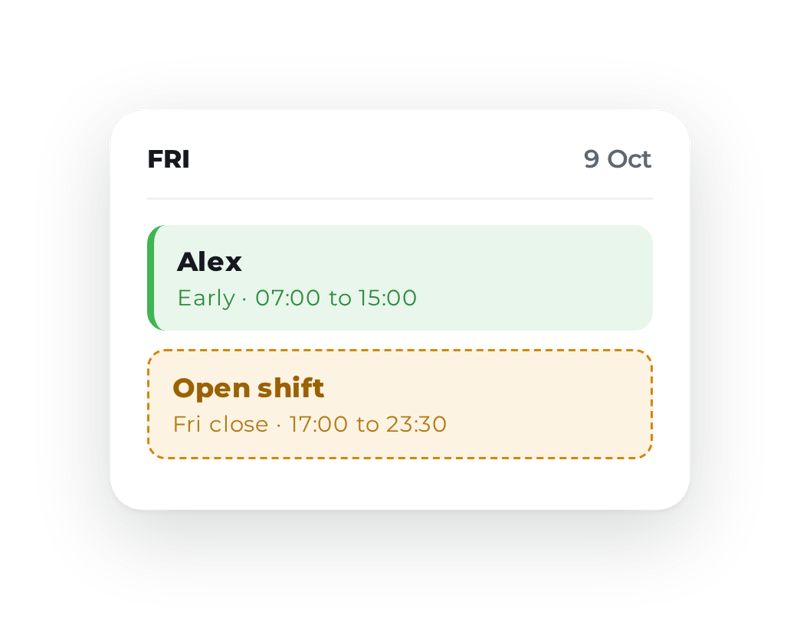
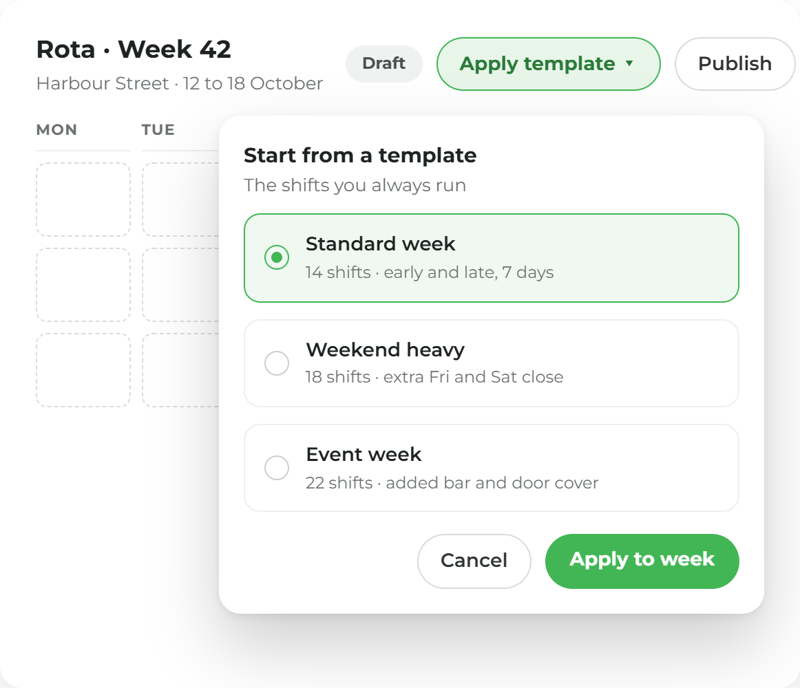
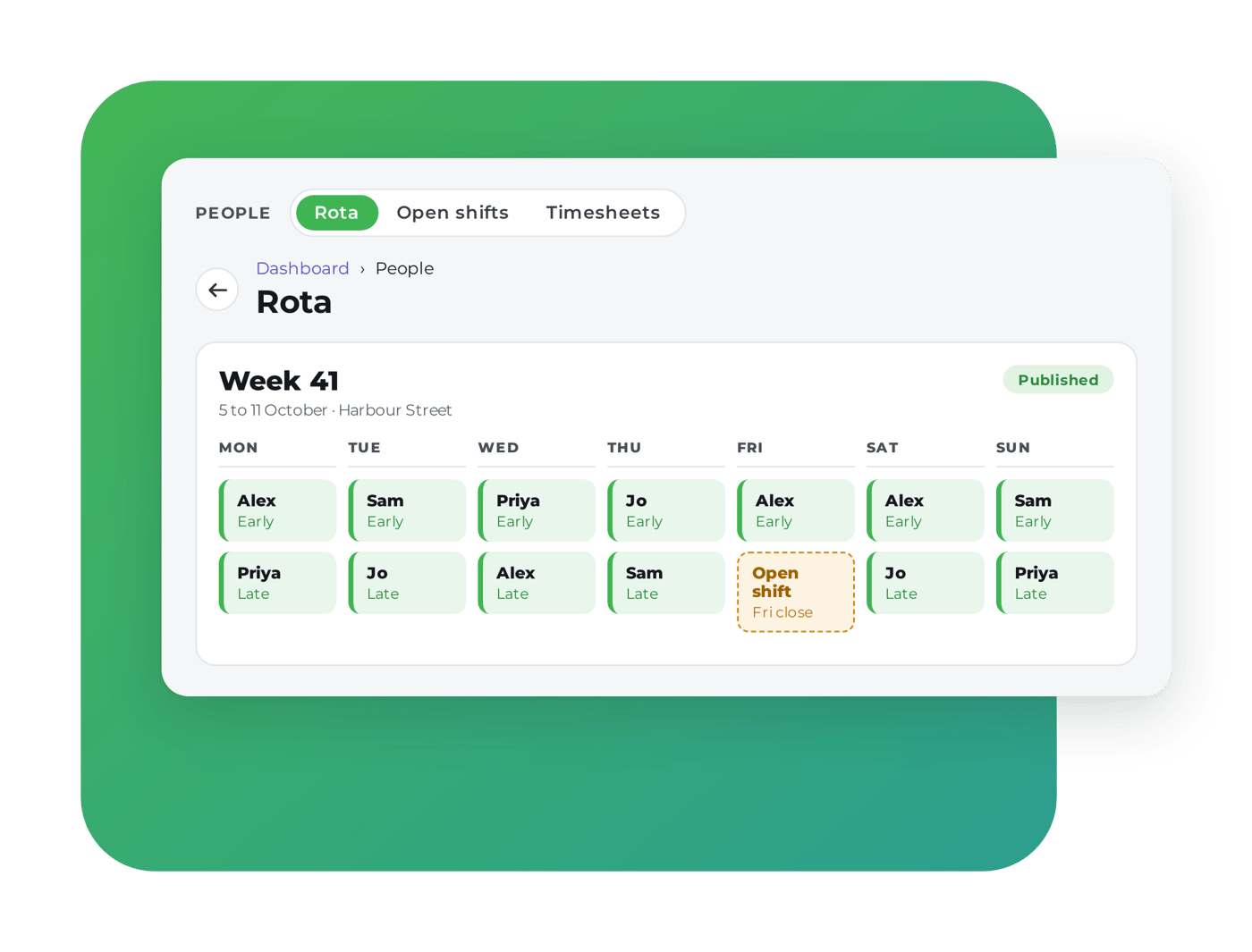
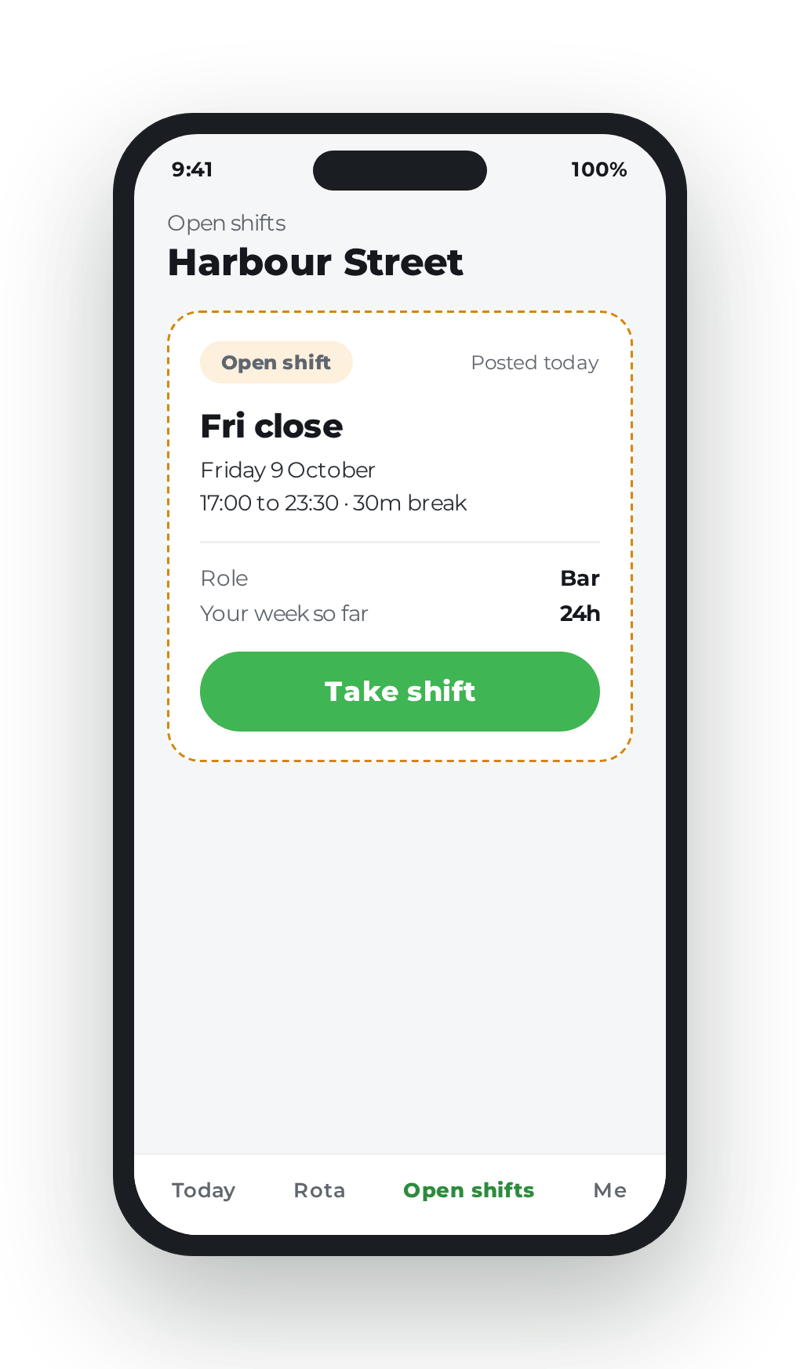
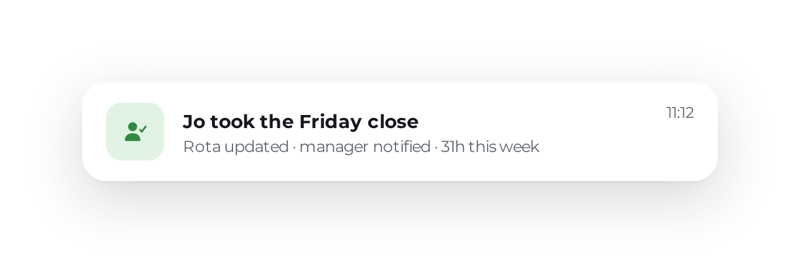
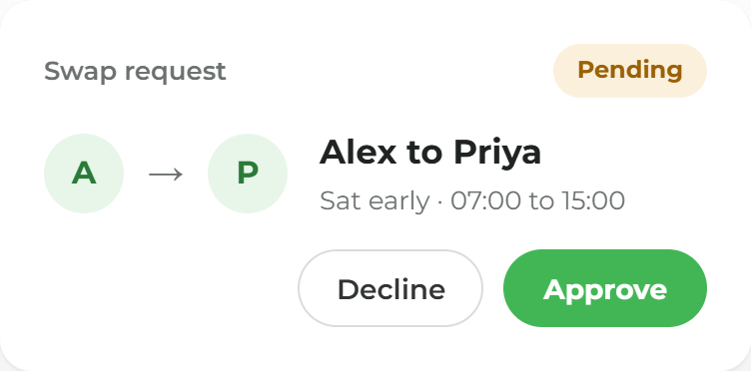
Shifts from templates, open shifts the team can pick up, and swaps a manager approves, on every phone.

.png?width=1000&name=Untitled%20design%20(52).png)
.png?width=1400&name=Nurses%20Station%20Hands,%20Phone,%20and%20Folder-16%20(1).png)
.png?width=1000&name=Untitled%20design%20(35).png)
.png?width=1400&name=Pub%20manager%E2%80%99s%20late%20shift__-11%20(1).png)
More ways to use ocapii
.png?width=1024&name=Kitchen%20Porter%20Checks%20In%20at%20Back%20Door-7%20(1).png)
Clocking In
Staff clock in on the phone or the tablet by the door, against the published rota.
Find out more →
.png?width=1024&name=Nurses%20Station%20Hands,%20Phone,%20and%20Folder-16%20(1).png)
Cover When Someone's Off
When someone is off, today's tasks follow who is actually in.
Find out more →