Point of Sale

A till that does more than take the money.

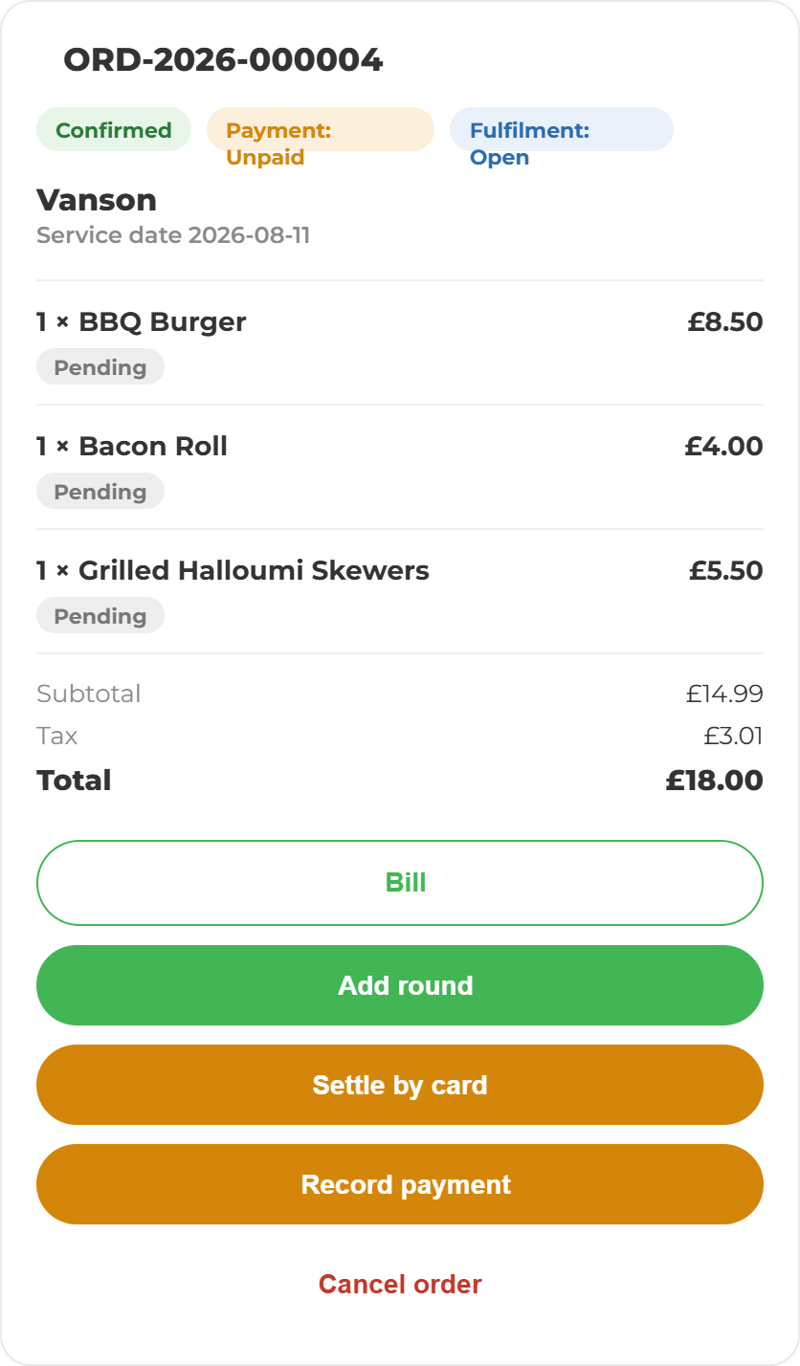
Our POS does the selling and the rest of it. The order reaches the station that makes it, the stock behind it moves, availability updates everywhere at once, and cash-up is already written by the time service ends.
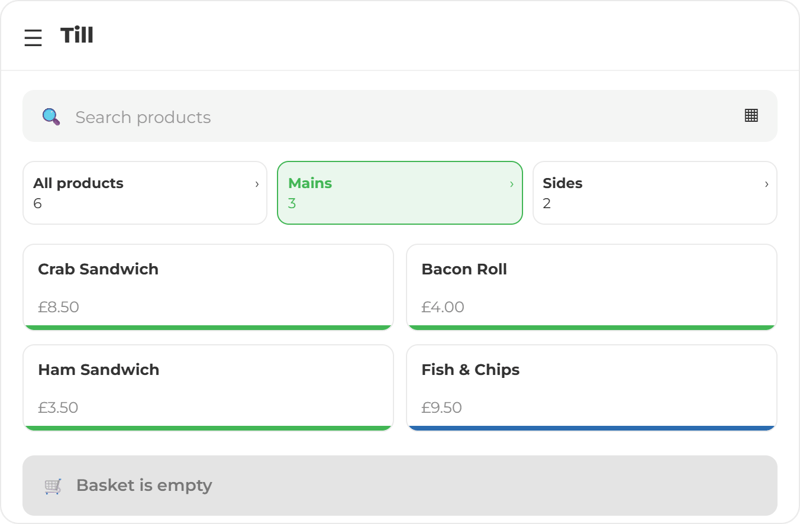
ChatGPT Image Sep 16, 2026, 10_42_39 AM POS Mockup Cards - Till-1 POS Mockup Cards- order confirmation-1 POS Mockup Cards Upsell Kitchen  (11)
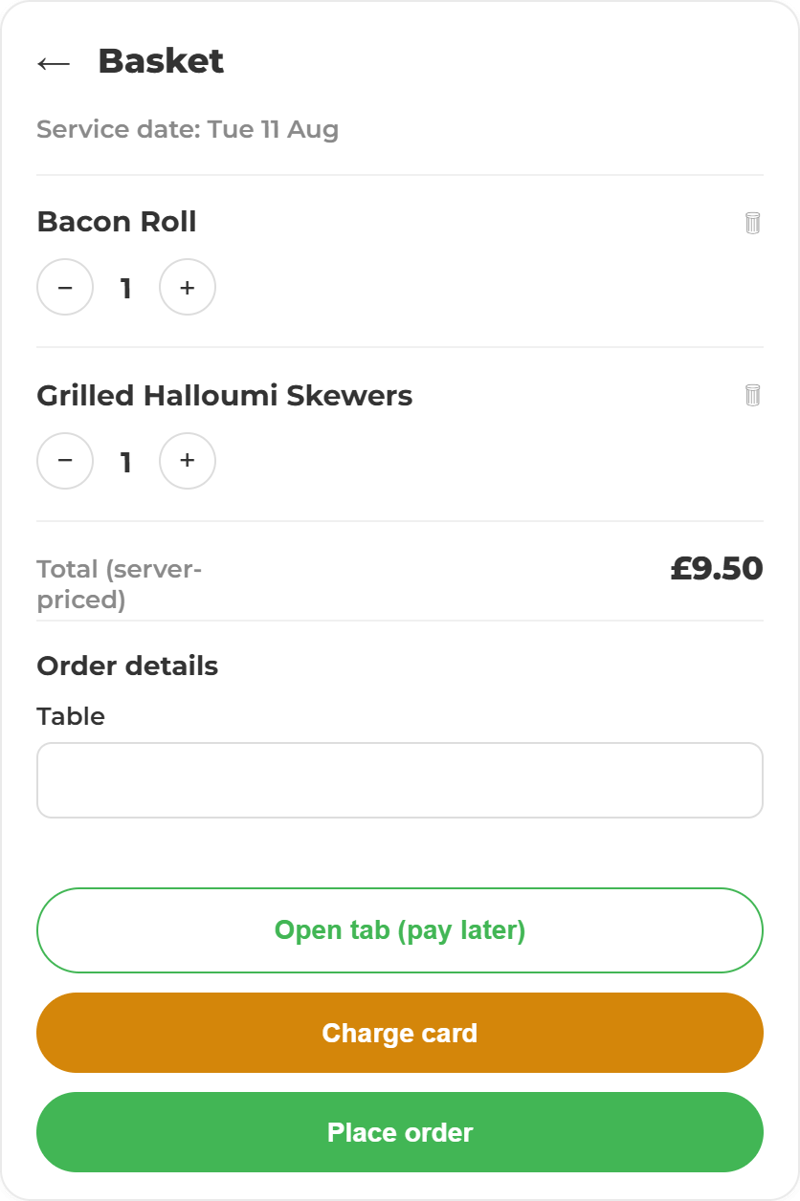
ChatGPT Image Sep 11, 2026, 01_26_46 PM (4) POS Mockup Cards- Basket

Ordering shouldn’t be complicated.

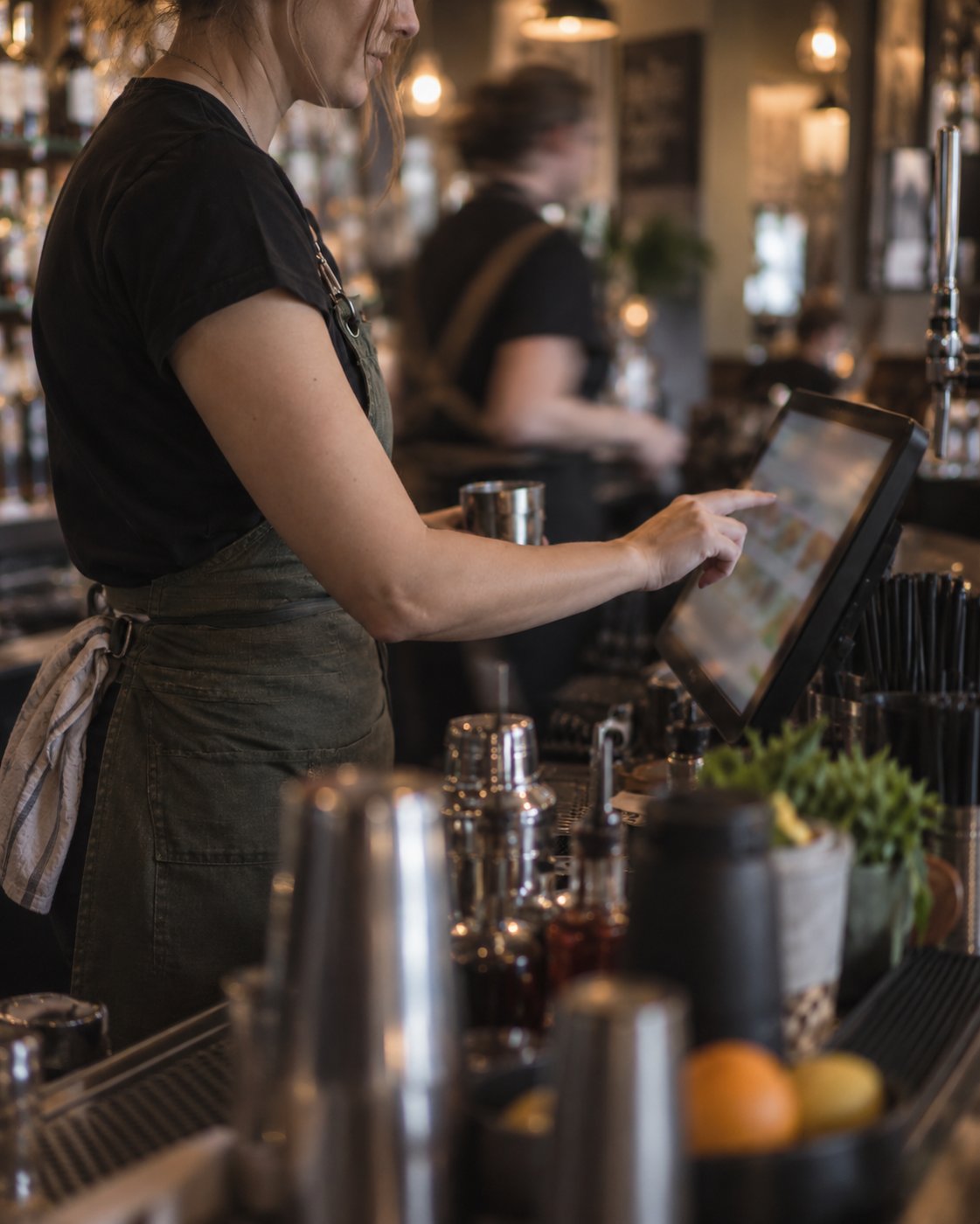
Take card payments, issue receipts and manage orders from one device, while guests can also order themselves by scanning a QR code. 

Tabs, splits and the awkward bits

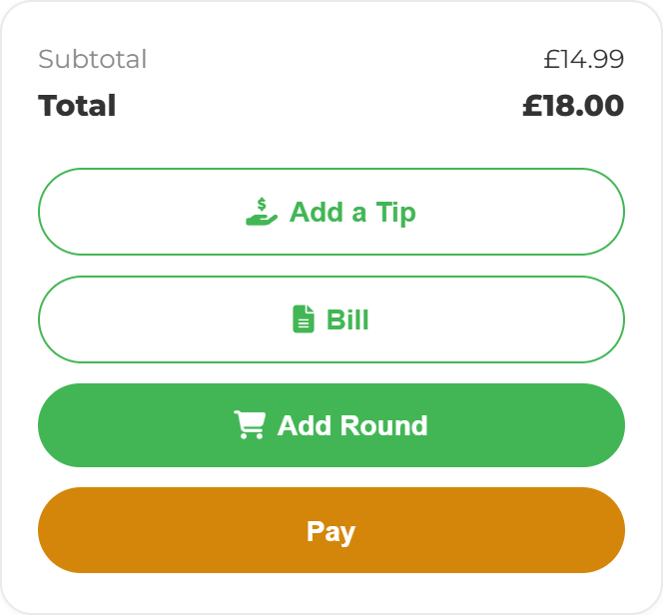
Tabs stay open across a session. Items move between tabs and tables. Bills split by item or by amount. Promotions, discounts, tips and gift vouchers apply at the till without a workaround.

ChatGPT Image Sep 16, 2026, 11_13_51 AM Tabs, bills and tips
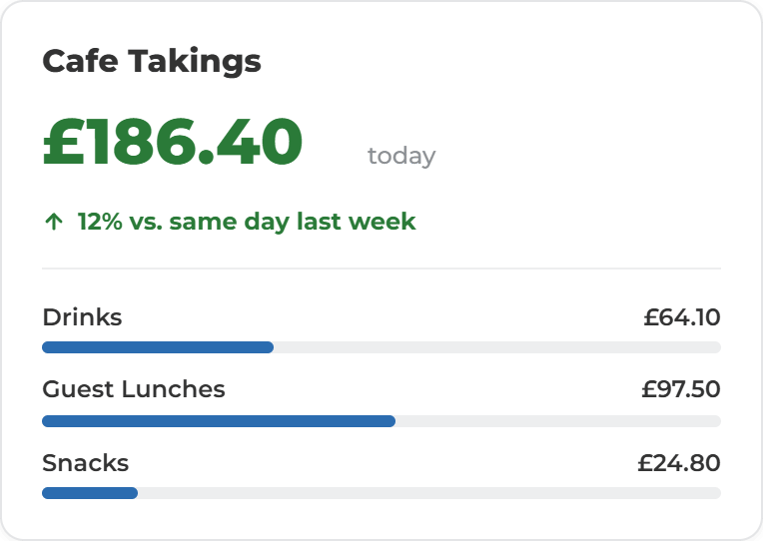
ChatGPT Image Sep 16, 2026, 11_21_34 AM Care Home Cafe Dashboards - Todays takings

The day is already added up

Takings, voids, discounts, refunds and covers are captured as they happen, so cash-up is a check rather than a rebuild. The numbers sit in the same reporting as your stock, waste, temperature and compliance data, so you can see what sold next to what it cost to serve.


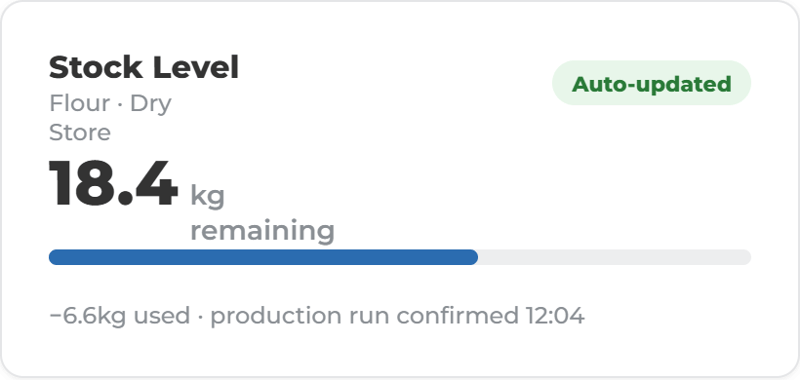
Sell an item, move the stock.

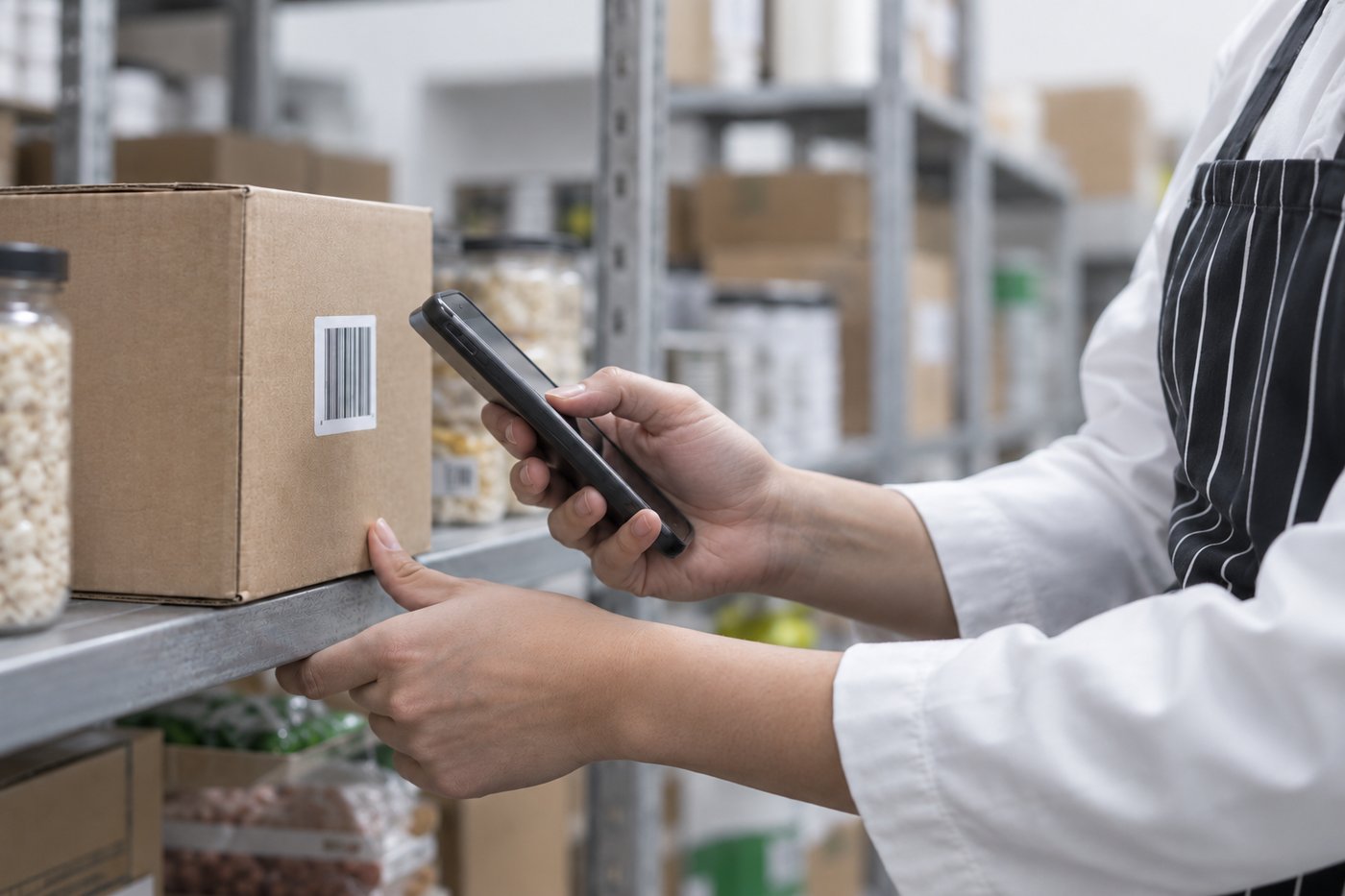
Every sale deducts what it used. Stock reflects service as it happens rather than at the end of the week, so low stock, expiry risk and waste show up while you can still do something about them.

ChatGPT Image Sep 14, 2026, 03_39_41 PM Dashboard Cards- Stock Levels

Ready to simplify your front of house?

Let us walk you through how ocapii POS can help your business.

Platform capabilities

More ways to use ocapii

ChatGPT Image Sep 16, 2026, 09_27_19 AM

Guest Ordering

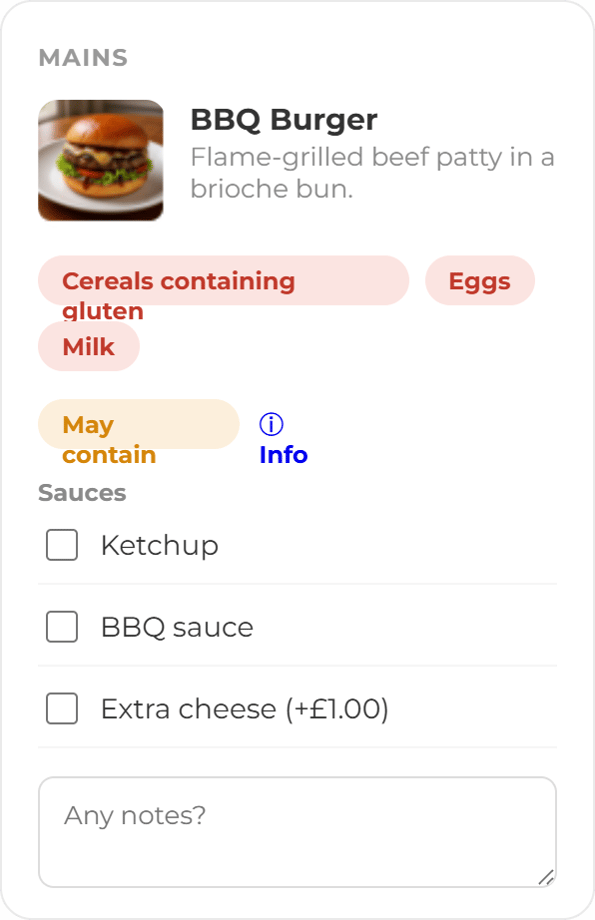
Guest ordering puts your live menu in front of them at the table and sends what they choose straight to the kitchen board.

Find out more →
Stock take

Inventory management

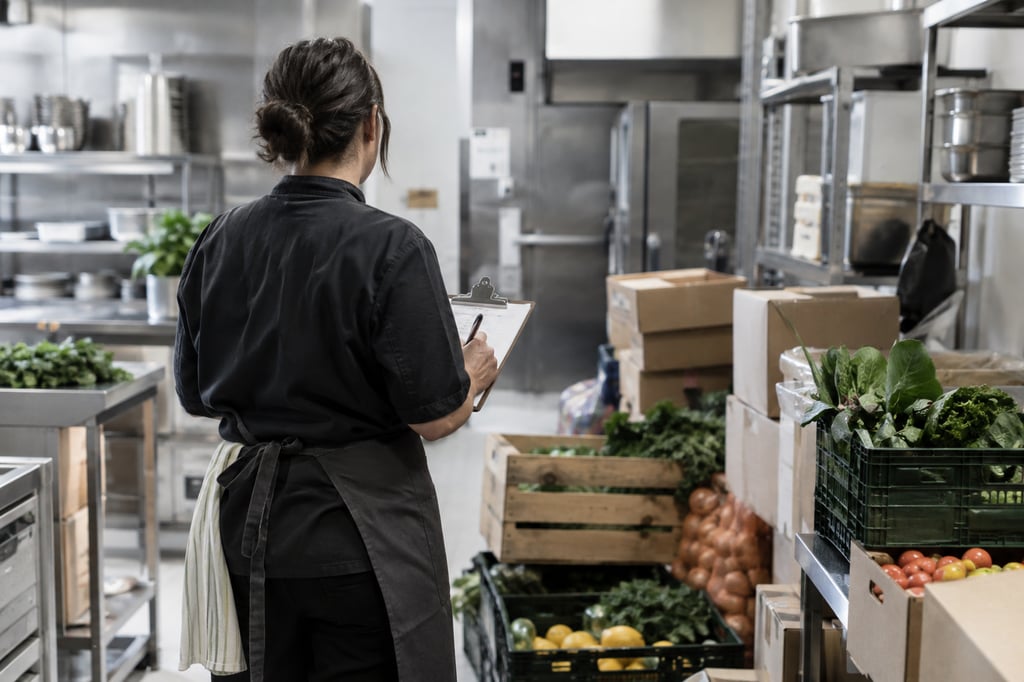
Track stock levels, expiry dates, suppliers, movements, waste and low-stock alerts across sites, departments and locations.

Find out more →
Specials Board

Menu Management

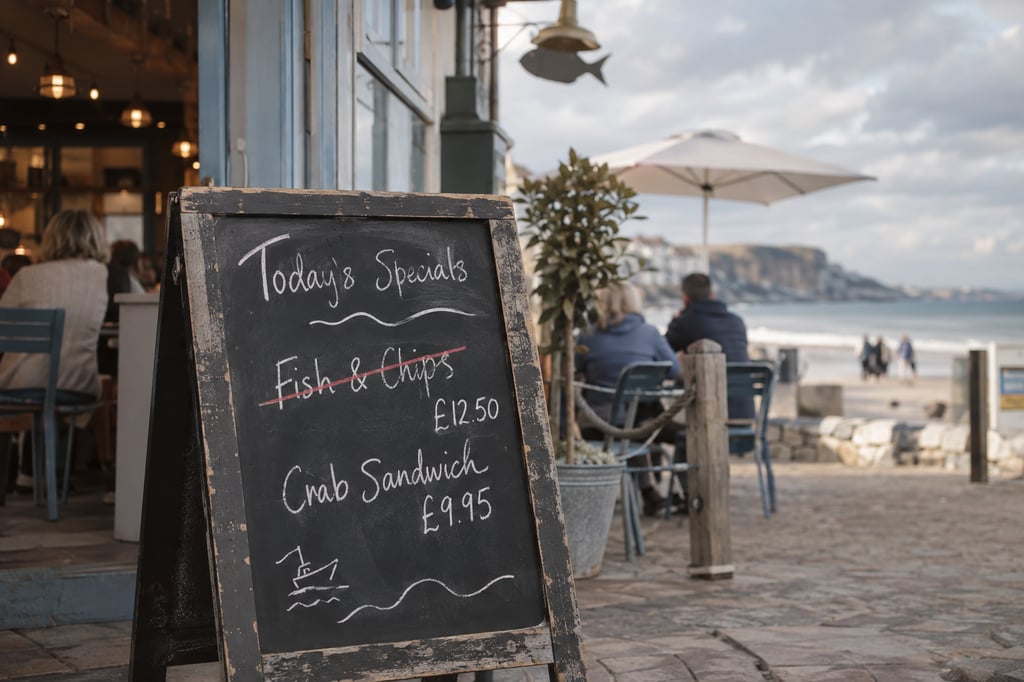
Ocapii holds one menu, connected to your recipes, your stock and your allergen data.

Find out more →
FAQ

Ocapii POS common questions

A full POS. The ocapii staff app is the till: on a phone or tablet with a Bluetooth card reader, or as ocapii’s own POS app on the terminal. Plus guest QR ordering, payments by cash, card or tab, kitchen and bar boards, recipes, stock, receipts, refunds and reports. Online ordering is one channel, not the product.

No. That is the point. The till is the ocapii app you already give staff.

Not always. Pair a Bluetooth reader to a phone or tablet. Or run ocapii on a smart terminal so the till, the card and the receipt printer are one device. Tap to Pay on a compatible phone is a third option.

Not always. Pair a Bluetooth reader to a phone or tablet. Or run ocapii on a smart terminal so the till, the card and the receipt printer are one device. Tap to Pay on a compatible phone is a third option.

No. Refunds return money. If the dish was cooked, the stock stays consumed unless someone records waste or a return on purpose, as a separate audited action.

No. QR codes and links open in the phone browser. Staff need an ocapii login. Guests never do.

Same site, same staff, same inventory products. Labels print from the POS recipe. Temperature monitoring, forms, documents and assets all stay exactly where they are.