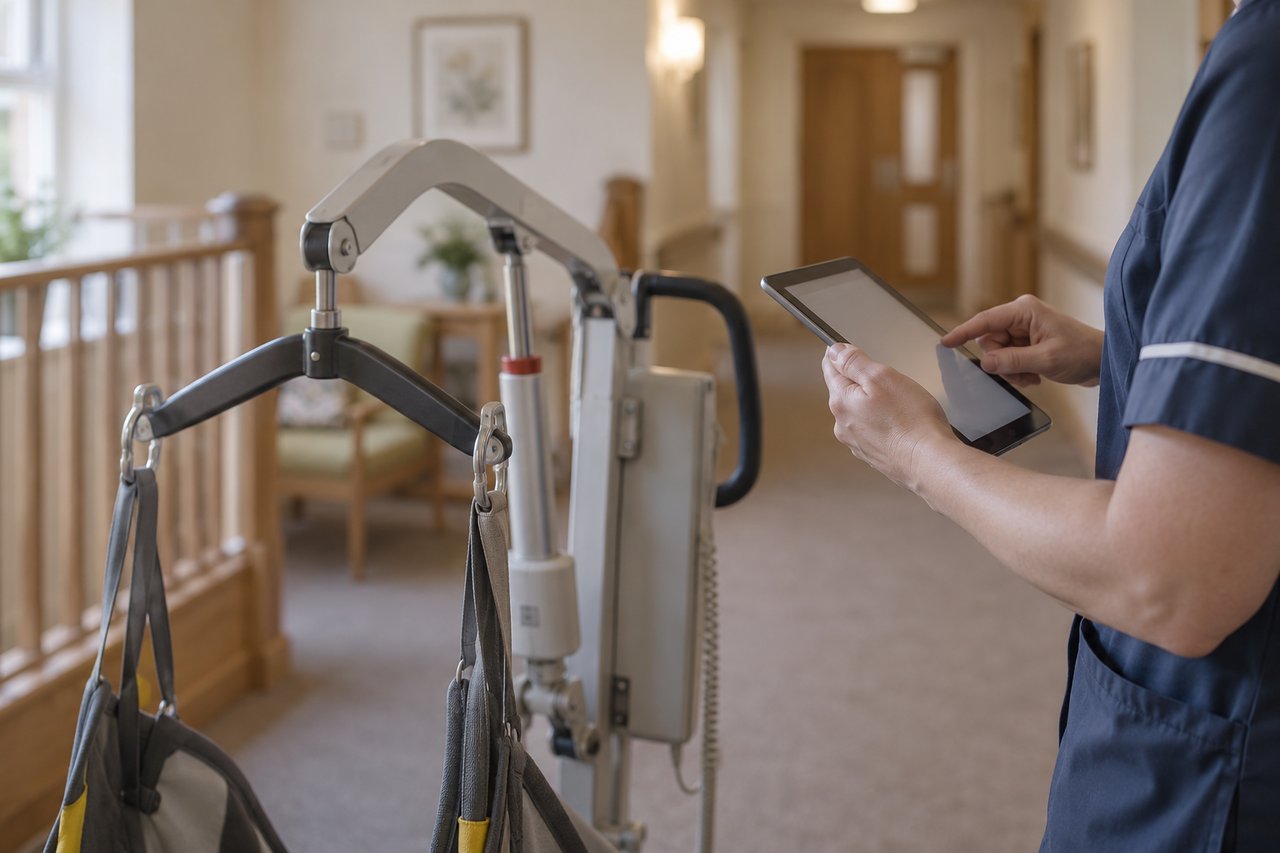
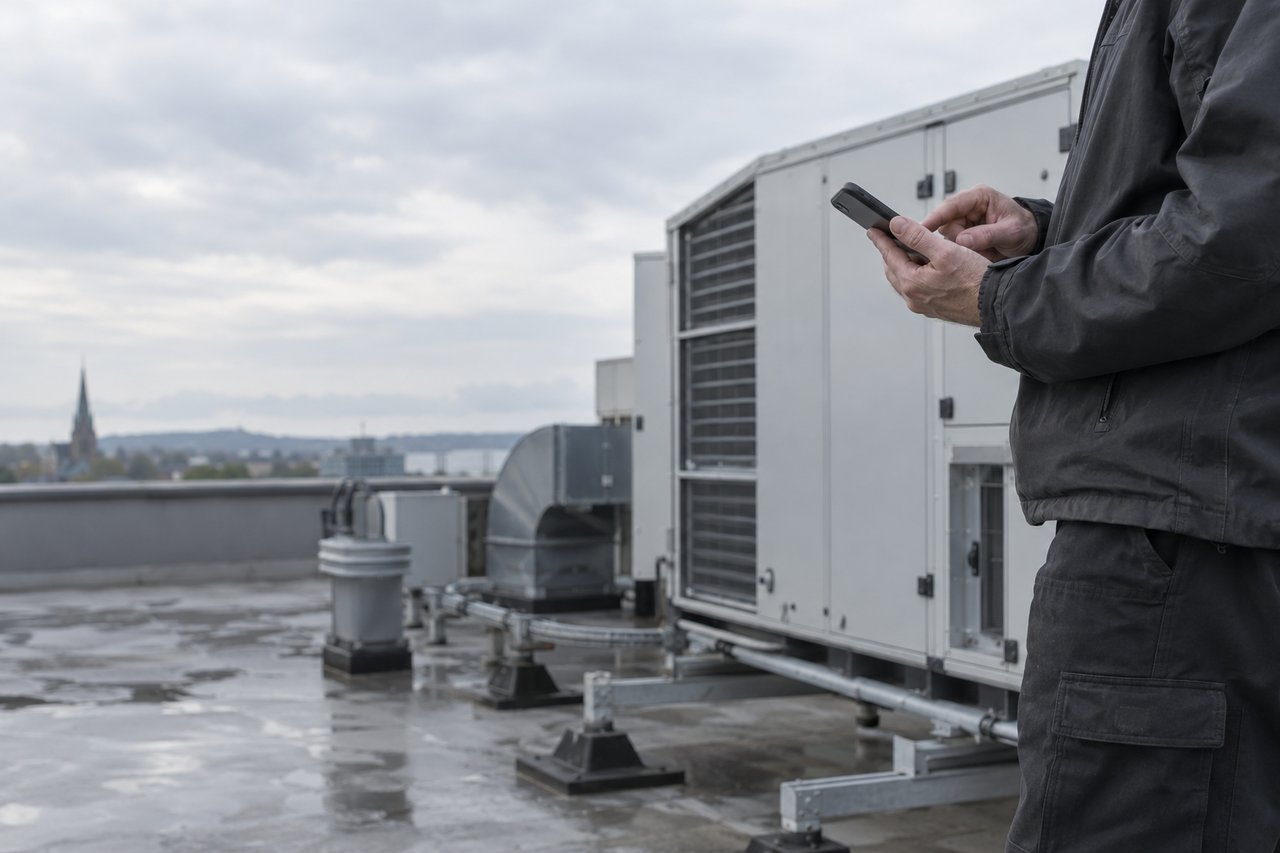
Your team reports it once. Ocapii gets it to the person who fixes it.
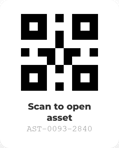
Scan the label, add a photo, send. The fault becomes a work order against the right asset, tracked until it is fixed and signed off.
One scan, the whole record
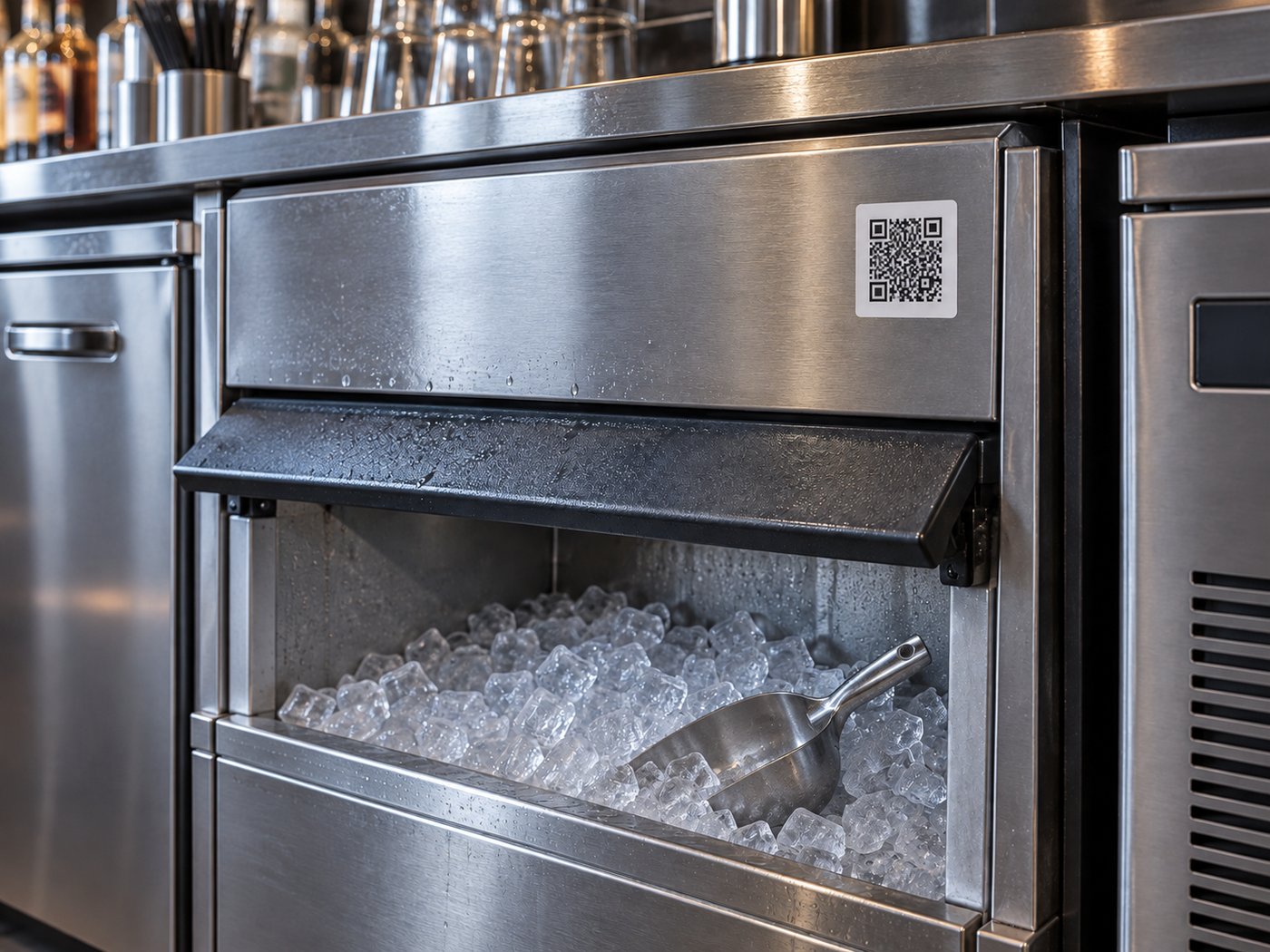
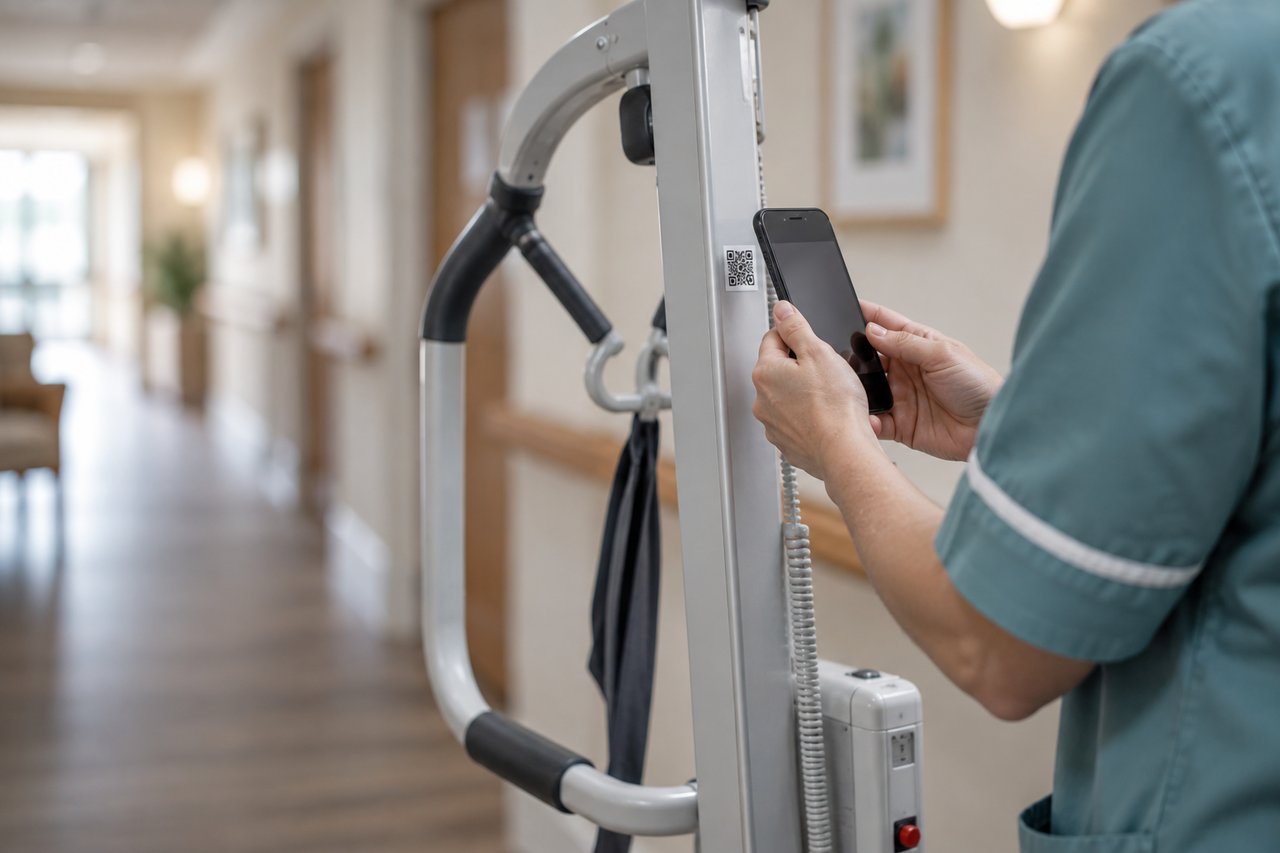
Scan the label on any piece of equipment and its history, documents, open jobs and safety status open on the phone in your hand.
Start with the asset, or the site.
Explore asset management and facilities work, from the first scan to the closed repair.
Asset Management
Work Orders
Work Requests
Preventive Maintenance
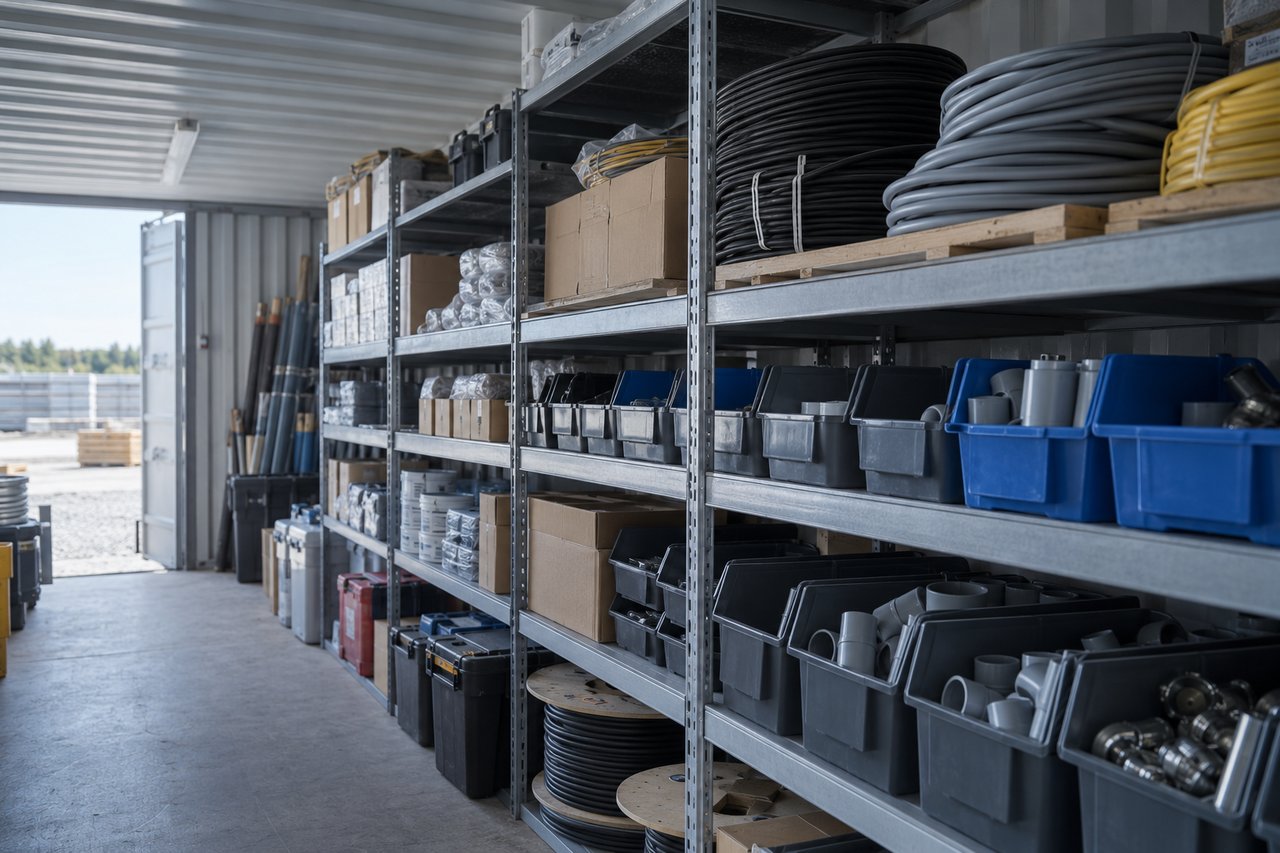
Parts Inventory
Reporting
Related capabilities
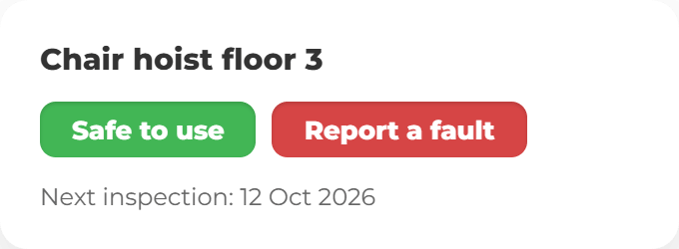
Safety status lives on the asset
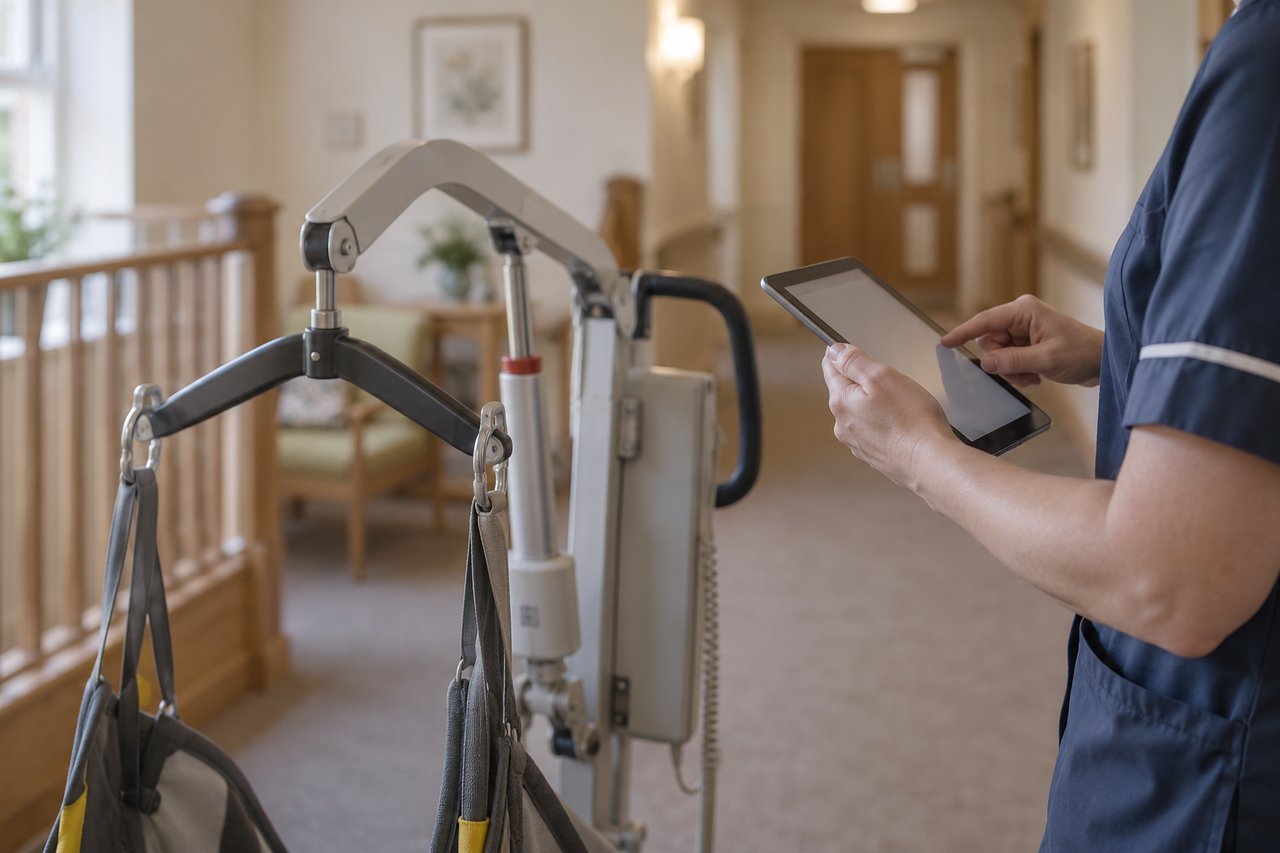
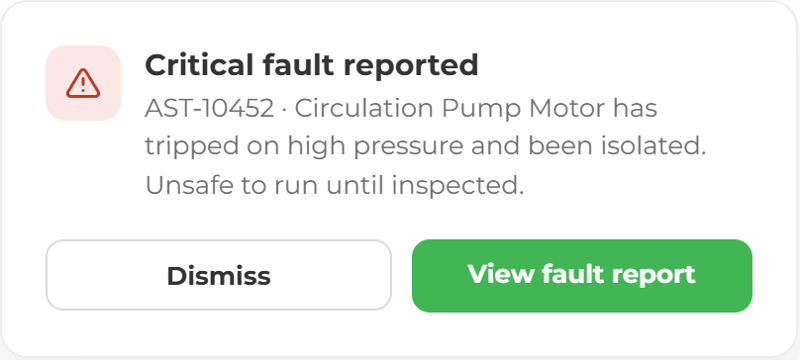
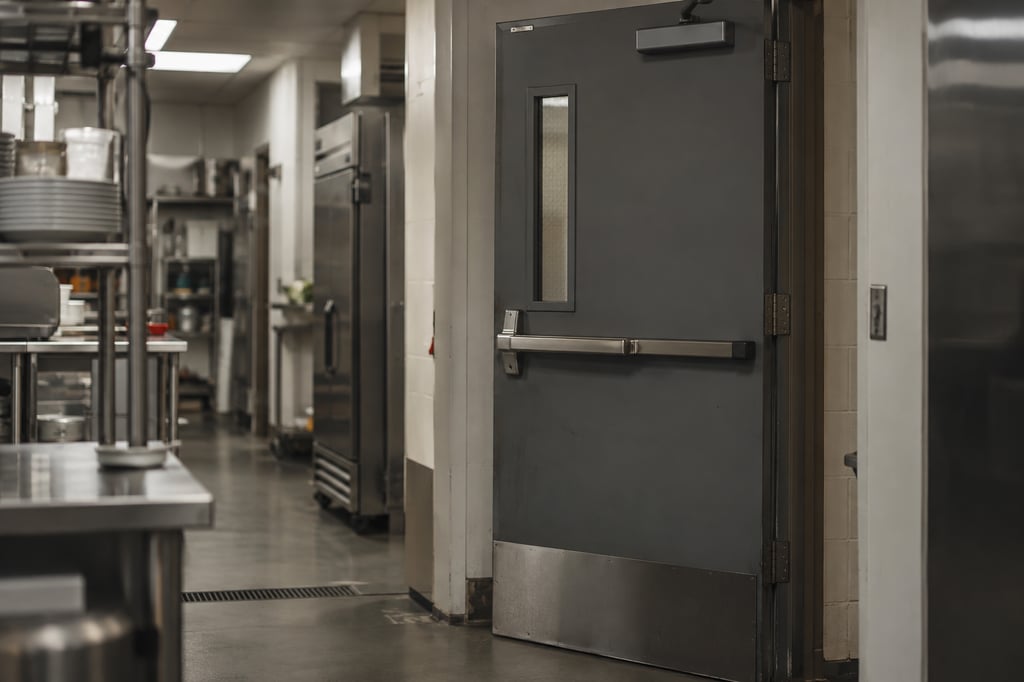
When an inspection fails, the status changes straight away and everyone who scans it sees it. Nobody uses a unit that has been taken out of service.
Every asset is connected, so faults reach the right person and get fixed.
A fault reported to the wrong person never gets fixed. In ocapii, the report goes to the person who can fix it. Scan the label, add a photo and send. The fault becomes a work order against the right asset, with an owner, a deadline and the history of every repair before it. If it stalls, it gets chased. When it's fixed, the notes, parts and cost stay with the asset. The next person to scan it knows what the last person knew.
Watch a fault become a fix
A fault is reported, a job is assigned and the repair is recorded against the asset. Each clip shows one part of that journey.
From the first scan to the closed repair.
Asset Management
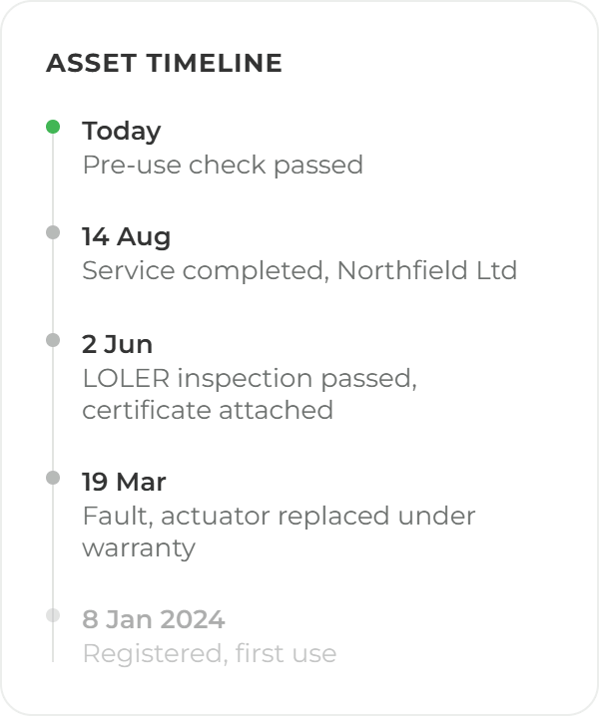
Every service, fault, inspection and certificate stays with the asset, so the next person to scan it knows what the last one did.
Explore the module →Work Orders
Every job has an owner and a deadline, with notes, parts and cost recorded and a sign-off before it closes.
Explore the module →Preventive Maintenance
Set the schedule once and ocapii raises, assigns and records the work when it falls due.
Explore the module →Parts Inventory
Stock updates itself as parts are issued against jobs, so you know what is on the shelf.
Explore the module →Facility Maintenance
Planned work, reactive jobs, statutory checks and contractor visits, per building and across the estate.
Explore the module →Resource Planning
Planned work, open jobs and statutory checks laid against the people who have to do them.
Explore the module →Vendor Management
Assign work to a contractor and they complete it and submit their evidence in ocapii.
Explore the module →Reporting
Compliance, asset condition, work completion and cost, updating as things happen.
Explore the module →A fault becomes a job with an owner
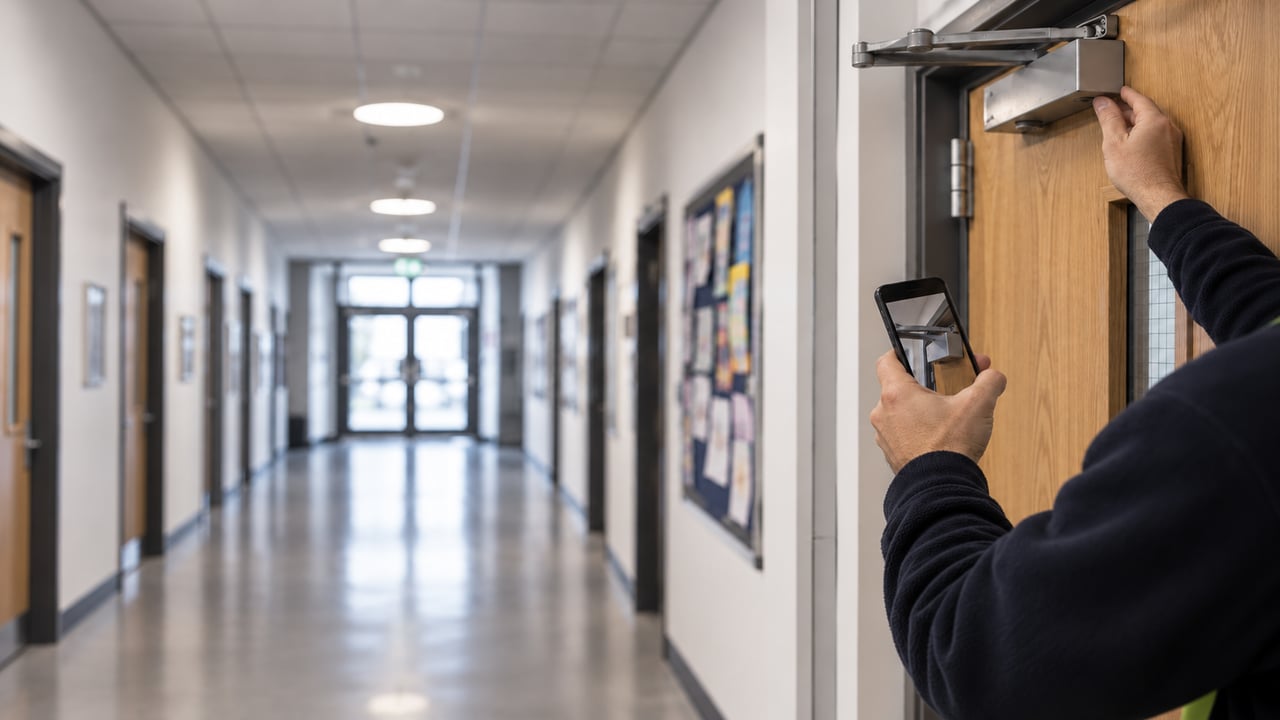
Anyone can report a fault from a phone, with a photo. It becomes a work order against the right asset, assigned, chased if it stalls and closed with notes, parts and cost.
Ask what happened to this unit.
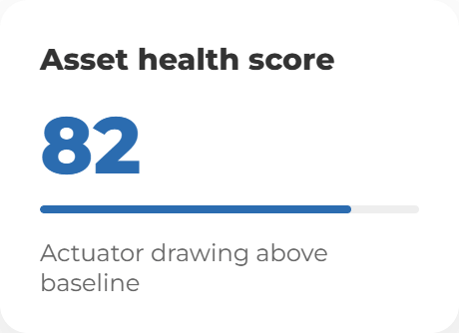
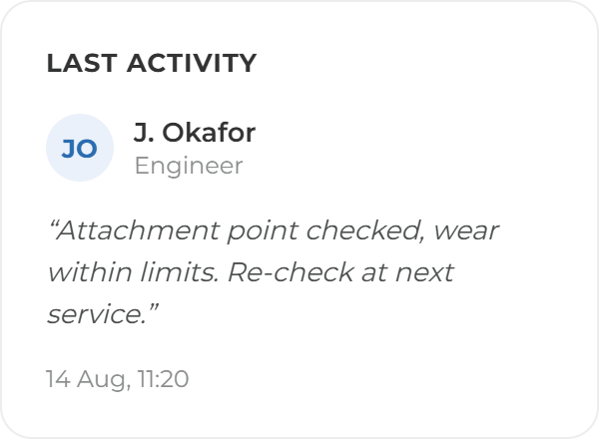
Mira answers from your own asset records, service history and certificates: when a unit was last serviced, what failed before and what is still open. It shows the records behind the answer and says when it does not have one. A person still decides what gets repaired or replaced.
More ways to use ocapii
Energy and Environmental Monitoring
Find energy waste and respond to conditions.
Explore the suite →Questions about Assets and Maintenance
Software that keeps a register of your equipment and the work done on it: planned maintenance, reactive repairs, inspections, certificates, parts and cost. In ocapii, every job is recorded against the asset, with who did it, when and what it cost.
Asset Management, work orders and work requests, planned and preventive maintenance, parts and spares, facility maintenance, contractor and vendor management, resource planning and reporting. Each has its own page if you want the detail.
Yes. Each ocapii technology suite can be used on its own. Many customers add Safety and Compliance or Energy and Environmental Monitoring later, on the same platform and the same records.
No. The suite works from the staff app, QR labels and the web dashboard. Where sensors are fitted through the Energy and Environmental Monitoring suite, readings can sit on the same asset record. Confirm your specific devices with the team.
Yes. Contractors can be sent work and record what they did, so the visit, the evidence and the sign-off sit on the asset rather than on a paper job sheet.
Yes. Scans, checks and job updates work offline in the staff app and sync when the device reconnects.
See a repair from report to close.
Walk through a reported fault, the work order it raises and the record it leaves behind, on your own kind of site.

.png?width=1280&name=Nurses%20Station%20Hands,%20Phone,%20and%20Folder-16%20(1).png)


.png?width=1280&name=ChatGPT%20Image%20Sep%208,%202026,%2003_21_51%20PM%20(4).png)