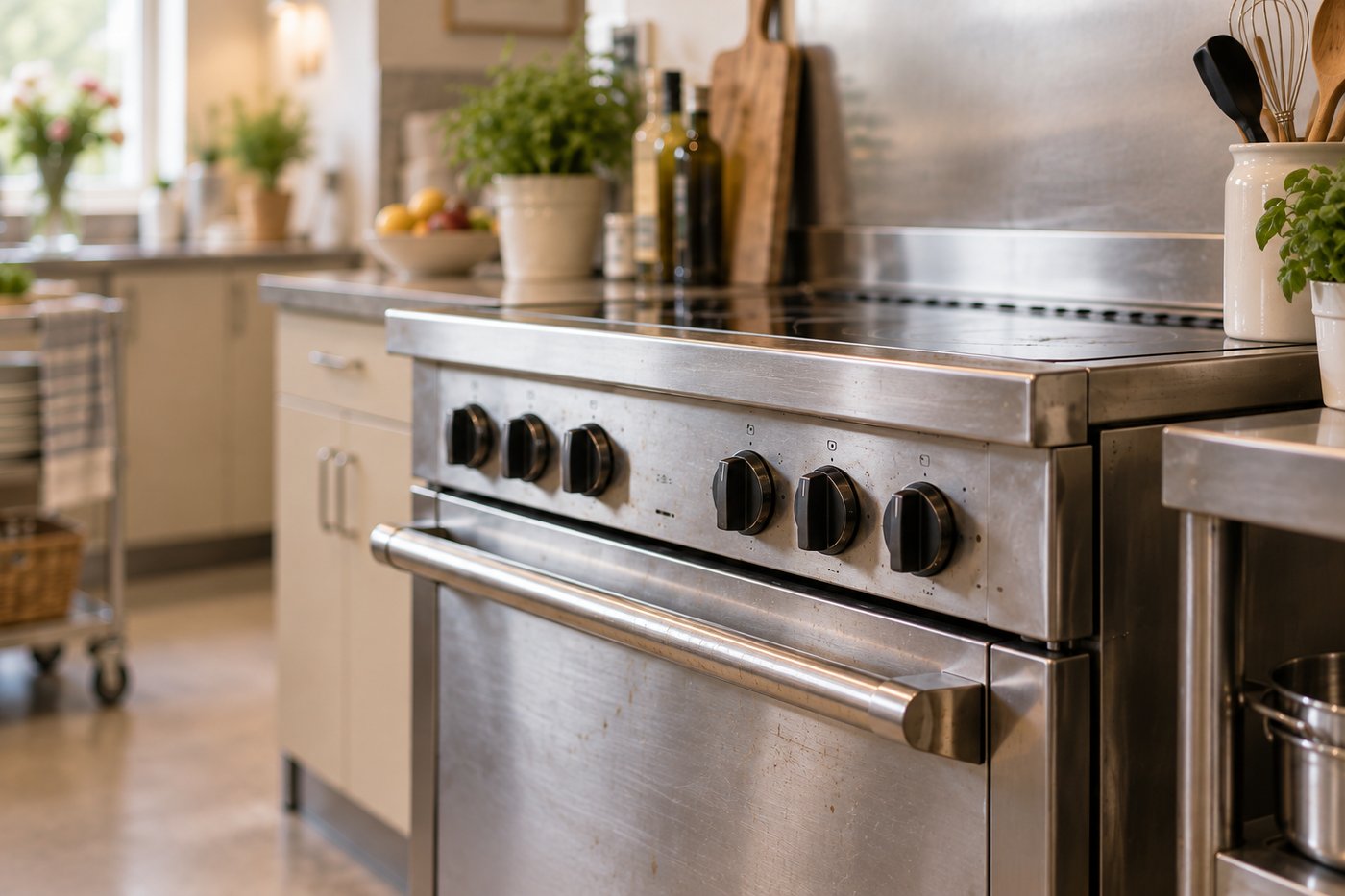
Every box on the cleaning sheet was ticked. In the same pen, at 10pm.
The kitchen may well have been clean. The sheet just cannot tell you who did what, or when.
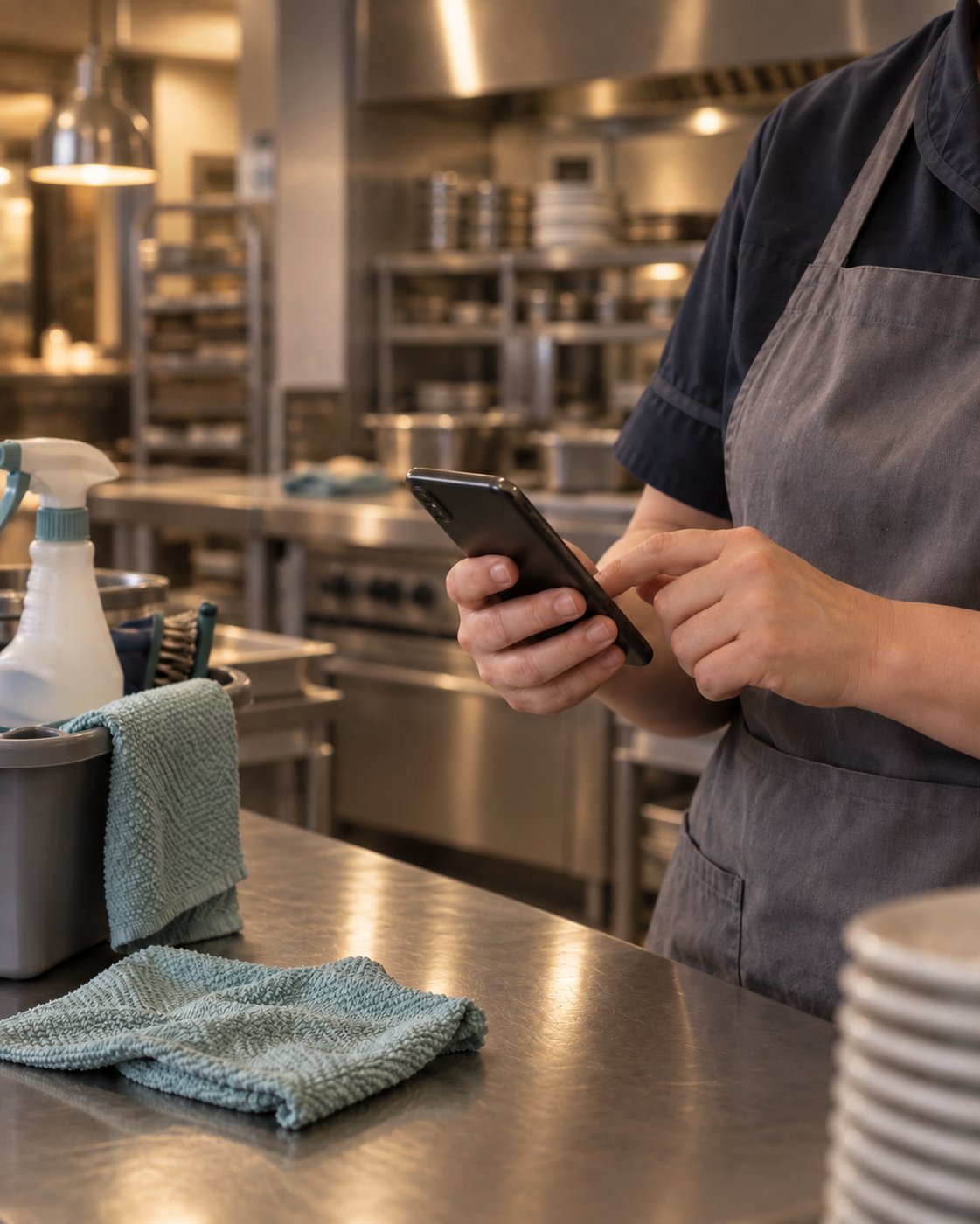
Cleaning that shows when it happened, and who did it.
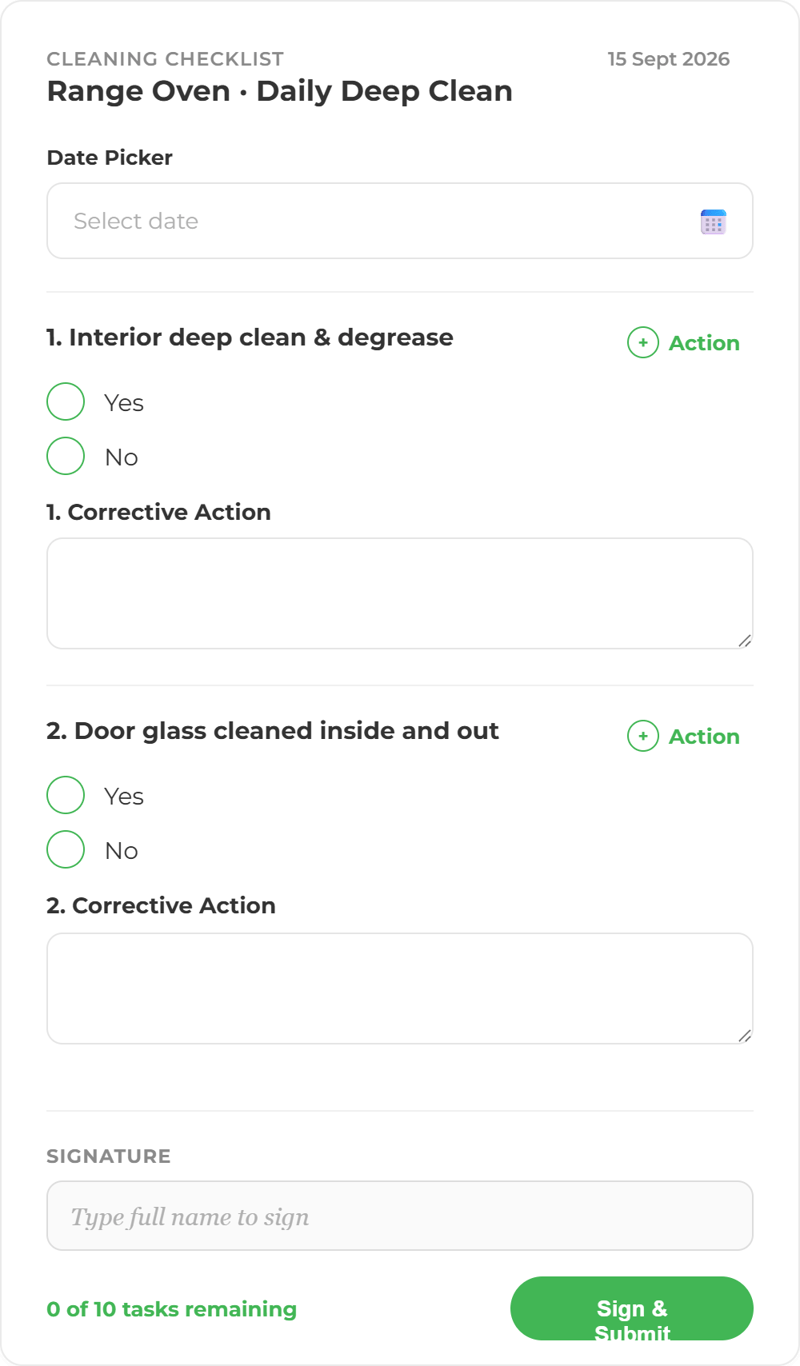
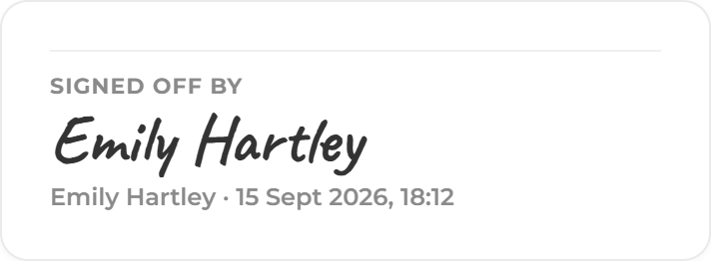
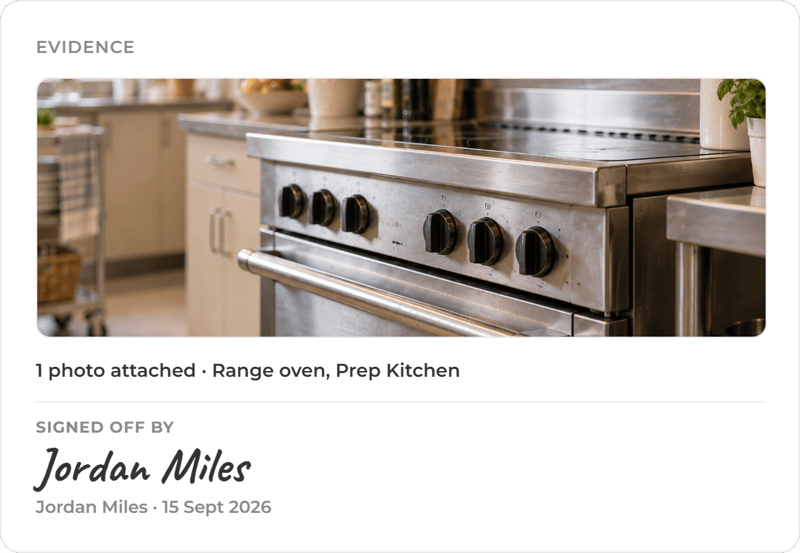
Each task arrives on the staff app at the right time for the right person. It is signed off with a timestamp and, where you ask for one, a photo.
Every clean, scheduled, signed off and visible.
Scheduled, not remembered
Daily, weekly and deep cleans are set once and appear on time, every time.
Photo evidence
Ask for a photo on the tasks that matter, attached to the record with the time and the person.
A name on every task
Each task is assigned, so it is clear who owns it and who signed it off.
Missed tasks get followed up
Anything overdue or failed raises a corrective action until someone deals with it.
Works without signal
Tasks complete offline and sync when the device reconnects.
Every site, one view
Managers see completion across every kitchen on the same dashboard.
From schedule to sign-off.
The task appears on the staff app, the person completes it and adds a photo, and the dashboard updates. If it is missed, the right person hears about it.
Turn the cleaning policy into the checklist.
Mira reads the cleaning SOPs and schedules you already hold and drafts the checks from them. A person reviews and approves them before they go live, and Mira answers questions on the policy with the source shown.
See a cleaning schedule run across a site.
We will show you a task being completed, one being missed, and what happens next.
More ways to use ocapii
Facilities & PPM
Planned work, reactive jobs, statutory checks and contractor visits, per building and across the estate.
Find out more →
Food Safety
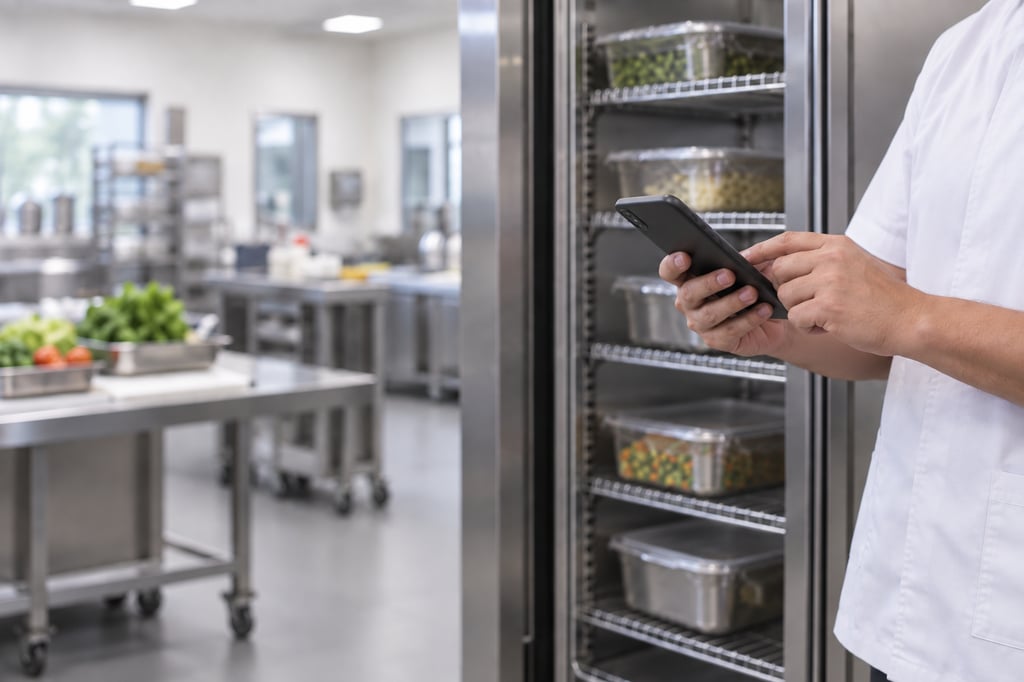
Every check, from goods-in to final plate, captured, timestamped and logged in real time.
Find out more →
Asset Management
Scan the label on any piece of equipment and its full record opens: history, safety status, open work and what's due next.
Find out more →Cleaning checklists commonly asked questions
A cleaning schedule run on a phone or tablet instead of paper. Tasks appear when they are due, are signed off with a timestamp and, where needed, a photo, and missed tasks are followed up.
It turns a cleaning schedule into assigned, scheduled tasks with named owners, captures evidence at the point of completion, and shows live what has been done and what is overdue across sites.
Yes. Your current schedule can be set up as checklists, and Mira can draft checks from your cleaning SOPs for a person to approve.
Yes. You set the evidence requirement per task. A task can require a photograph, a reading, a signature or a document before it can be closed.
An overdue or failed task raises a corrective action with an owner and a deadline. It stays open until someone closes it with the evidence required.
Cleaning, sanitation and infection control tasks can be built as scheduled workflows with evidence requirements and corrective actions. The clinical standard itself is set by your own policies and qualified staff.
Where dishwasher or equipment sensors are fitted, hygiene cycle temperatures are monitored and a failed cycle raises a maintenance job or corrective action against the machine.
No. ocapii keeps timestamped, user-attributed records with photo evidence and full history, which supports inspection preparation. The outcome depends on your own processes and people.