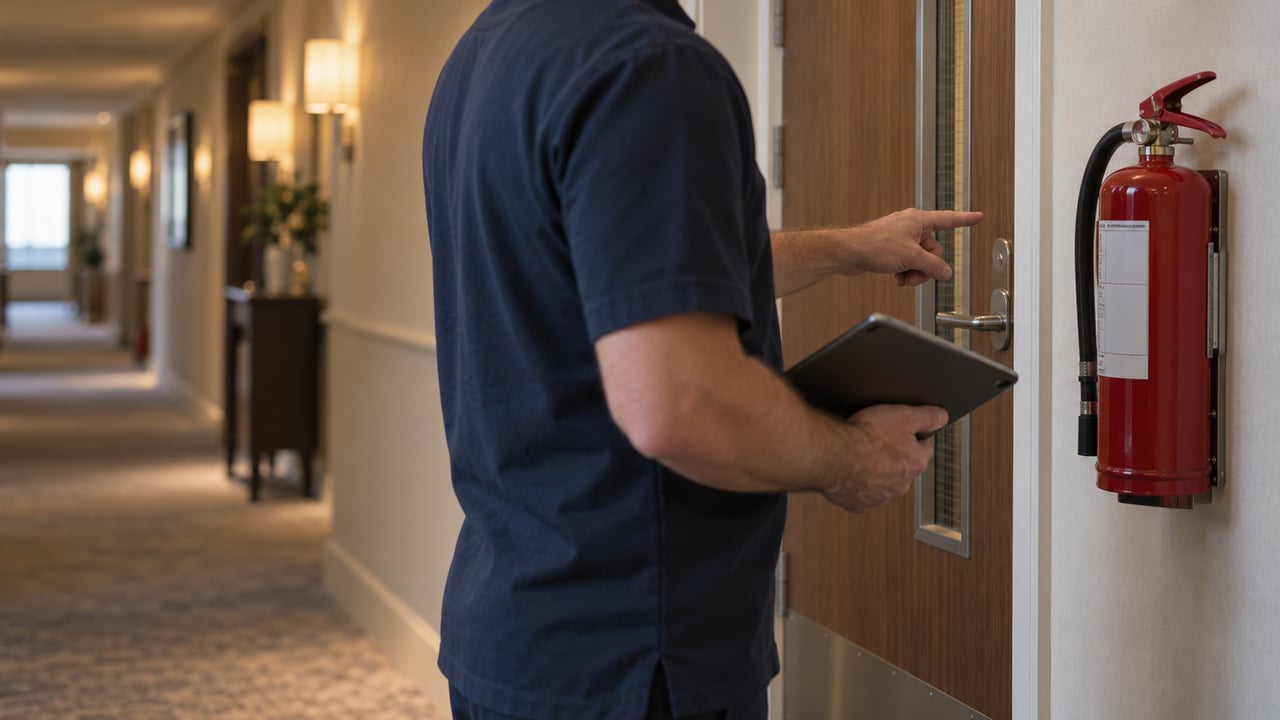
Technology suite · Safety and Compliance

With ocapii, every check your team completes gets acted on.

Checks are completed on a phone, failures become actions with a name and a deadline, and the evidence is kept as the work happens. Nothing is ticked and forgotten.
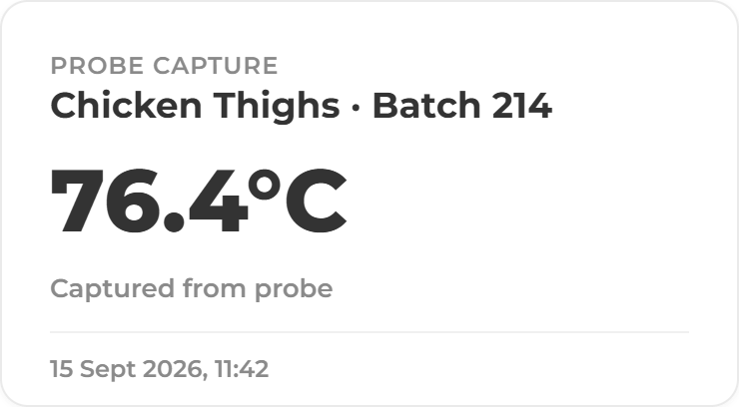
Cleaning checklist checks-fridge-2-1 Probe Capture MIRA 2
For every and any site

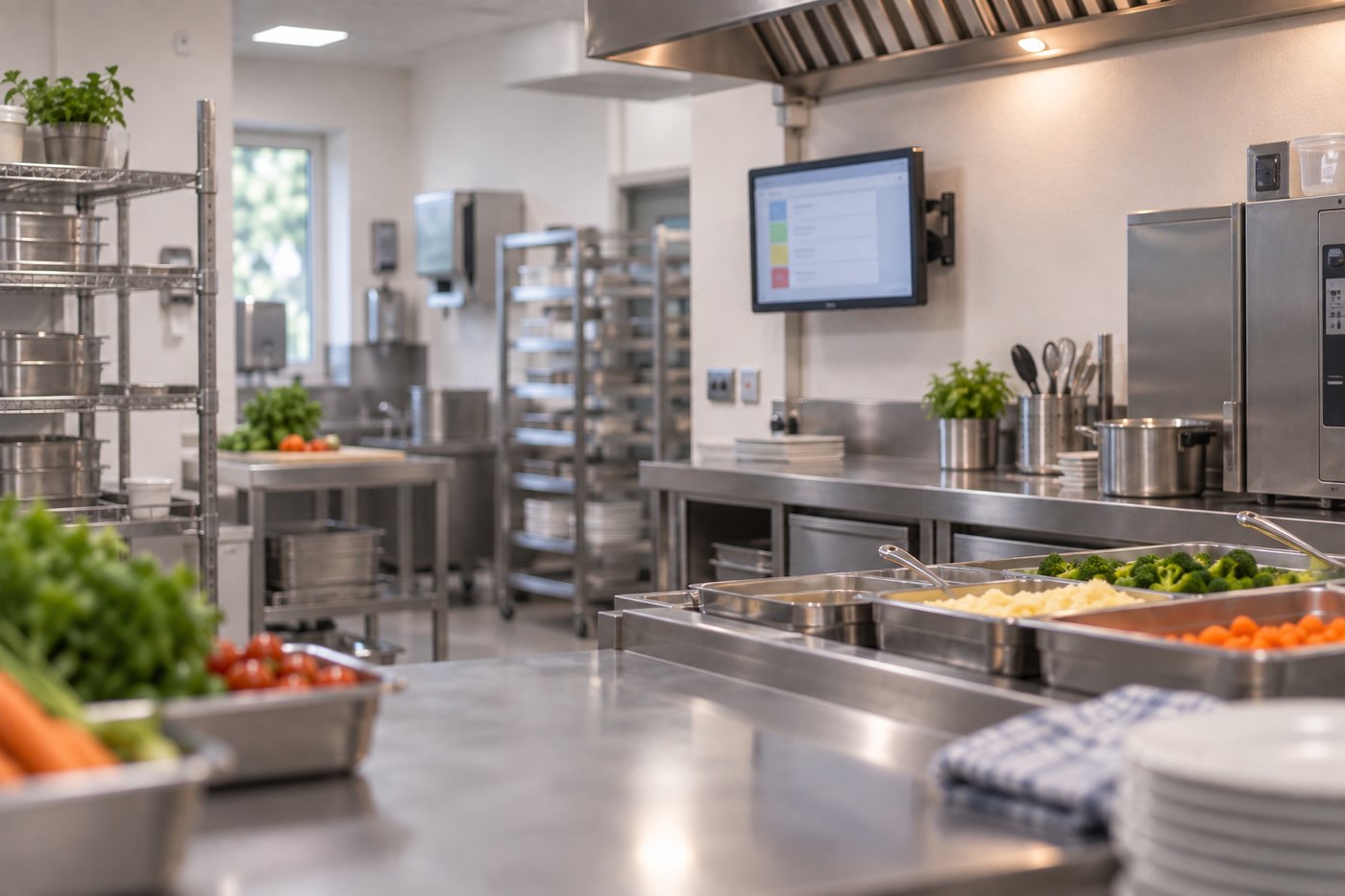
Every check, one place to start.

Pick the area you need: food safety or health and safety. Each one shows what ocapii does there.

225 min
saved per kitchen, per day (ocapii task-time study)
Less admin
Digital records without the paperwork
Greatervisibility
see missed checks and temperature issues sooner.
Auditready
Checks, evidence and corrective actions in one place.
Corrective actions

A failed check becomes someone's job

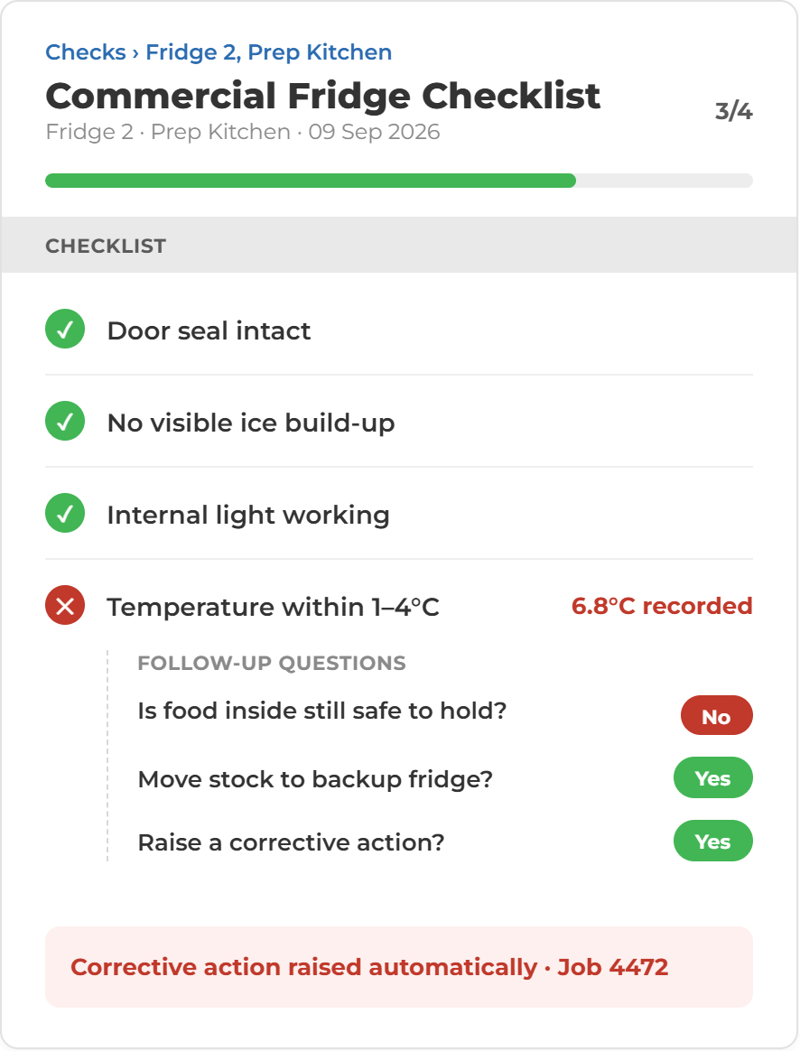
When a check falls outside its limits, ocapii raises a corrective action with a name, a deadline and the evidence needed to close it. It stays on the dashboard until it is dealt with.

Kitchen Fulfliment Cleaning Evidence

Work is connected, so actions are automatically assigned and not lost.

A ticked box doesn't fix anything. In ocapii, a failed check starts the fix. Checks turn up on your team's phone or tablet when they're due. If something's wrong, an action is raised straight away, with a name, a deadline and the proof needed to close it. If nobody picks it up, it goes up the chain. When it's fixed, it's closed with evidence attached. Managers see it, HQ sees it, and your audit trail writes itself.

01Check falls dueMobileNowThe 14:00 fridge check appears on the chef’s dashboard.Jobs, Tasks & Calendar
✓︎Check falls dueMobileDoneThe 14:00 fridge check appears on the chef’s dashboard.Jobs, Tasks & Calendar
02Digital HACCP checklistMobileLockedThe chef records each fridge. A reading over the limit is flagged on the spot.Forms & Checklists
02Digital HACCP checklistMobileNowThe chef records each fridge. A reading over the limit is flagged on the spot.Forms & Checklists
✓︎Digital HACCP checklistMobileDoneThe chef records each fridge. A reading over the limit is flagged on the spot.Forms & Checklists
03Collaborative checkMobileLockedA second person confirms the reading and the stock decision, then signs.Collaborative checks
03Collaborative checkMobileNowA second person confirms the reading and the stock decision, then signs.Collaborative checks
✓︎Collaborative checkMobileDoneA second person confirms the reading and the stock decision, then signs.Collaborative checks
04Corrective actionDesktopLockedThe manager sees the reading and assigns an action with an owner, deadline and evidence.Corrective Actions
04Corrective actionDesktopNowThe manager sees the reading and assigns an action with an owner, deadline and evidence.Corrective Actions
✓︎Corrective actionDesktopDoneThe manager sees the reading and assigns an action with an owner, deadline and evidence.Corrective Actions
05Task for someone elseMobileLockedJ. Cole gets the task on their phone and attaches the photo and new reading.Jobs & Tasks
05Task for someone elseMobileNowJ. Cole gets the task on their phone and attaches the photo and new reading.Jobs & Tasks
✓︎Task for someone elseMobileDoneJ. Cole gets the task on their phone and attaches the photo and new reading.Jobs & Tasks
06Closed and on recordDesktopLockedEvery step is timestamped and signed. Mira can summarise it on request.Audit trail · Mira
06Closed and on recordDesktopClosedEvery step is timestamped and signed. Mira can summarise it on request.Audit trail · Mira
Chef · staff appChef · staff appSous chef · staff appKitchen manager · webJ. Cole · staff appOps manager · web
13:58●●● 100%
≡Dashboard◔︎1
Kitchen 04 · ChefMy Tasks
!1Due now
▦︎4Due today
Fridge Temperatures14:00Checklist1 page
Start check
14:02●●● 100%
‹Fridge Temps
Step 1 of 1
Fridge 13.2°C
Freezer 1-18.4°C
Fridge 2 *
3.6°C
8.4°C
▲︎Above the 5°C limit. Second sign-off required.
SubmitSubmit
14:03●●● 100%
‹Sign-off
Stage 2 of 2 · Sous chef
Stage 1 · Chef14:02Fridge 2 recorded at 8.4°C
What happens to the stock? *
Move to Fridge 1
Discard stock
SignatureA. Patel
Sign offSign off
app.ocapii.com/kitchen-04
Temperature Reading DetailsFridge 2
Reading Information
▲︎Temperature8.4°C
▦︎Date & TimeToday 14:02
✓︎Co-signedStock moved · 14:03
Corrective Action
Assign toJ. Cole – Chef▾︎
PriorityHigh
DueToday 17:00
DescriptionCheck the door seal and re-probe within 2 hours. Photo required.
Cancel
Assign action
14:40●●● 100%
✓︎OCAPIInowJ. Cole, a task is assigned to youCheck the door seal on Fridge 2 and re-probe.
JCJ. ColeChef · Kitchen 04
My TasksLive
Fridge 2 seal checkDue 17:00Assigned to J. Cole by Kitchen manager · 14:03
Photo of sealTap to addAttached ✓︎
Re-probe Fridge 2Tap to probe4.1°C ✓︎
Complete taskComplete task
app.ocapii.com/kitchen-04
Audit trailClosed
14:02Fridge 2 at 8.4°C, above limit✓︎
14:03Co-signed, stock moved✓︎
14:03Action assigned to J. Cole✓︎
14:40Photo of seal attached✓︎
14:41Re-probe 4.1°C, closed✓︎
Ask MiraWhat happened with Fridge 2 today?
MFridge 2 read 8.4°C at 14:02. The stock was moved and co-signed, and J. Cole replaced the door seal. The re-check at 14:41 read 4.1°C and the action is closed.SEE DETAILFridge Temperatures, Today 14:00
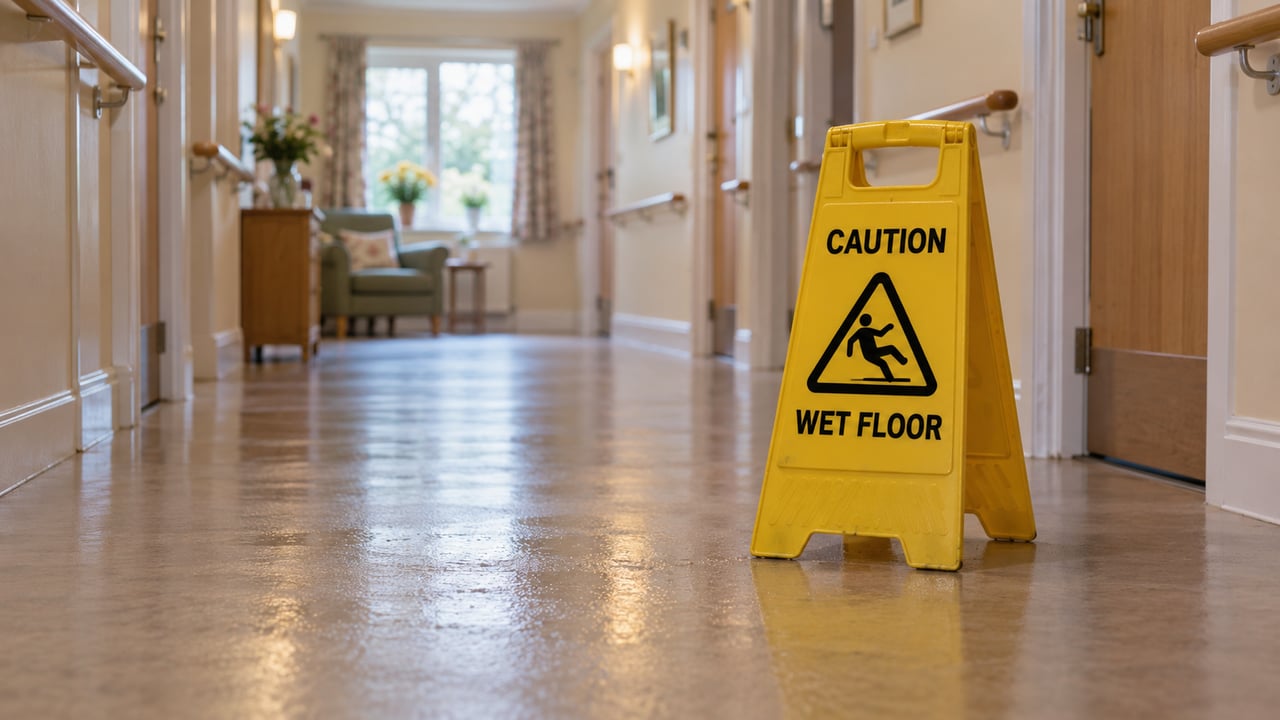
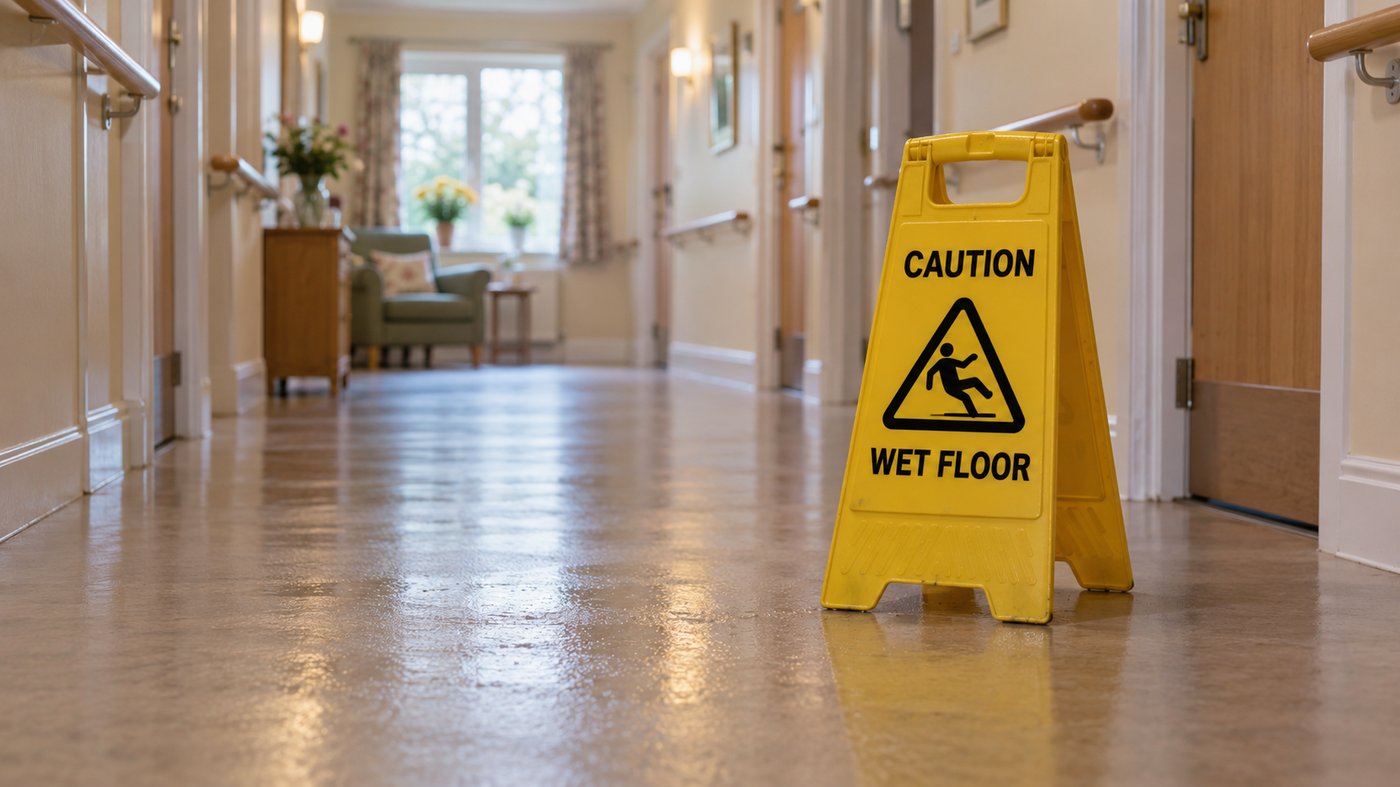
Caution_ Wet Floor in Care Home Incident Report QR Code
Corrective actions

Incidents and near misses on the same record

Report an incident or near miss from the staff app, with photos. It links to the actions it creates, escalates if nobody responds, and feeds the trend reporting. 

Watch a check become the proof

From the check on a phone to the corrective action and the audit record, see how each part of the suite connects. 

Modules in this suite

Everything a check needs, in one suite.

Incident Management

Incidents and near misses reported from a phone with photos, linked to the actions they create and escalated if nobody responds.

Explore the module →

Food Safety

Checks, temperatures, allergens and corrective actions for every kitchen, kept in one place.

Explore the module →

Health and Safety

Risk, incidents, inspections and statutory checks for every site, held on one record.

Explore the module →

Digital HACCP

Critical control checks and manager sign-off on a phone, with a timestamped record of every step.

Explore the module →

Labelling & Allergens

Allergen, ingredient and use-by labels printed from live recipe and stock data, so the label matches the dish.

Explore the module →

Cleaning Checklists

Daily, weekly and deep-clean tasks on a schedule, with an owner and photo evidence where you ask for it.

Explore the module →

Risk Assessments

Hazards become assigned controls with owners and deadlines, and open risk is visible across every site.

Explore the module →

Safety Audits & Inspections

The same template at every site. Failed items become actions and the report builds itself from the answers.

Explore the module →
Corrective actions

Be audit ready

Bring food safety checks, temperature monitoring and corrective actions together. Give your team clear tasks and keep a traceable record across every site, so you’re ready when an auditor walks in.

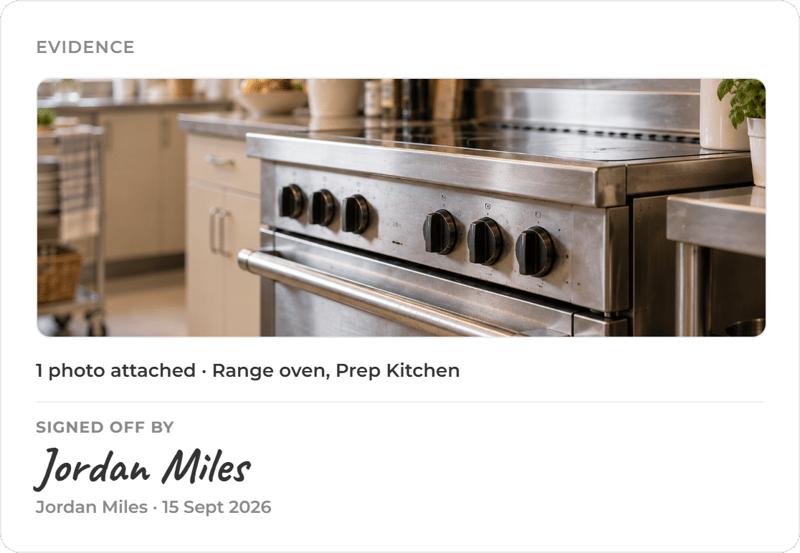
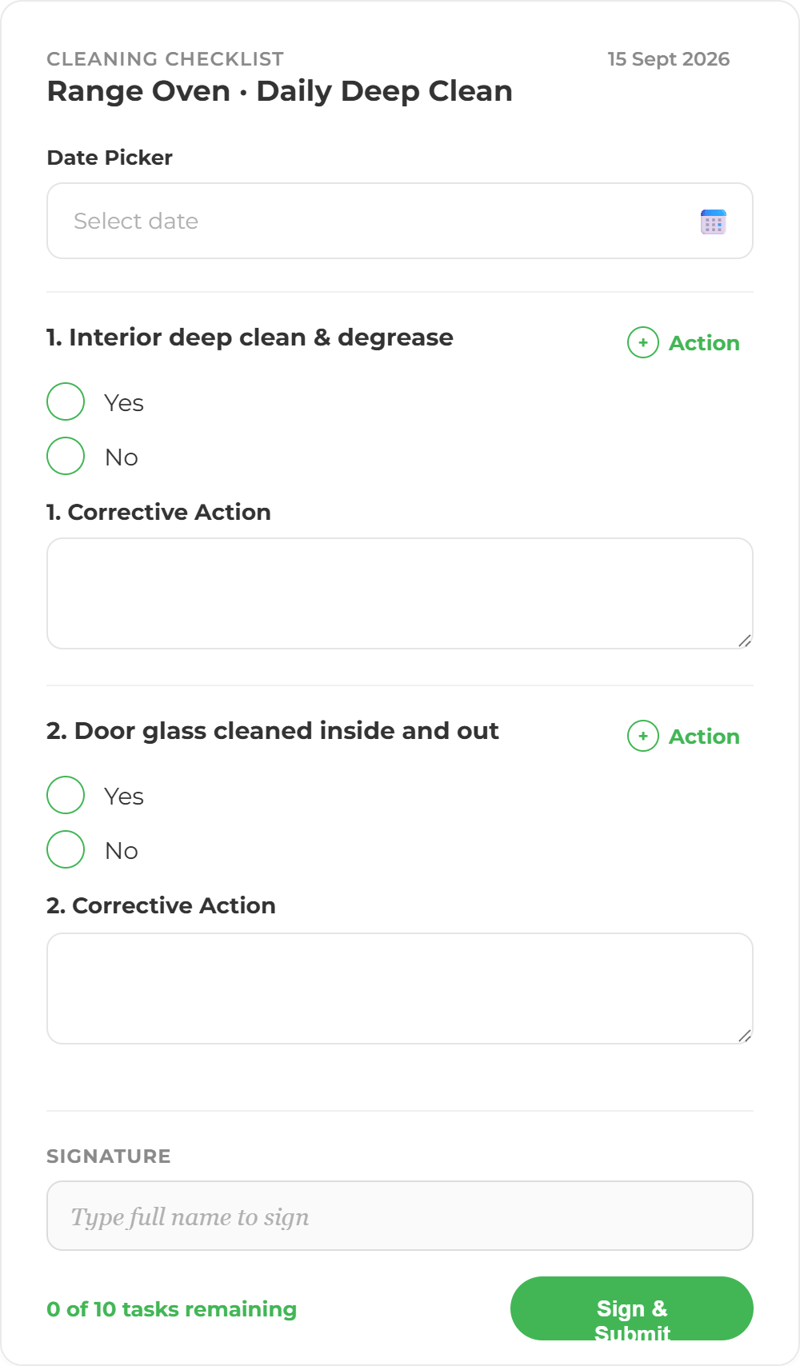
ChatGPT Image Sep 15, 2026, 03_38_50 PM Cleaning Checklist
Technology suites

More ways to use ocapii

Engineer completing a work order

Assets and Maintenance

Fewer missed repairs and clearer equipment costs.

Explore the suite →
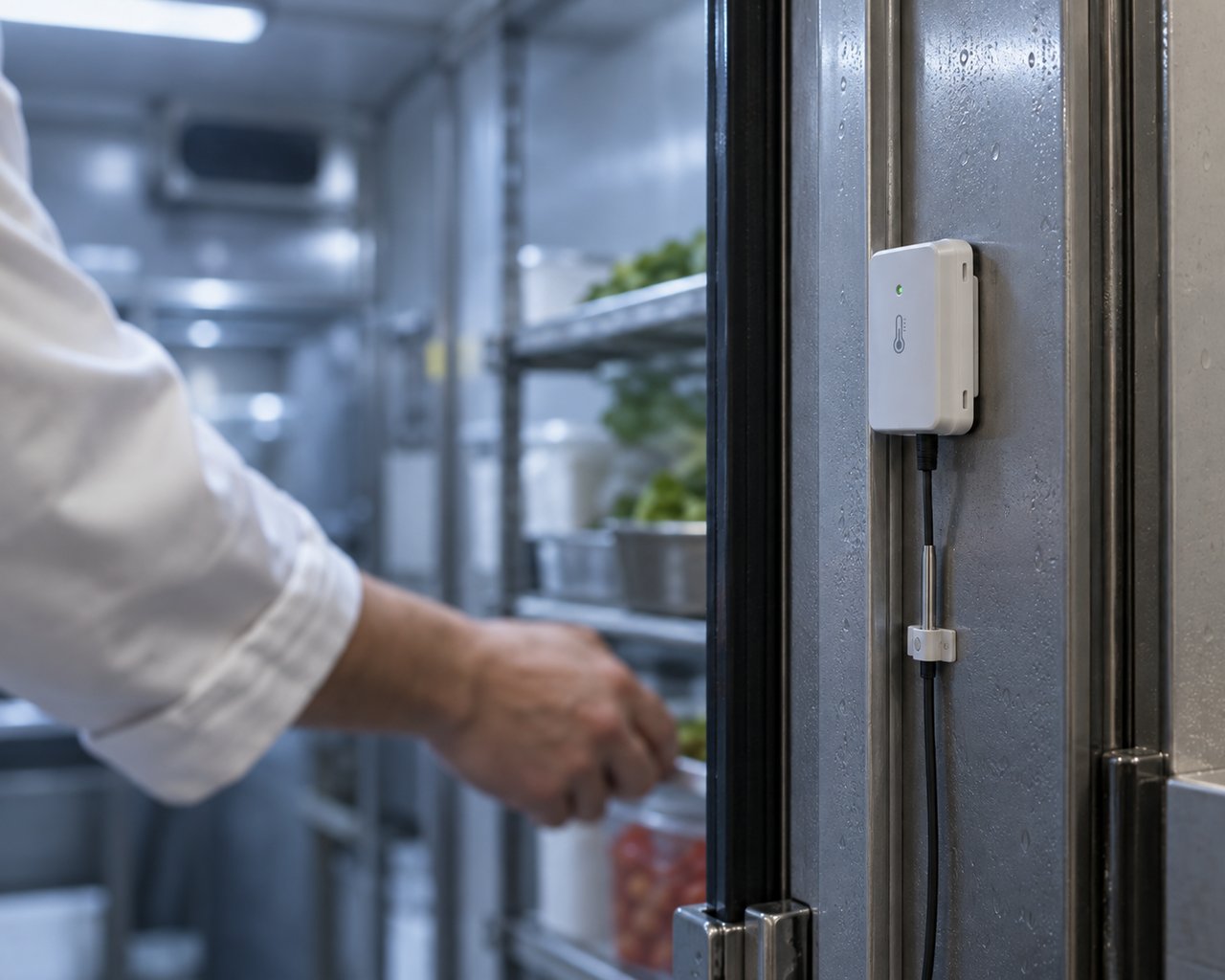
Cold Room Temperature Mointoring

Energy and Environmental Monitoring

Find energy waste and respond to conditions.

Explore the suite →
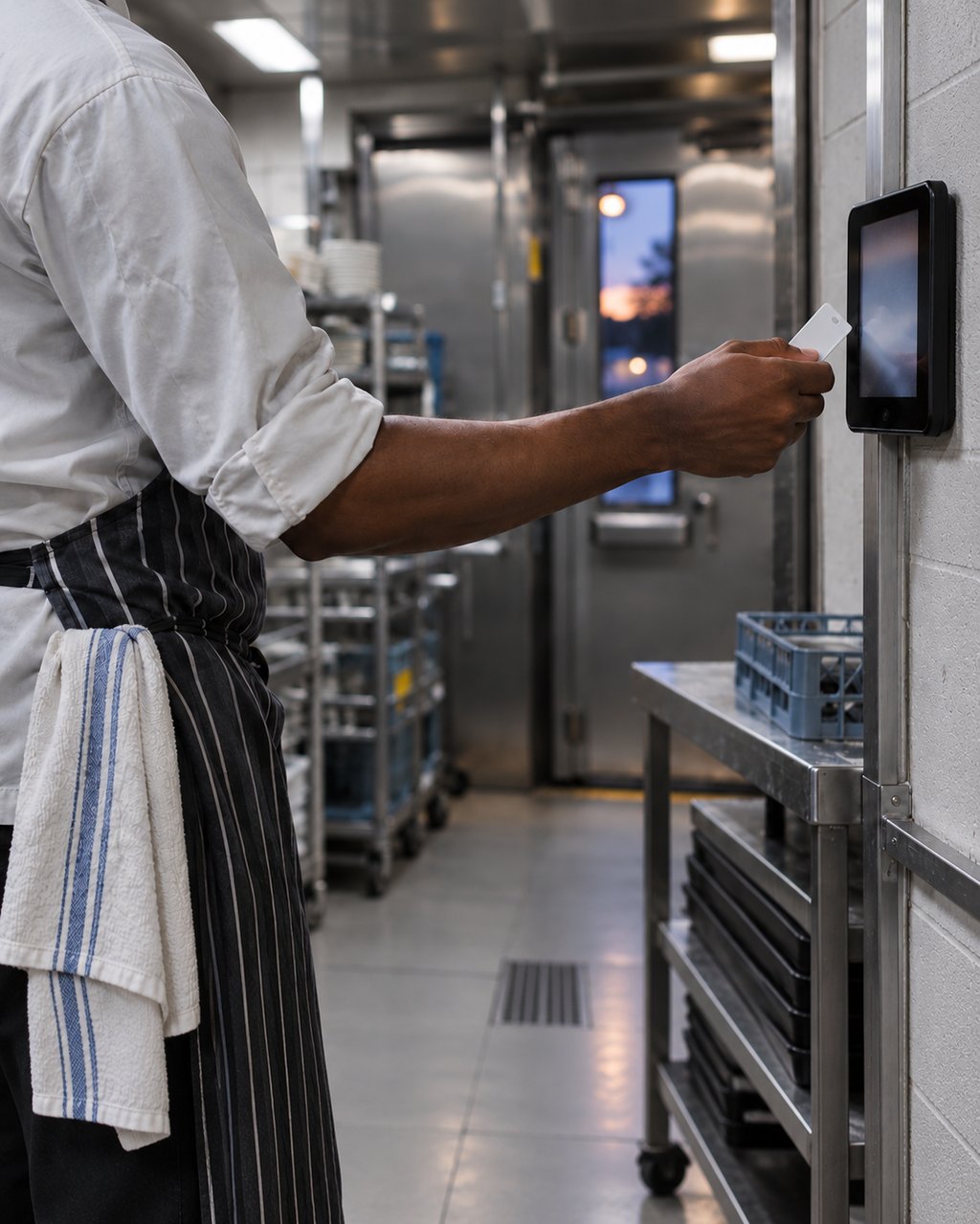
Staff member clocking in at a kitchen tablet

Workforce Management

Manage rotas, attendance, leave and hours.

Explore the suite →
FAQ

Questions about Safety and Compliance

Software that replaces paper checklists, logs and folders with digital checks, incident reports, risk assessments and controlled documents, and tracks what happens when something fails. In ocapii, every record is timestamped, attributed to the person who completed it and linked to any action it raised.

Food safety, health and safety, routine checklists and workflows, incidents and near misses, corrective actions, risk assessments, collaborative checks, controlled documents and audits. Each has its own page if you want the detail.

Yes. Each ocapii technology suite can be used on its own. Many customers start here and add Assets and Maintenance or Energy and Environmental Monitoring later, on the same platform and the same records.

No. The suite runs on the staff app and web dashboard. Continuous temperature and energy monitoring sit in the Energy and Environmental Monitoring suite if you want them; confirm your specific devices with the team.

Yes. Checks, forms and evidence capture work offline in the staff app and sync when the device reconnects.

No, and no platform can. ocapii produces timestamped, user-attributed records with photographic evidence and full history, which supports inspection and audit preparation. The outcome depends on your own processes and the people carrying them out.

No. The same suite runs in care homes, hospitals, schools, universities, hotels, leisure venues, facilities teams and manufacturing sites. The checks change, the platform does not.

See what happens after the check.

Walk through a failed check, the action it raises and the evidence that closes it, on your own kind of site.