-2.png?width=400&name=Untitled%20design%20(4)-2.png)
-1.png?width=400&name=Untitled%20design%20(1)-1.png)
Asset Management
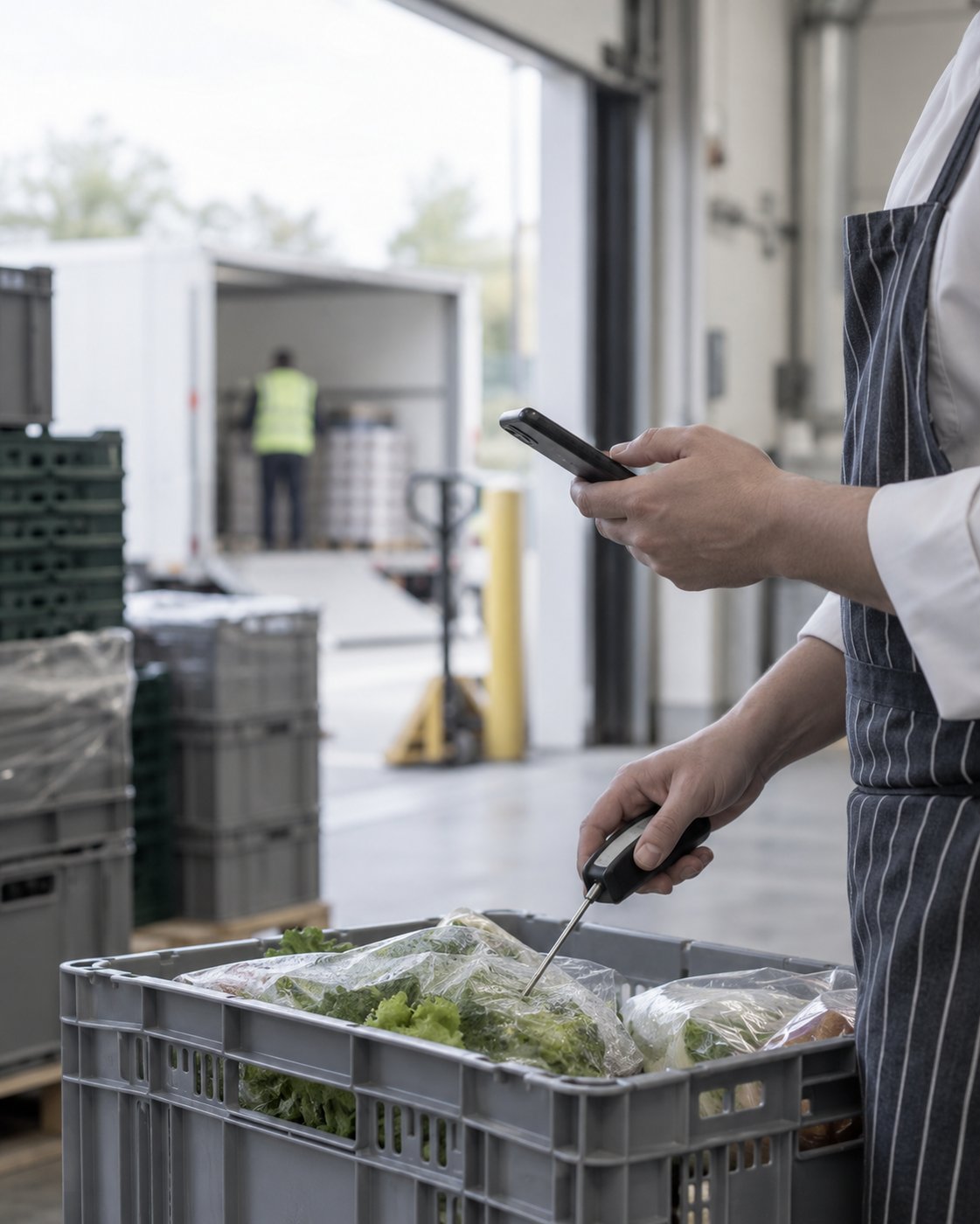
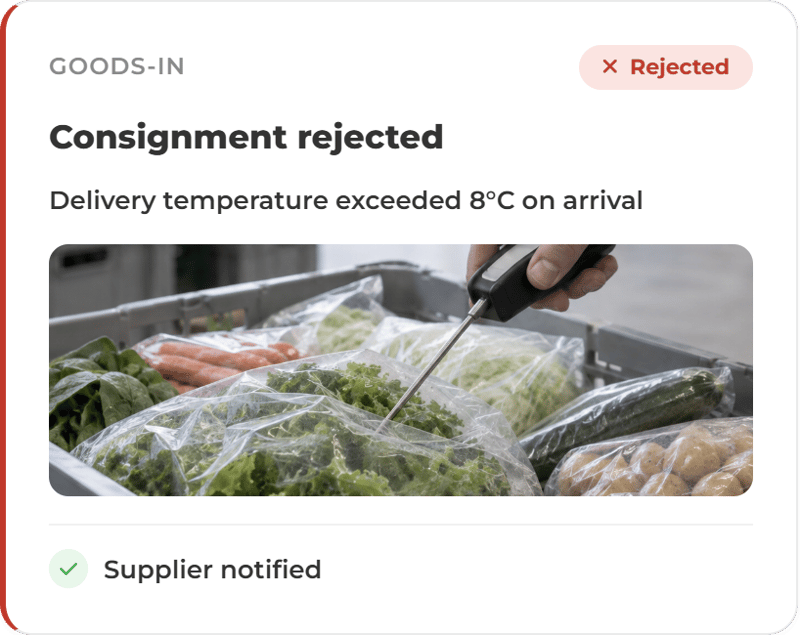
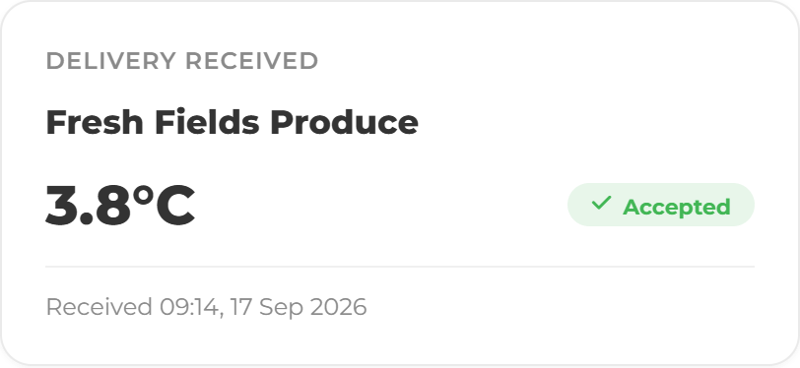
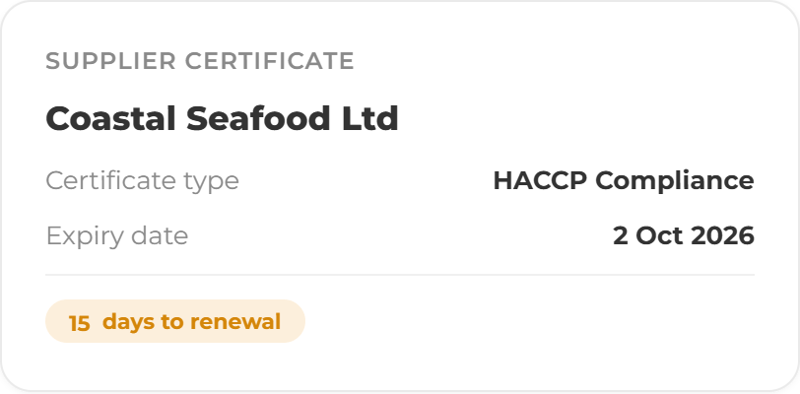
It starts at the back door.
Daily, weekly, periodic and deep clean tasks run on schedule with an owner attached, and photographic evidence where you ask for it.
.png?width=1400&name=ChatGPT%20Image%20Sep%2014,%202026,%2003_47_18%20PM%20(4).png)


More ways to use ocapii

Product Inventory
Track stock levels, expiry dates, suppliers, movements, waste and low-stock alerts across sites, departments and locations.
Find out more →.png?width=1024&name=ChatGPT%20Image%20Sep%2011,%202026,%2001_26_46%20PM%20(5).png)
Food Safety
Every check, from goods-in to final plate, captured, timestamped and logged in real time.
Find out more →.png?width=1024&name=ChatGPT%20Image%20Sep%2015,%202026,%2011_32_04%20AM%20(1).png)
Probe Logging and Cook-Chill Records
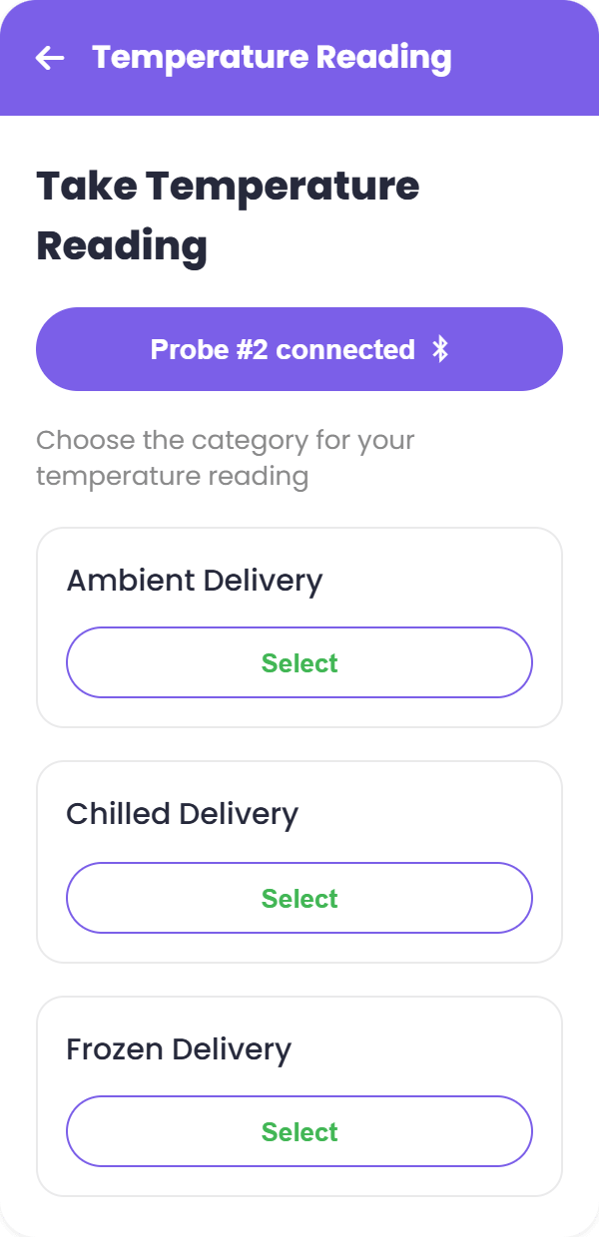
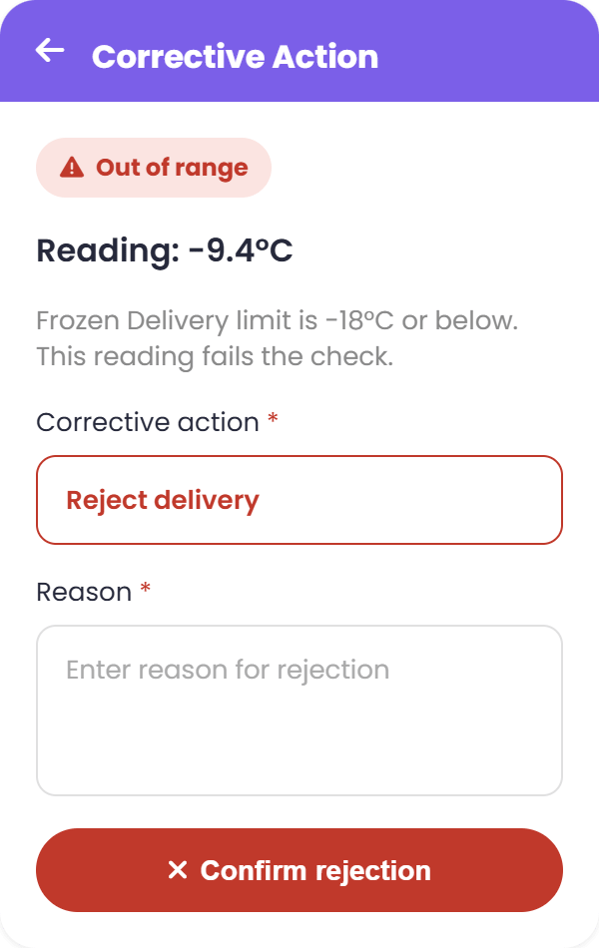
A Bluetooth probe sends the reading itself, timestamped, against the dish, the batch and the person taking it.
Find out more →