Your team takes the order. ocapii puts it in front of the kitchen in seconds.
Orders from the till, the table or the room go straight to the right kitchen or bar board. Stock and takings update with every sale.
Start with the sale, or the kitchen.
Explore point of sale and ordering, then the kitchen boards and menus behind them.
Point of Sale
Guest Ordering
Resident Order Management
Orders from Every Channel
Related capabilities
A till that does more than take the money
Menus, modifiers, tabs, promotions and cash-up, all in one place. Because the till sits inside the platform, every sale is already connected to stock, the kitchen and reporting.
Orders are connected, so every one reaches the people who make it.
An order isn't finished when it's paid for. In ocapii, it goes straight to the right kitchen or bar board, whether it was taken at the till, at the table or in a room. Each station sees what's live, what's waiting and what's ready. Stock moves with every sale. When the menu changes, it changes everywhere at once. At close, takings, orders and what ran out are already in one place.
The order arrives where the work happens
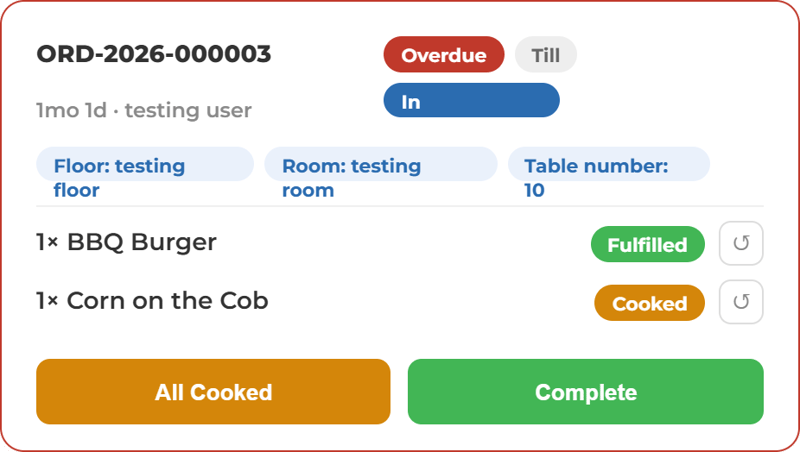
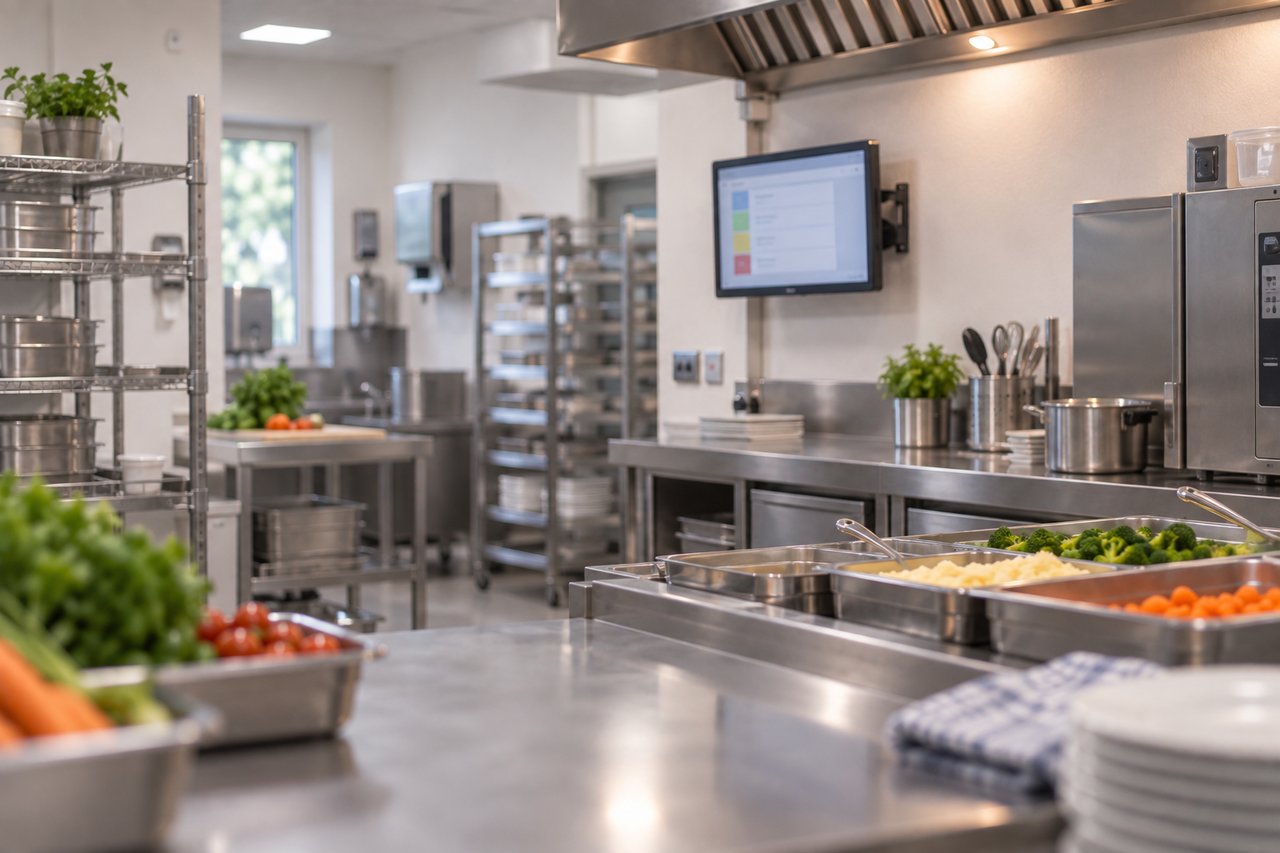
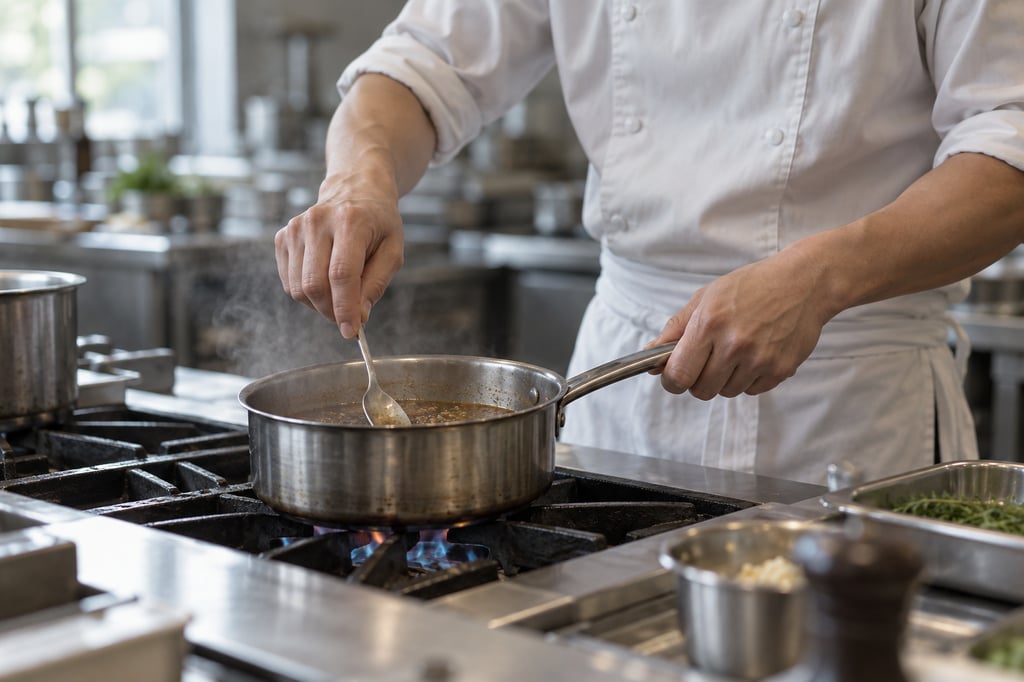
Orders route straight to the right kitchen or bar board, split by course, station or prep area. Teams see what is live, what is waiting and what is ready, without depending on a printer or a shout across the pass.
Watch an order reach the kitchen.
The order is taken, the kitchen is told and the service is delivered. Each clip shows one step.
From the order to the pass.
Point of Sale
The ocapii Till with card payments, receipts and refunds, on the same platform as the rest of your operation.
Explore the module →Resident Order Management
Resident menus and ordering in care homes, sent straight to the kitchen boards.
Explore the module →Kitchen Fulfilment
Orders flow to kitchen and bar boards and the pass, so the team can see what to make next.
Explore the module →Guest Self Ordering
QR ordering and pre-order, so guests order from the table or before they arrive.
Explore the module →Menu Management
Menus and menu planning in one place, linked to your recipes and allergen information.
Explore the module →Order Management
Every order tracked from the moment it is taken to the moment it is fulfilled.
Explore the module →Let guests order when they are ready
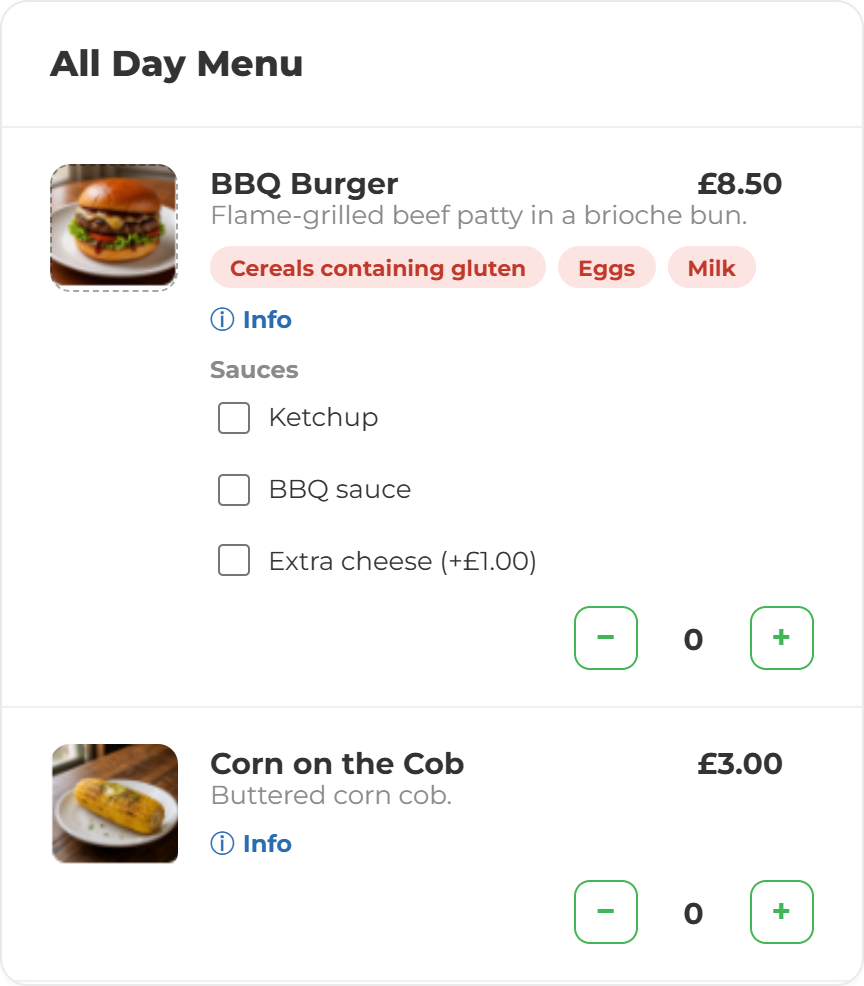
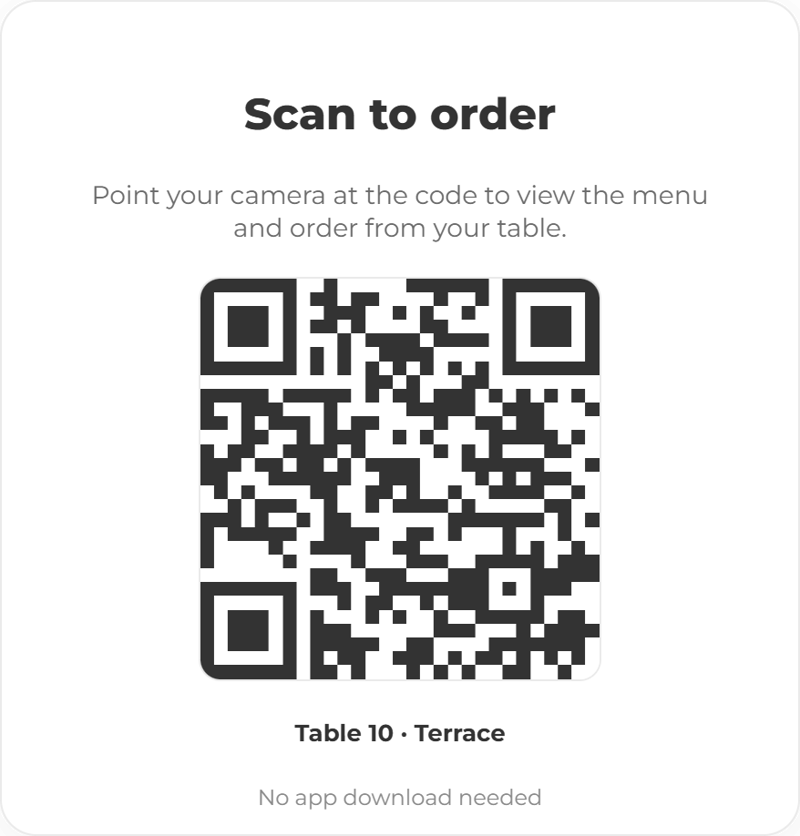
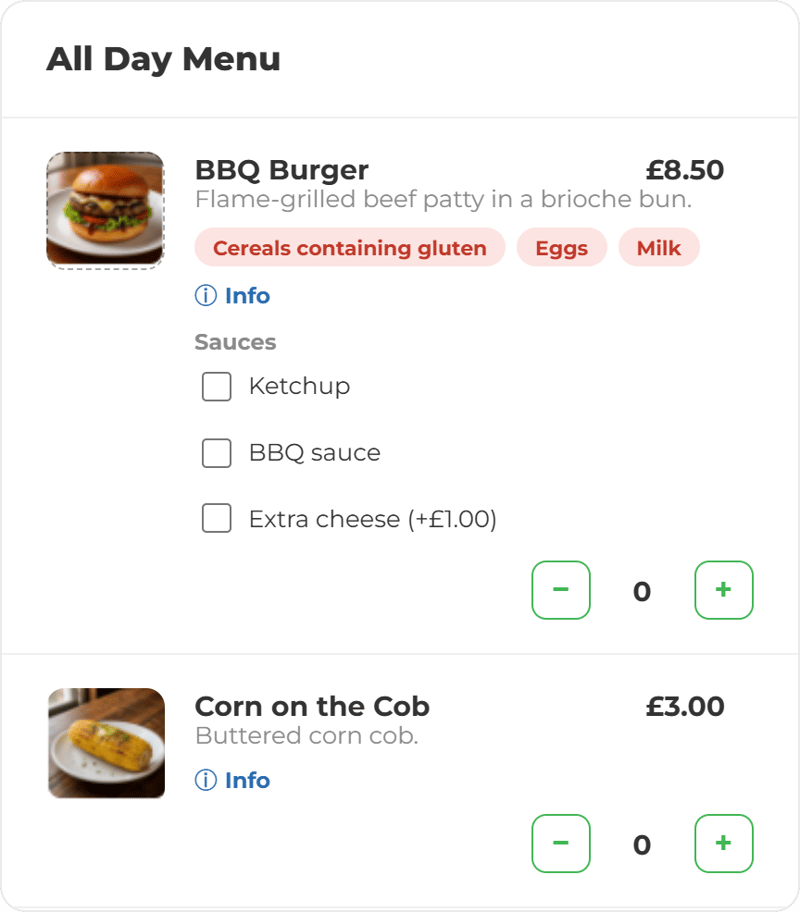
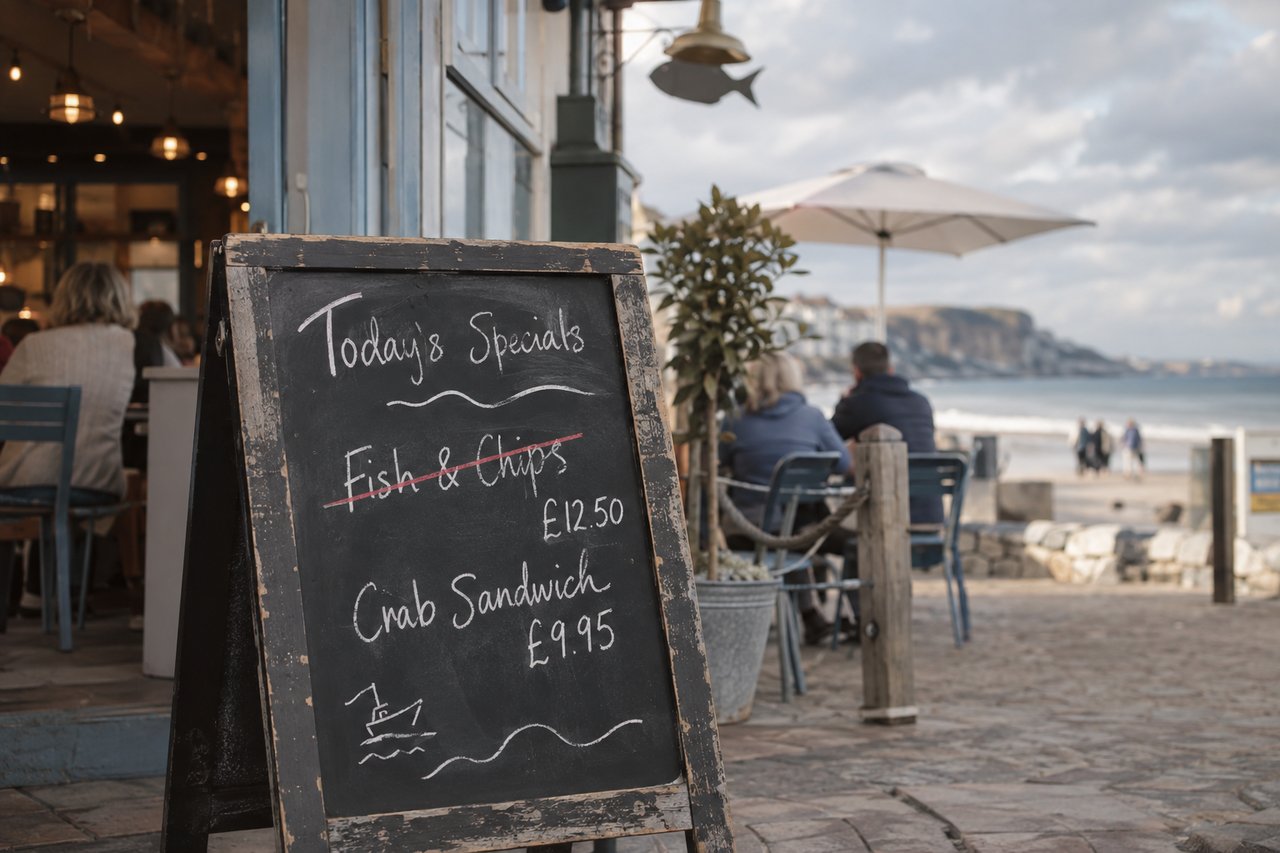
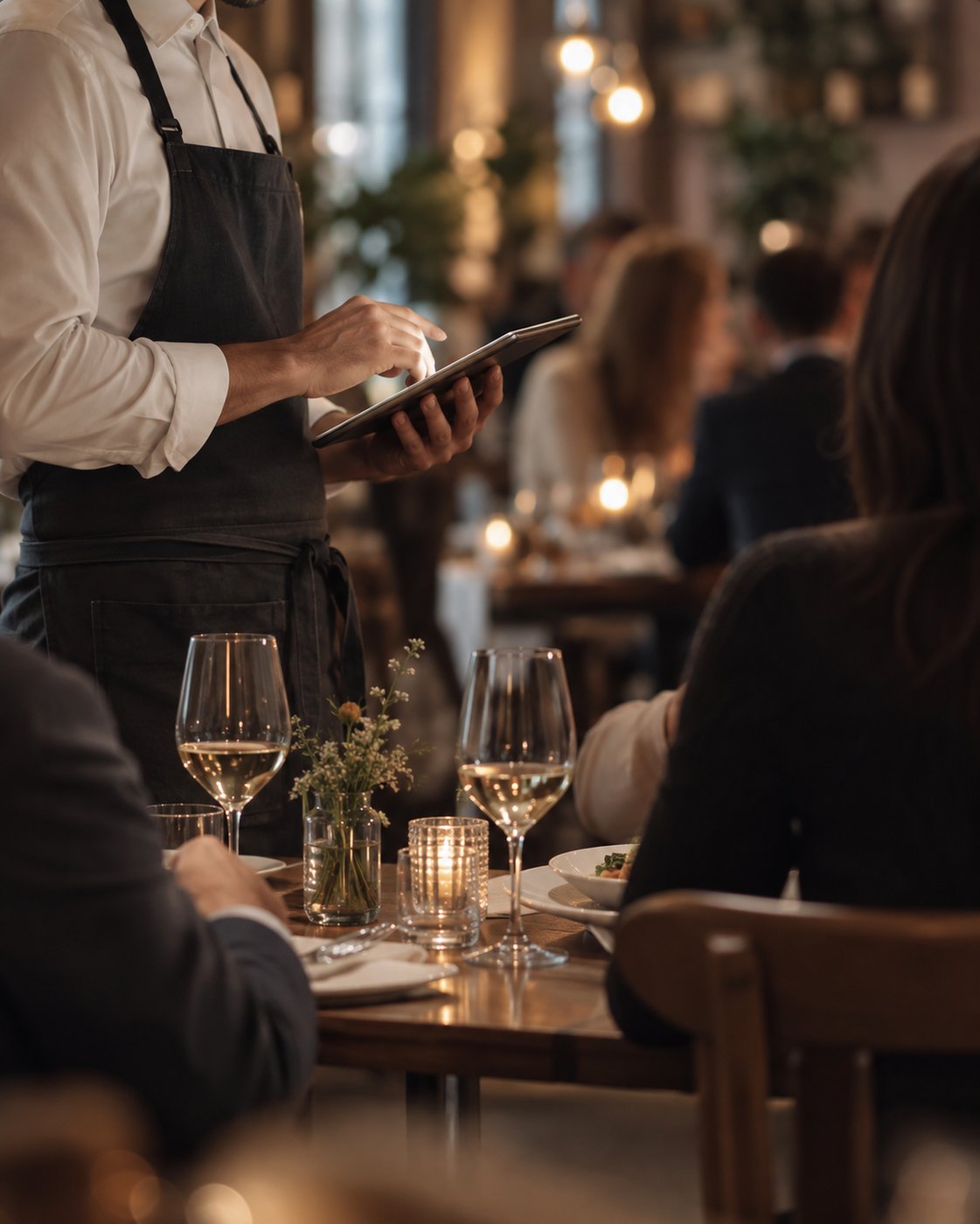
Guests scan a QR code and order from the live menu at the table, in their room or wherever they are. What they choose goes straight to the right board.
Ask what sold and what ran out.
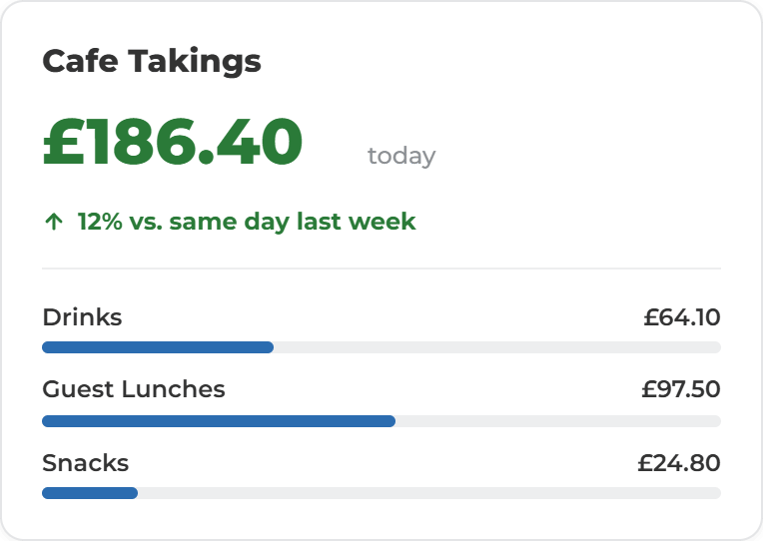
Mira answers from your own orders, menus and takings: what sold best this week, what was taken off the menu and when, how service compared with last Saturday. It shows the records behind the answer and says when it does not have one. It does not change prices or take payments; a person does.
More ways to use ocapii
Questions about Commerce and Service
Software that takes orders and payments and gets them to the people who make and serve them. In ocapii, the till, guest ordering, menus and kitchen boards share one platform, so an order is connected to stock and reporting from the moment it is taken.
Point of sale, guest and QR ordering, menu management, order management, kitchen and bar boards, resident ordering in care settings and commerce reporting. Each has its own page if you want the detail.
Yes. Each ocapii technology suite can be used on its own. Many customers add Production and Inventory or Safety and Compliance later, on the same platform and the same records.
No. ocapii handles orders taken at the till, at the table, in rooms or by phone. It is not a delivery network.
Yes. Resident ordering captures meal choices at the table or bedside, with dietary and allergen requirements selected as the order is taken, and sends them to the kitchen board.
Commerce and Service is switched on per organisation. Talk to the team about which sites and which features you need.
See an order from table to kitchen.
Walk through an order taken at the table, the board it lands on and the takings it adds to, on your own kind of site.
.png?width=1280&name=ChatGPT%20Image%20Sep%2011,%202026,%2001_26_46%20PM%20(4).png)

.png?width=1280&name=ChatGPT%20Image%20Sep%2011,%202026,%2001_26_45%20PM%20(2).png)