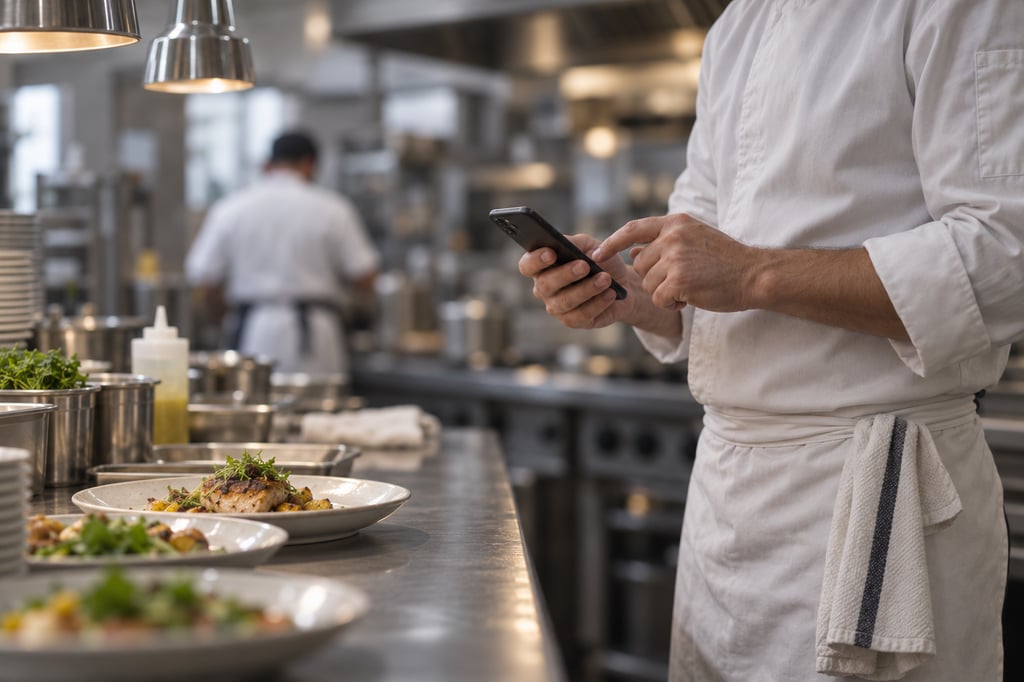
Probe Logging

The chicken read 78°C. The sheet says 75°C.

Somebody wrote it down from memory at the end of the shift. The temperature was safe, but the record cannot prove it.
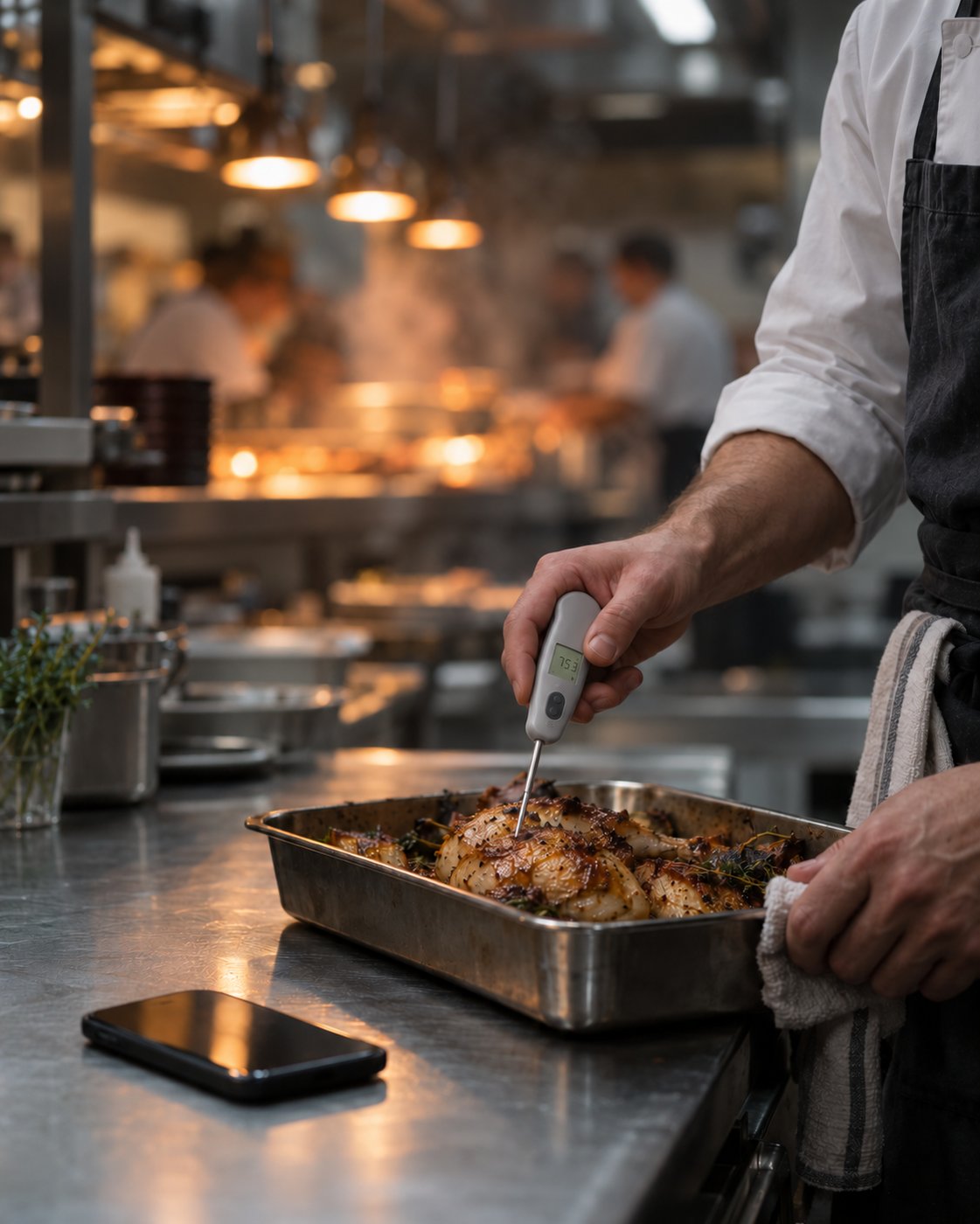
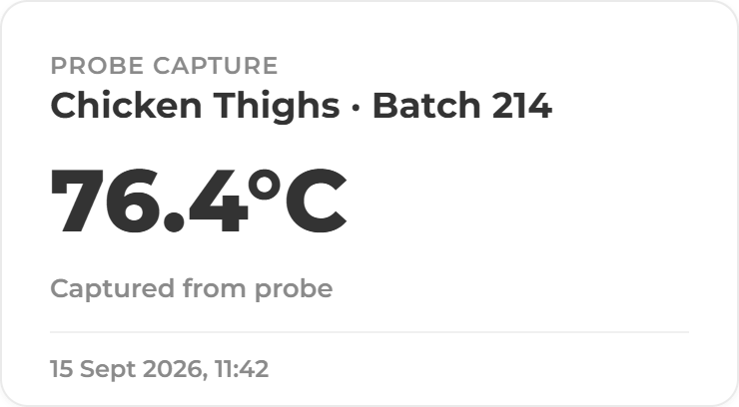
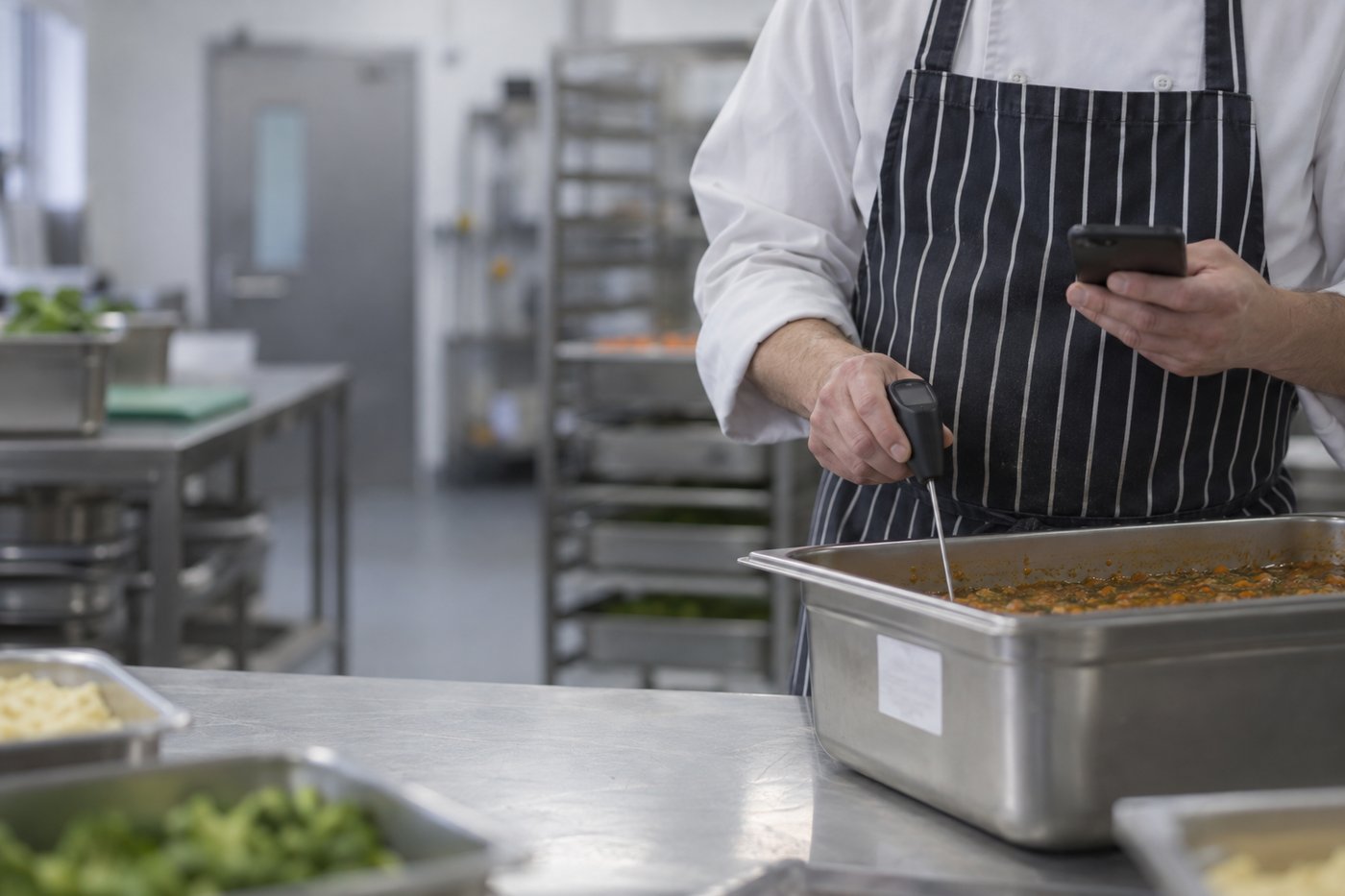
Chef checking roast chicken temperature Probe Capture Cooling Curve Batch Record
What it does

The reading goes straight from the probe to the record.

Staff probe the food and the core temperature lands in ocapii with the time, the person and the item attached. Nobody types a number, so nobody types the wrong one.

What you get

Every probe check, recorded properly.

Readings without typing

The Bluetooth probe sends the temperature to the check, timed and signed by the person holding it.

Cooking and reheating

Core temperatures logged against the dish at the point it comes off the heat.

Cooling checks

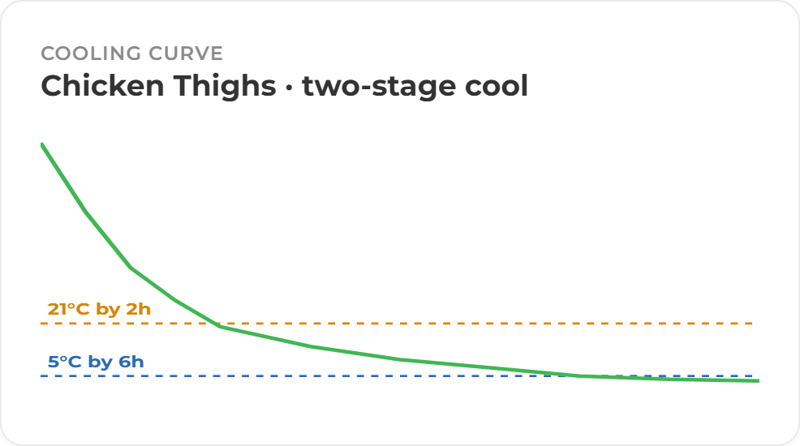
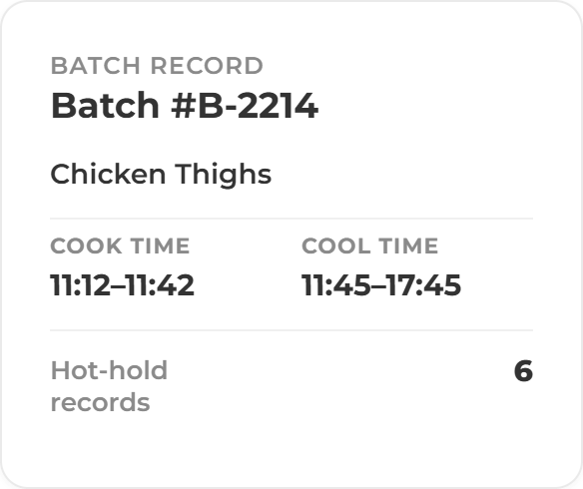
Readings taken through cooling sit on one record, so you can see whether it cooled in time.

Goods-in and dispatch

Deliveries and outgoing food probed at the door and recorded against the supplier or destination.

Failures get an owner

An out-of-range reading raises a corrective action with a name, a deadline and the evidence needed to close it.

Works without signal

Checks complete offline in walk-ins and basements, then sync when the device reconnects.

How it works

From probe to proof in one check.

The reading arrives, ocapii compares it with the limit you set, and either files it or raises the work that follows. Managers see every reading across every site on the same dashboard.

Probes and sensors

Probes for the food. Sensors for the fridges.

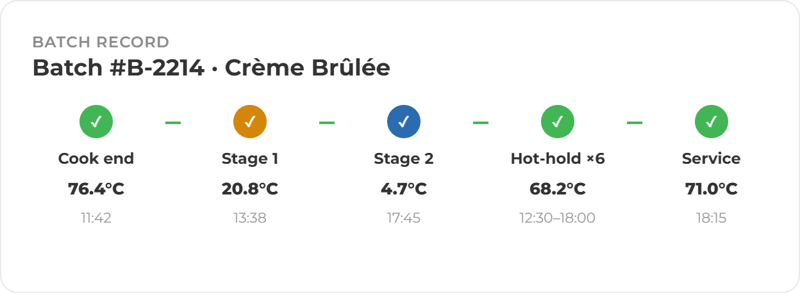
Probe checks prove the food was safe at the moment it mattered. Appliance sensors watch fridges, freezers and hot-hold units around the clock. Both land on the same platform, so one record covers what happened to the food and where it was kept.

ChatGPT Image Sep 15, 2026, 11_32_06 AM (3) Batch record 2

See a probe check from start to finish.

We will walk you through a live check, a failed reading and the corrective action that follows.

More ways to use ocapii

Mid service Check

HACCP Management

Records, photographs, temperatures and corrective actions filtered by date, site and area.

Find out more →
Cold Room Temperature Mointoring

Temperature Monitoring

Sensors read fridges, freezers, cold rooms, hot-hold units and medicine fridges around the clock.

Find out more →
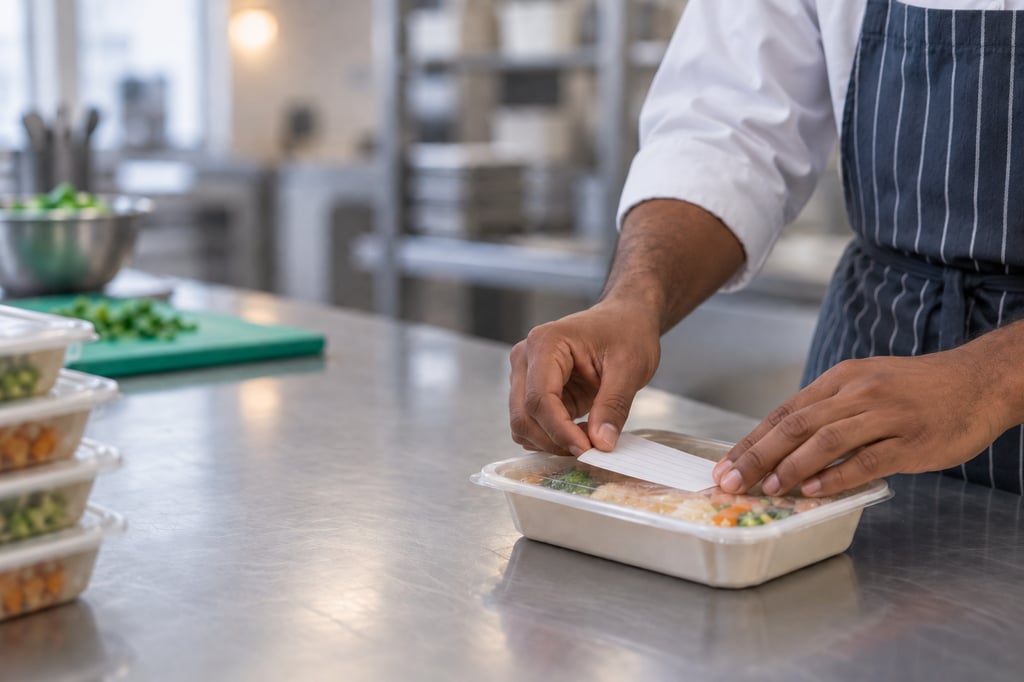
Labelling Food

Labelling & PPDS

Ingredient declarations, allergen emphasis, use-by dates, batch codes and barcodes are generated from live recipe and inventory data, and printed on the printer you already have.

Find out more →
FAQ

Probe logging commonly asked questions

Bluetooth probe logging captures a food temperature directly from a paired probe into the platform, with a timestamp, the user and the dish or batch attached. It removes the step where a reading is written down and typed up later.

Cooking, reheating, cooling, hot-hold, goods-in and dispatch. You set the limits for each check, and anything outside them raises a corrective action.

Yes. A cooling record tracks the window against the limits you set, prompts the readings that are due and flags a batch that is not cooling fast enough while it can still be acted on.

ocapii supports Bluetooth probe logging and is designed to be device agnostic. Confirm your specific probe model with the team before roll-out.

Yes. Checks can be completed offline and sync when the device reconnects.

A reading outside its limit raises a corrective action with an owner and an evidence requirement, and the batch is flagged on the site dashboard until it is resolved.

No platform can do that on its own. ocapii keeps timestamped, user-attributed records with full history, which supports your HACCP plan and inspections. The outcome depends on your own processes and the people following them.