Food Label Printing

Every label, straight from live data.

Ocapii prints use-by, allergen, ingredient, nutrition, barcode and asset labels from the inventory and recipes your team already keeps. The critical information fills in from your own records rather than being typed at the printer, so a label cannot quietly contradict the system behind it. Ten ready-made templates, a designer for the rest, and any thermal label printer that installs with its driver.

Ready-made templatesUse-by, allergen, nutrition, barcode
Locked use-by datesStraight from the inventory record
Any thermal printerNo proprietary hardware, no lock-in

#anchor

What it does

The allergen label is only as accurate as whoever last typed it.

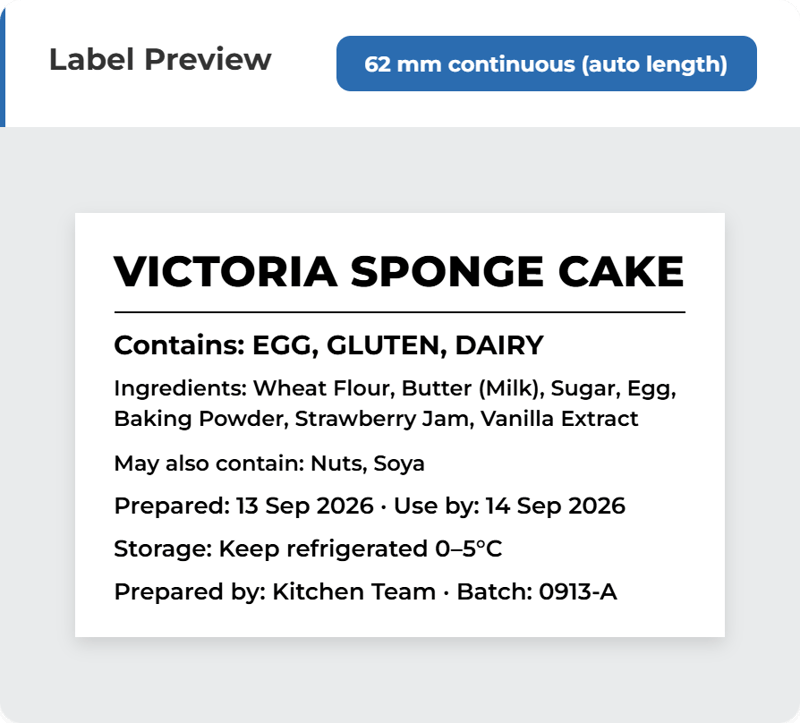
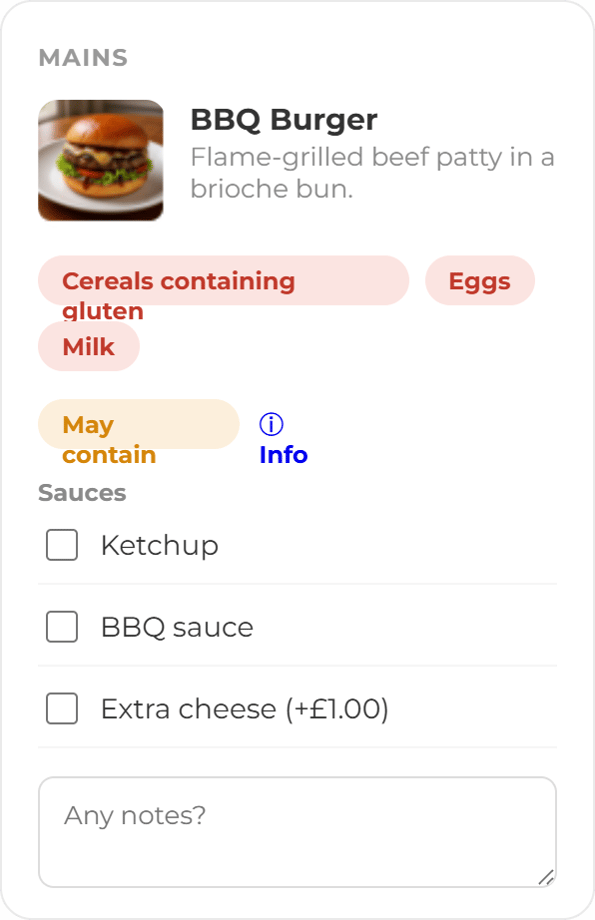
Pick a product and print. Allergens, ingredients and nutrition fill in straight from its inventory record, including detail captured by photographing a supplier label and letting ocapii extract it. Nothing is retyped at the printer, so nothing gets transcribed wrong. 

A sandwich has fourteen ingredients. Your label gun knows none of them.

Choose a made-in-house dish and ocapii builds the label from its recipe: every allergen across every component, one combined ingredient declaration and per-serving nutrition, converted across weights, volumes and counts. Where a recipe line cannot be converted cleanly, the label states that the values are approximate rather than presenting a number it cannot stand behind.


Head office sets the standard. Then twenty sites quietly edit it.

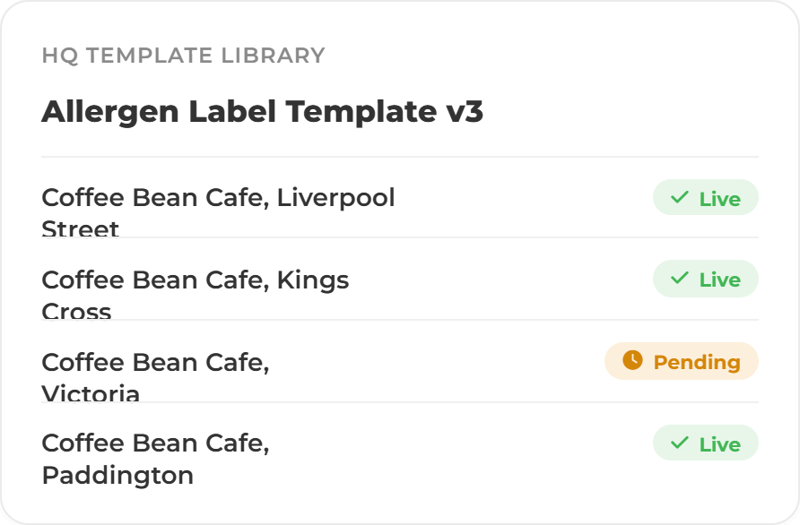
Design a template once and publish it to selected sites, locked read-only, with full version history and one-click rollback. Allergen formatting, layout and branding stay identical across the estate, and a change made centrally syncs to every site rather than needing twenty separate conversations.


Every kitchen wants a slightly different label. Most systems make that IT's problem.

Build a label from ordered elements: logo, allergens, ingredients, nutrition panel, dates, QR code, barcode and free text. The live preview matches the printed output exactly, with presets for the continuous rolls and die-cut sizes kitchens can actually buy, so what you approve on screen is what comes off the roll.


Ready to make food labelling easier to see, act on and prove?

One template library, one permission model, every site printing the same label from the same live data.

FAQ

Food label printing common questions

No. The labels are one surface of the same operational data that runs your HACCP checks, inventory expiry alerts and corrective actions. A standalone label system needs its own product database, maintained separately by someone. Here the allergens, ingredients, nutrition and expiry dates are already in the inventory your team works to every day, captured once and reused on every label.


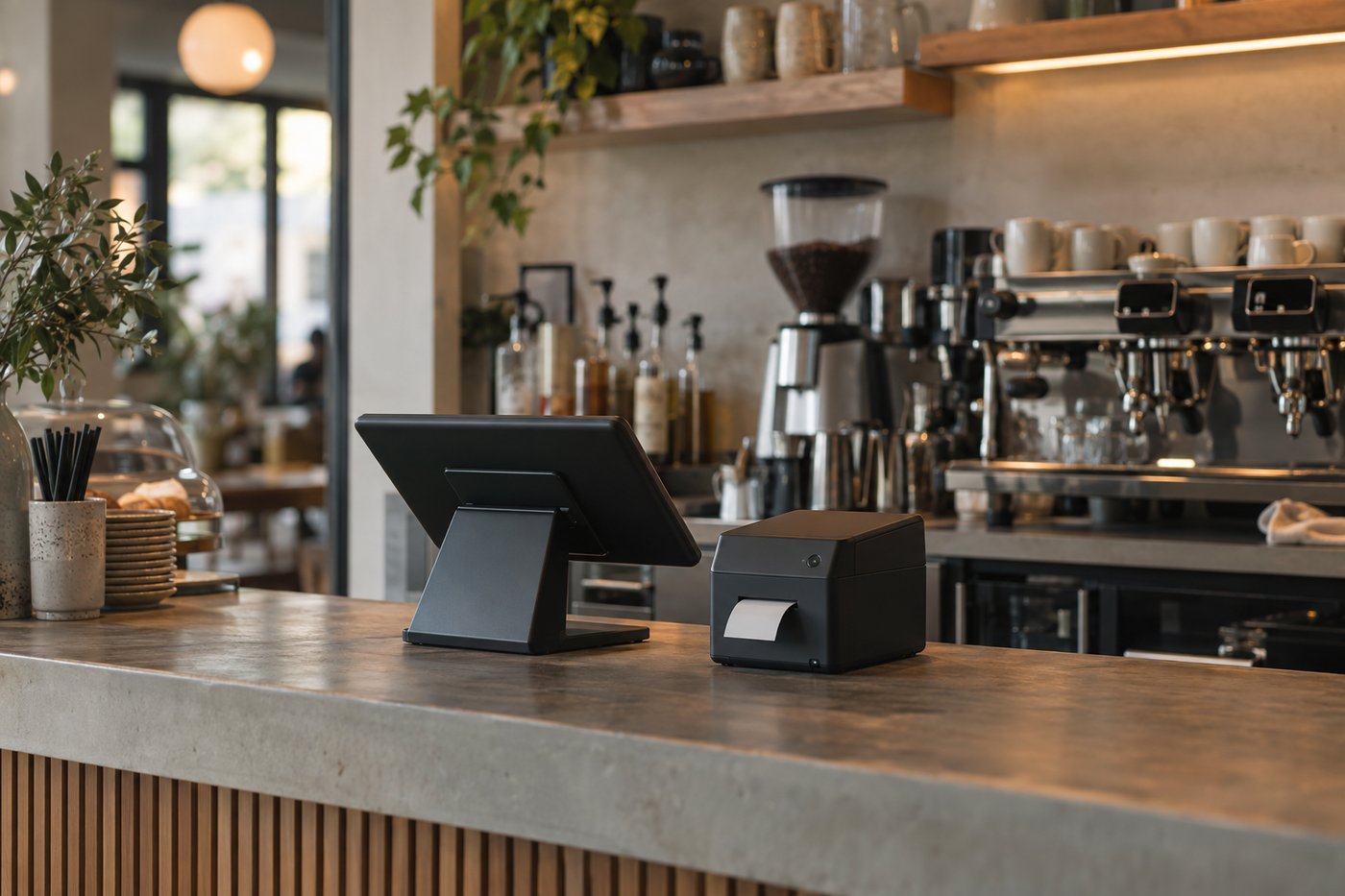
Any thermal label printer installed with its driver. Ocapii sizes the print page exactly to the label in millimetres and prints through the standard print dialog, so there is no proprietary hardware, no per-printer licence and no separate label-system subscription. Continuous rolls are the default consumable (62 mm and 102 mm presets, for example a Brother DK-22205 62 mm roll), with 62 × 40 mm, 57 × 32 mm and 102 × 51 mm die-cut sizes supported out of the box and custom widths from 20 to 300 mm.


No. Every site starts with ten ready-made templates covering use-by and day-dot, allergens, ingredients and nutrition, full food-information, barcodes, asset labels and QR ordering points. The designer is there when you want something of your own, and template management is handled in the web platform.


No, and we would rather be straight about it. Use-by dates come from the product's inventory expiry record, which is the date your team already maintains. Opened and check dates are entered at the point of printing, so the judgement stays with the people who know the product.


The data on every label lives in ocapii's audited records. Because a label is generated from the product and recipe rather than typed at the printer, its allergen, ingredient and use-by claims trace back to the inventory and recipe records that produced them, with the history that sits behind those records.


Ocapii supports mobile label printing through its API, using the same permissions and the same locked use-by dates as the web, with template management staying web-side. Talk to us about what your current app release supports.

Assets and ordering points as well as stock and dishes. Asset labels carry a scan payload, asset code, serial, location, category and next service date from the asset register, and QR labels encode the public ordering link for table or room stickers.