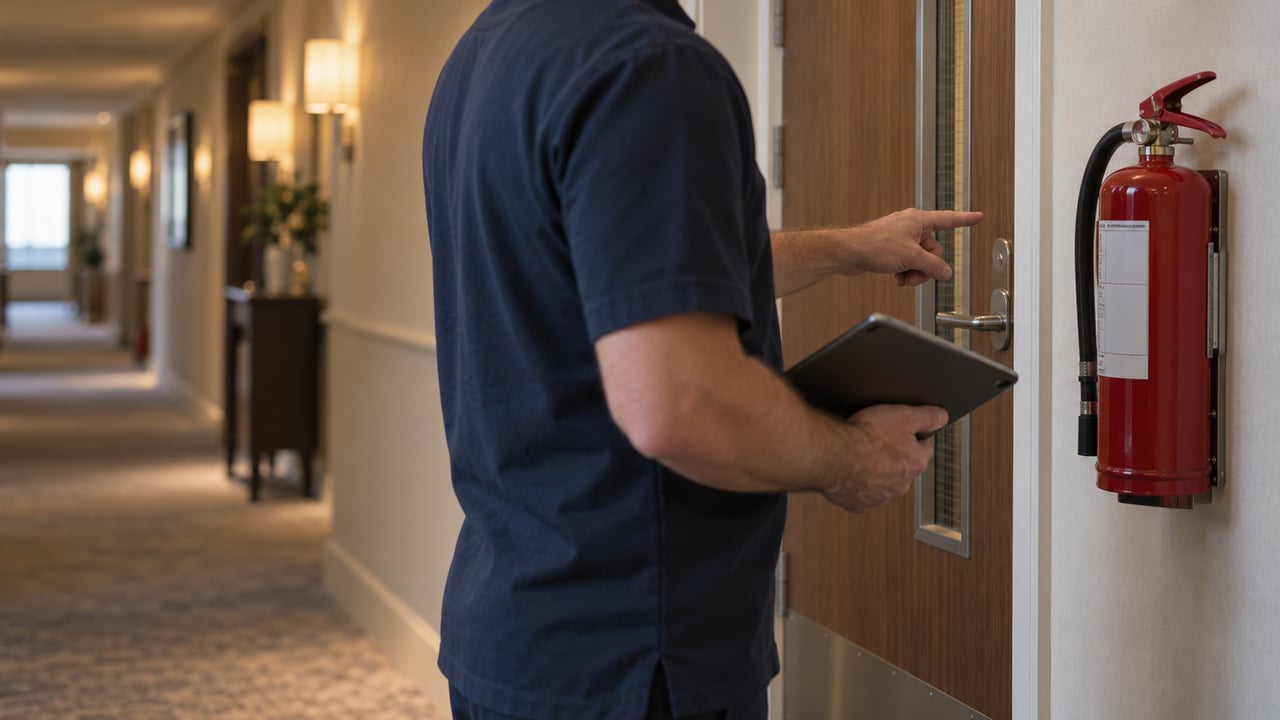
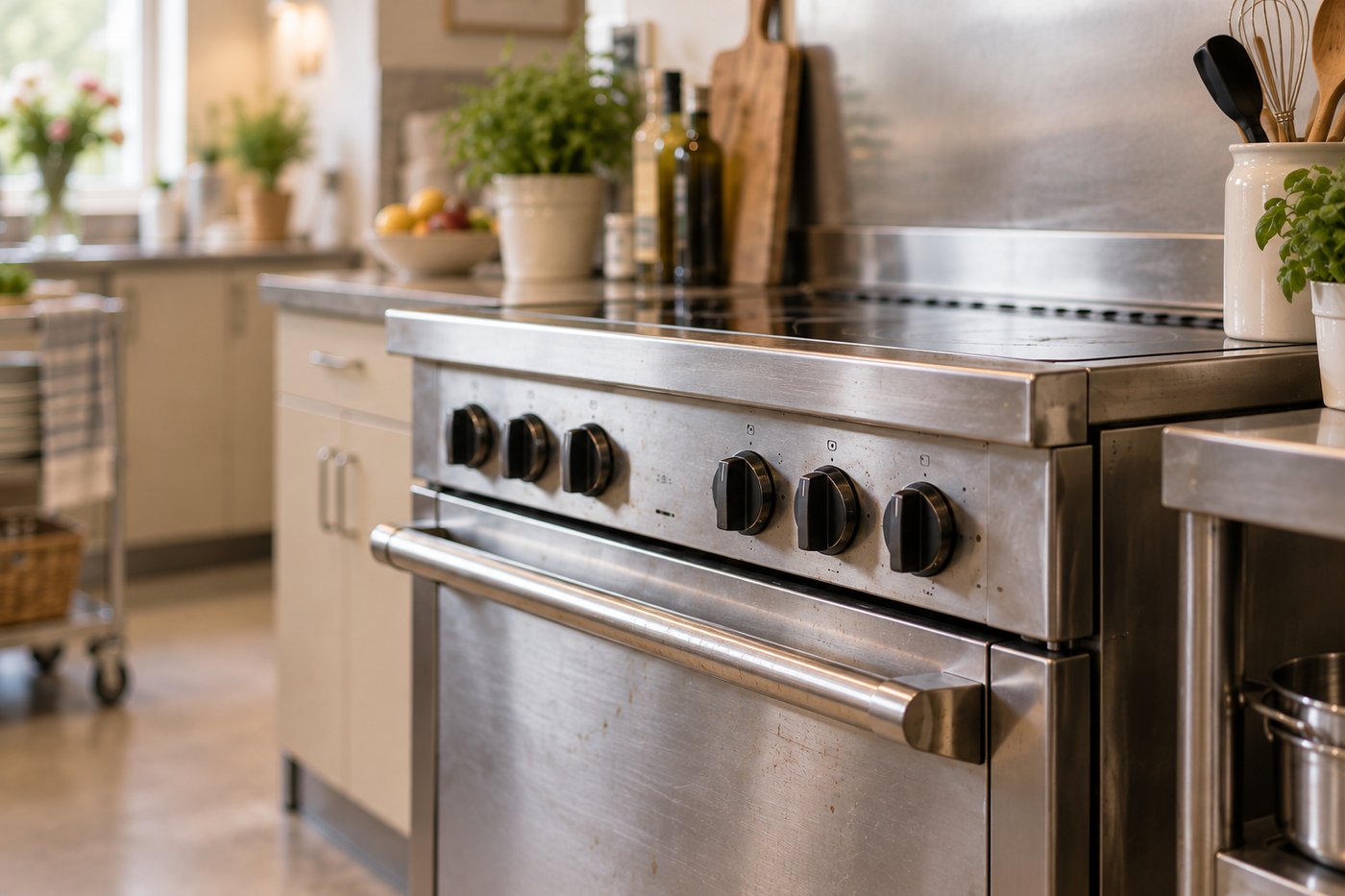
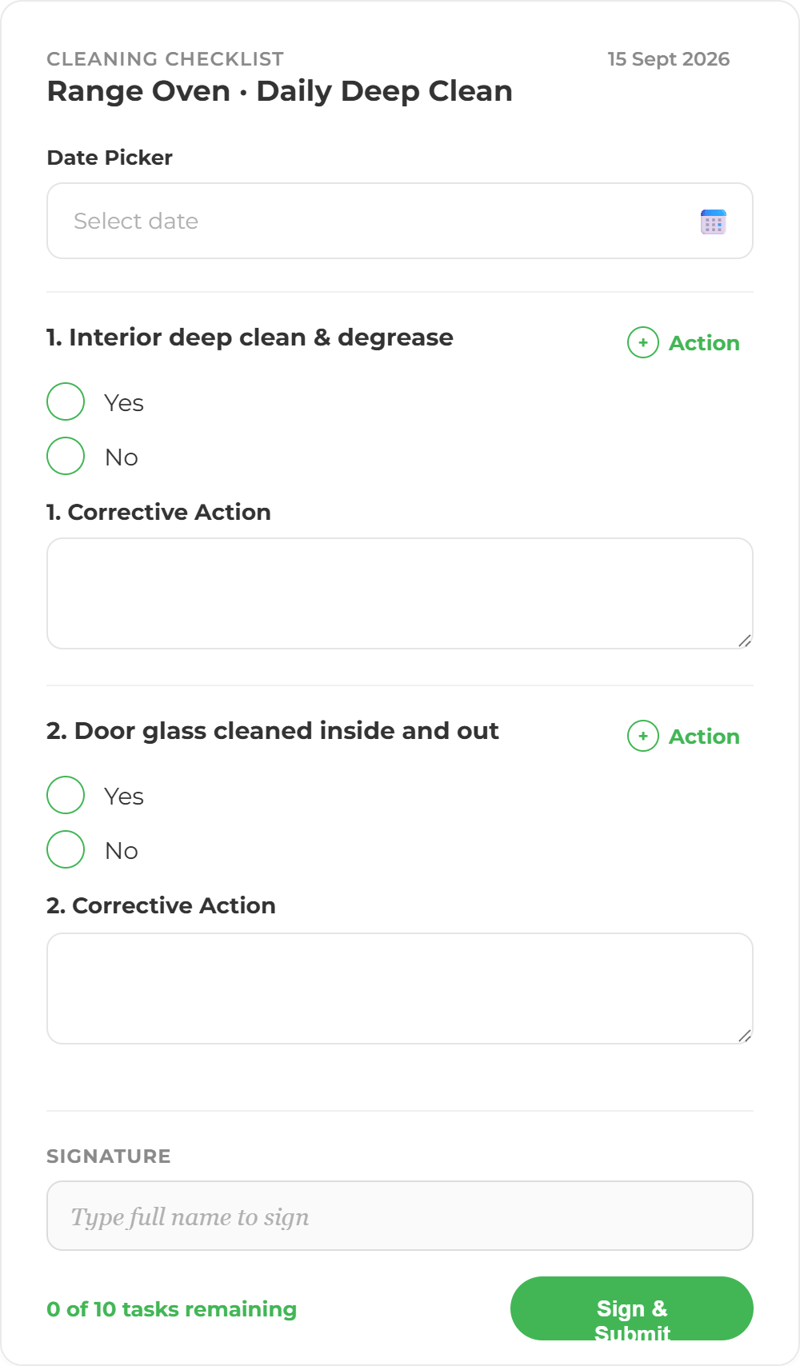
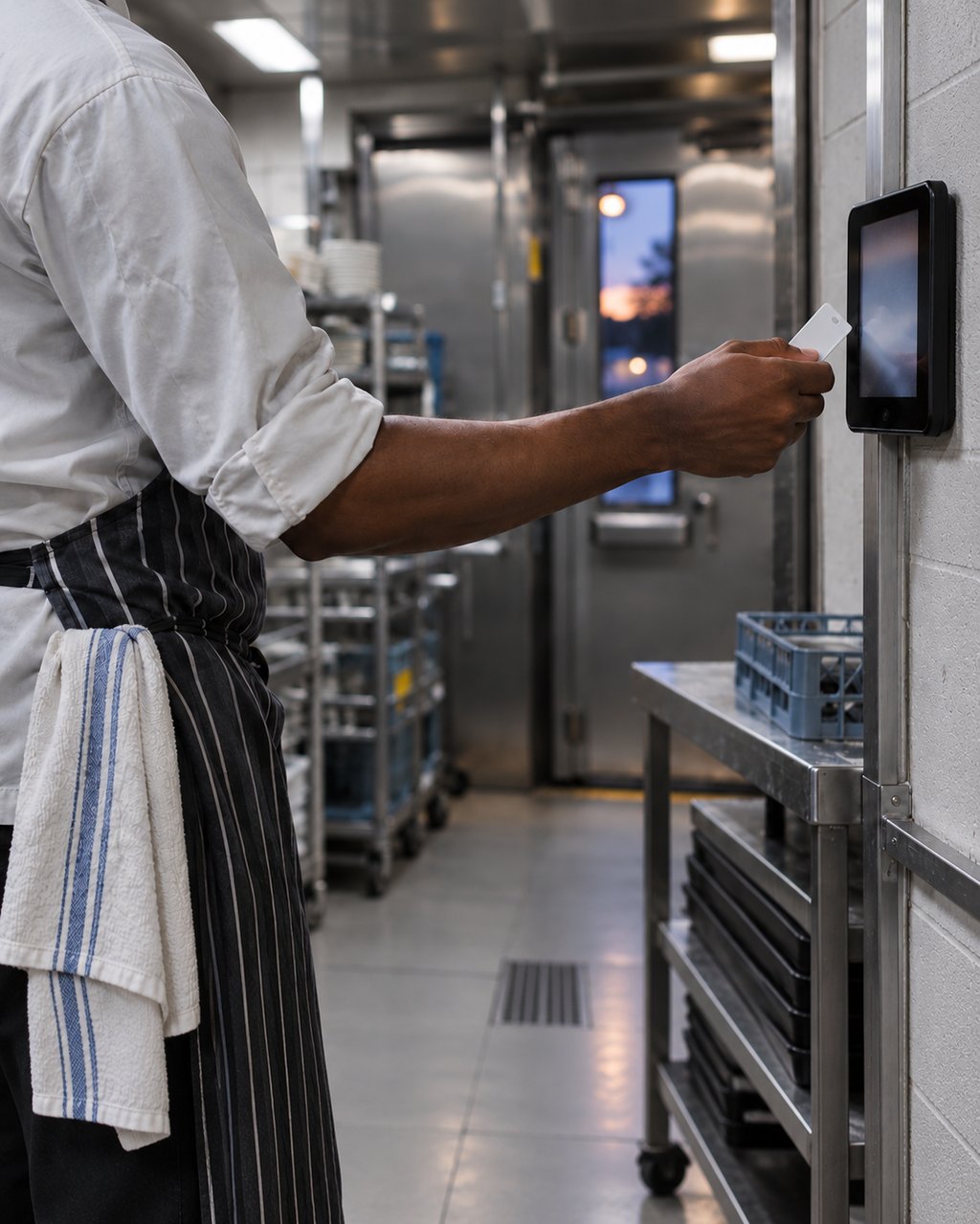
With ocapii, every check your team completes gets acted on.
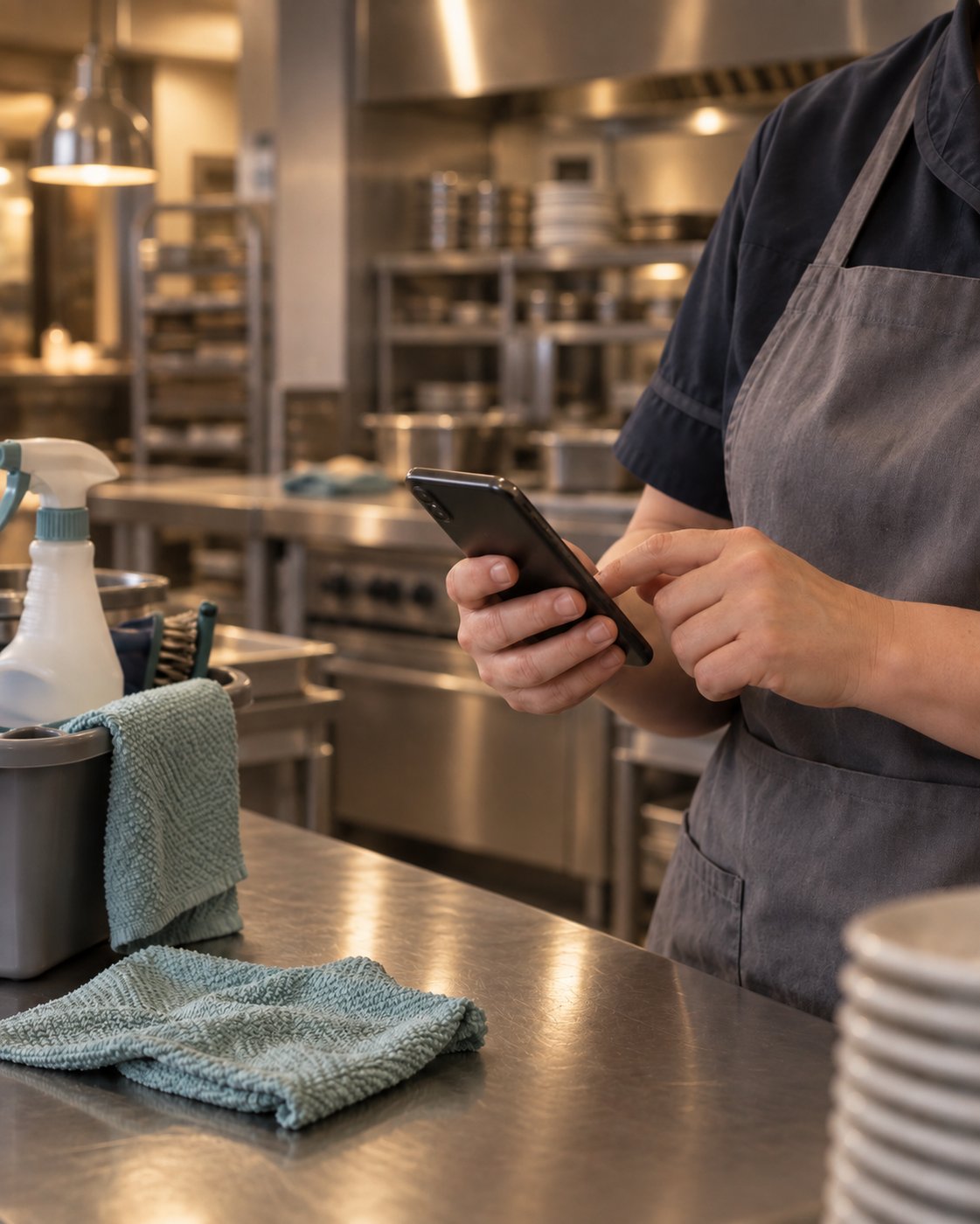
Checks are completed on a phone, failures become actions with a name and a deadline, and the evidence is kept as the work happens. Nothing is ticked and forgotten.
Every check, one place to start.
Pick the area you need: food safety or health and safety. Each one shows what ocapii does there.
Digital HACCP
Temperature Monitoring
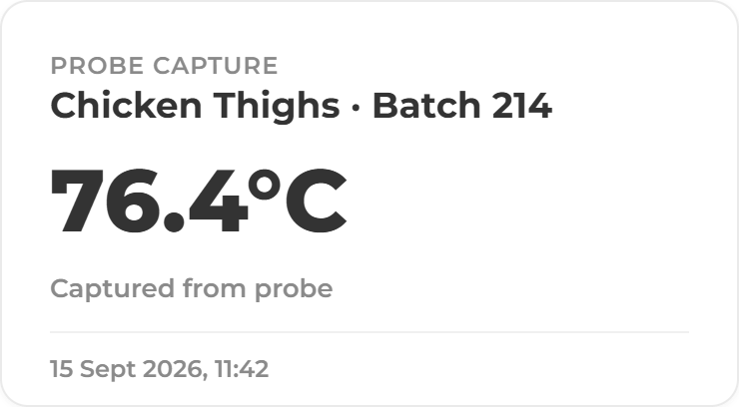
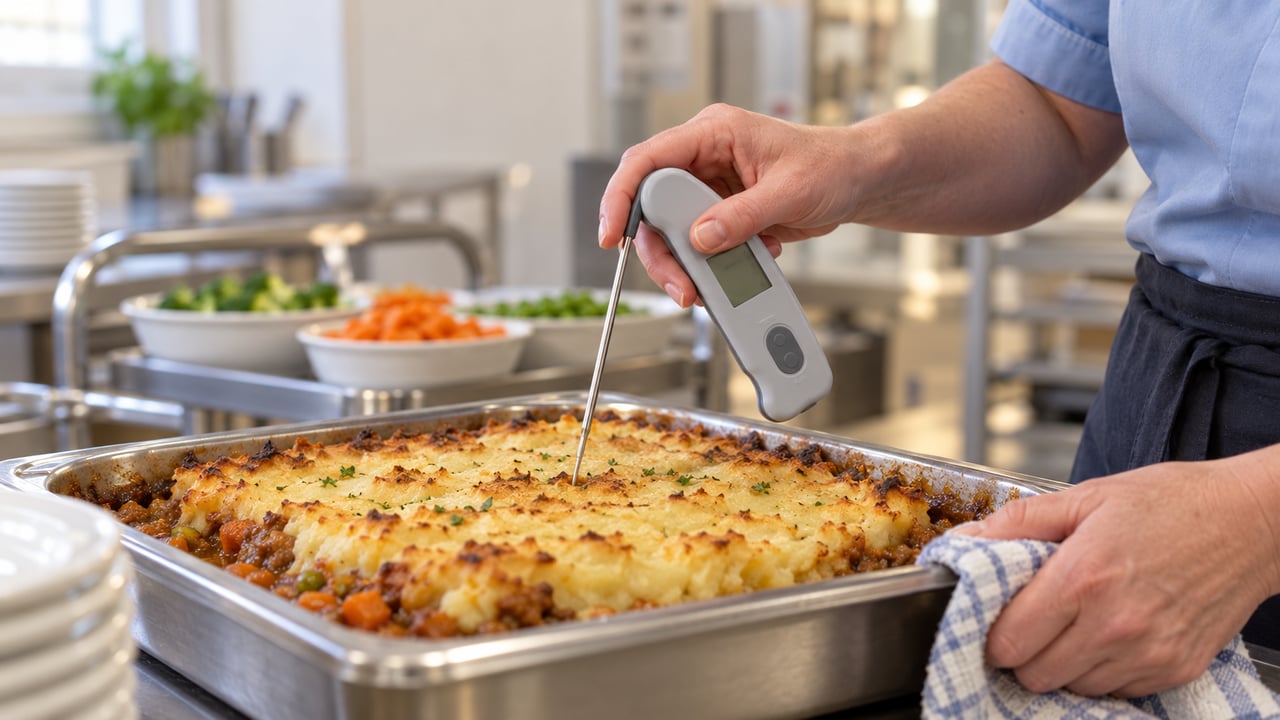
Probe Logging & Cook-Chill Records
Labelling & Allergens
Cleaning Checklists
Goods In & Supplier Assurance
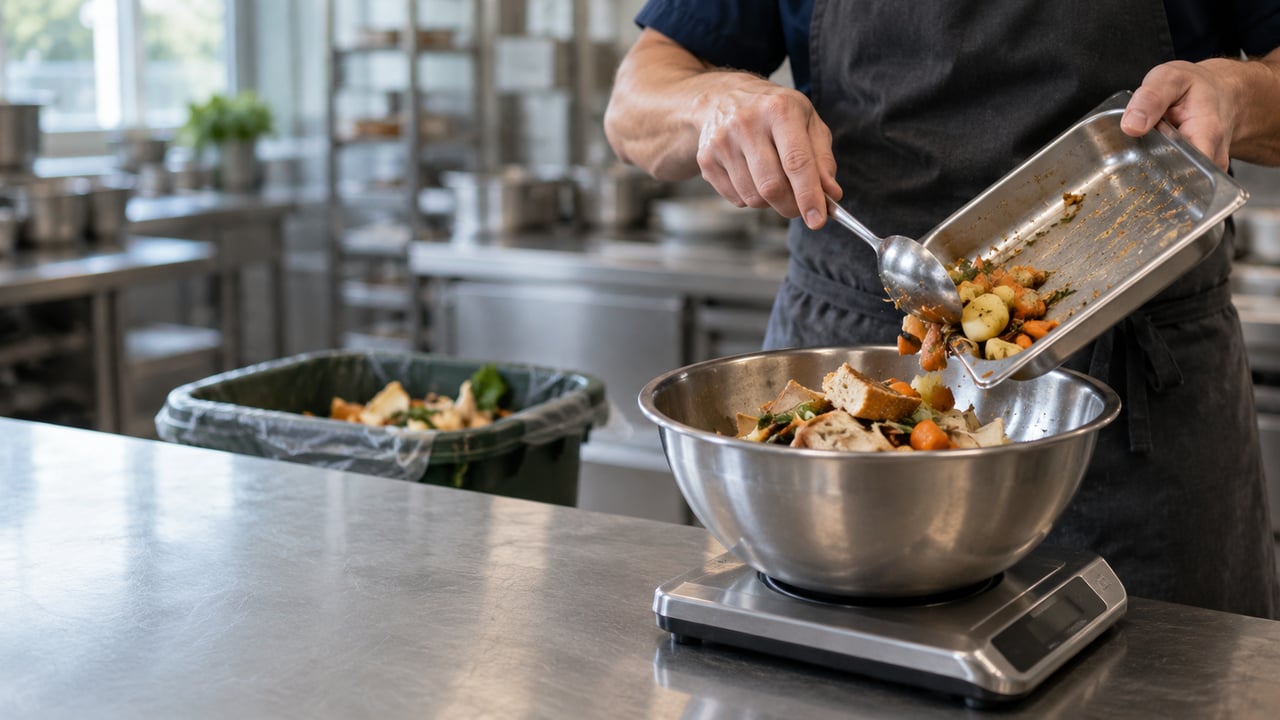
Food Waste Reduction
Documents & Policies
HACCP that proves itself.
Records, photographs, temperatures and corrective actions filtered by date, site and area.
.png?width=1280&name=ChatGPT%20Image%20Sep%2014,%202026,%2003_47_19%20PM%20(5).png)
Related capabilities
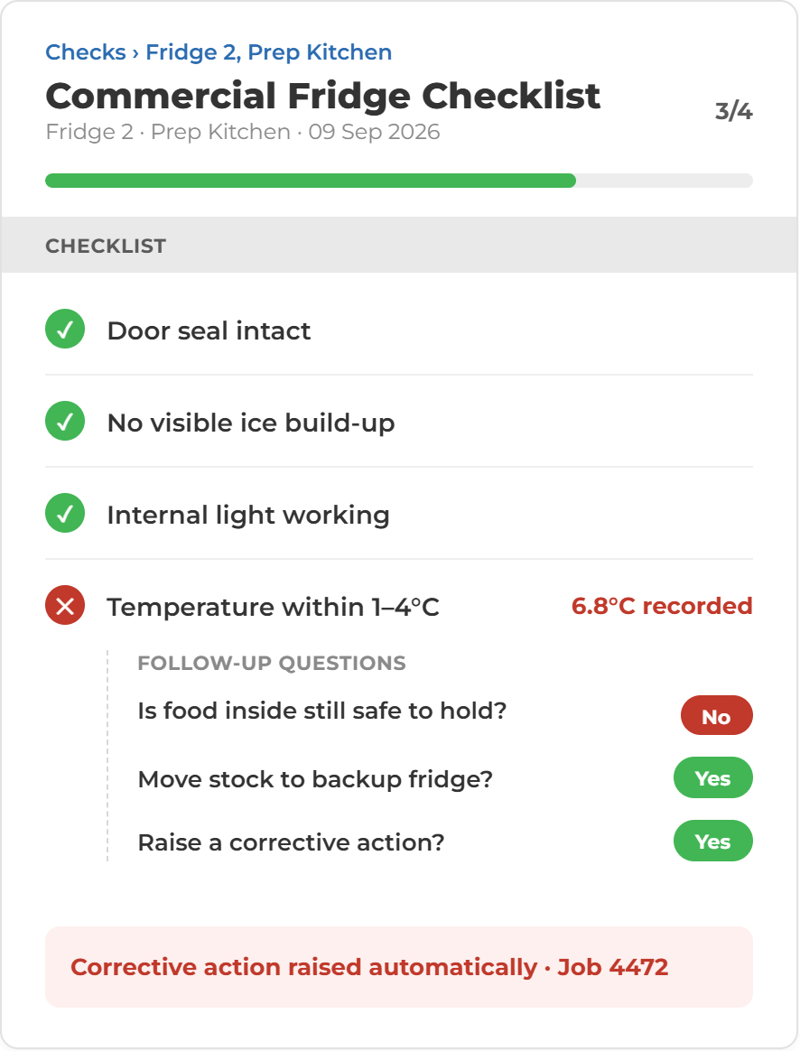
A failed check becomes someone's job
When a check falls outside its limits, ocapii raises a corrective action with a name, a deadline and the evidence needed to close it. It stays on the dashboard until it is dealt with.
Work is connected, so actions are automatically assigned and not lost.
A ticked box doesn't fix anything. In ocapii, a failed check starts the fix. Checks turn up on your team's phone or tablet when they're due. If something's wrong, an action is raised straight away, with a name, a deadline and the proof needed to close it. If nobody picks it up, it goes up the chain. When it's fixed, it's closed with evidence attached. Managers see it, HQ sees it, and your audit trail writes itself.
Incidents and near misses on the same record
Report an incident or near miss from the staff app, with photos. It links to the actions it creates, escalates if nobody responds, and feeds the trend reporting.
Watch a check become the proof
From the check on a phone to the corrective action and the audit record, see how each part of the suite connects.
Everything a check needs, in one suite.
Incident Management
Incidents and near misses reported from a phone with photos, linked to the actions they create and escalated if nobody responds.
Explore the module →Food Safety
Checks, temperatures, allergens and corrective actions for every kitchen, kept in one place.
Explore the module →Health and Safety
Risk, incidents, inspections and statutory checks for every site, held on one record.
Explore the module →Digital HACCP
Critical control checks and manager sign-off on a phone, with a timestamped record of every step.
Explore the module →Labelling & Allergens
Allergen, ingredient and use-by labels printed from live recipe and stock data, so the label matches the dish.
Explore the module →Cleaning Checklists
Daily, weekly and deep-clean tasks on a schedule, with an owner and photo evidence where you ask for it.
Explore the module →Risk Assessments
Hazards become assigned controls with owners and deadlines, and open risk is visible across every site.
Explore the module →Safety Audits & Inspections
The same template at every site. Failed items become actions and the report builds itself from the answers.
Explore the module →Be audit ready
Bring food safety checks, temperature monitoring and corrective actions together. Give your team clear tasks and keep a traceable record across every site, so you’re ready when an auditor walks in.
Ask what the procedure says.
Mira reads your own policies, SOPs, risk assessments and certificates and answers in plain language, showing where the answer came from. It drafts checks from documents you already hold, and a person approves them before they go live. If it does not have an answer, it says so.
More ways to use ocapii
Energy and Environmental Monitoring
Find energy waste and respond to conditions.
Explore the suite →Questions about Safety and Compliance
Software that replaces paper checklists, logs and folders with digital checks, incident reports, risk assessments and controlled documents, and tracks what happens when something fails. In ocapii, every record is timestamped, attributed to the person who completed it and linked to any action it raised.
Food safety, health and safety, routine checklists and workflows, incidents and near misses, corrective actions, risk assessments, collaborative checks, controlled documents and audits. Each has its own page if you want the detail.
Yes. Each ocapii technology suite can be used on its own. Many customers start here and add Assets and Maintenance or Energy and Environmental Monitoring later, on the same platform and the same records.
No. The suite runs on the staff app and web dashboard. Continuous temperature and energy monitoring sit in the Energy and Environmental Monitoring suite if you want them; confirm your specific devices with the team.
Yes. Checks, forms and evidence capture work offline in the staff app and sync when the device reconnects.
No, and no platform can. ocapii produces timestamped, user-attributed records with photographic evidence and full history, which supports inspection and audit preparation. The outcome depends on your own processes and the people carrying them out.
No. The same suite runs in care homes, hospitals, schools, universities, hotels, leisure venues, facilities teams and manufacturing sites. The checks change, the platform does not.
See what happens after the check.
Walk through a failed check, the action it raises and the evidence that closes it, on your own kind of site.


.png?width=1280&name=ChatGPT%20Image%20Sep%2014,%202026,%2003_47_18%20PM%20(3).png)
.png?width=1280&name=ChatGPT%20Image%20Sep%2017,%202026,%2003_19_54%20PM%20(1).png)
.png?width=1280&name=ChatGPT%20Image%20Sep%2014,%202026,%2003_47_18%20PM%20(4).png)