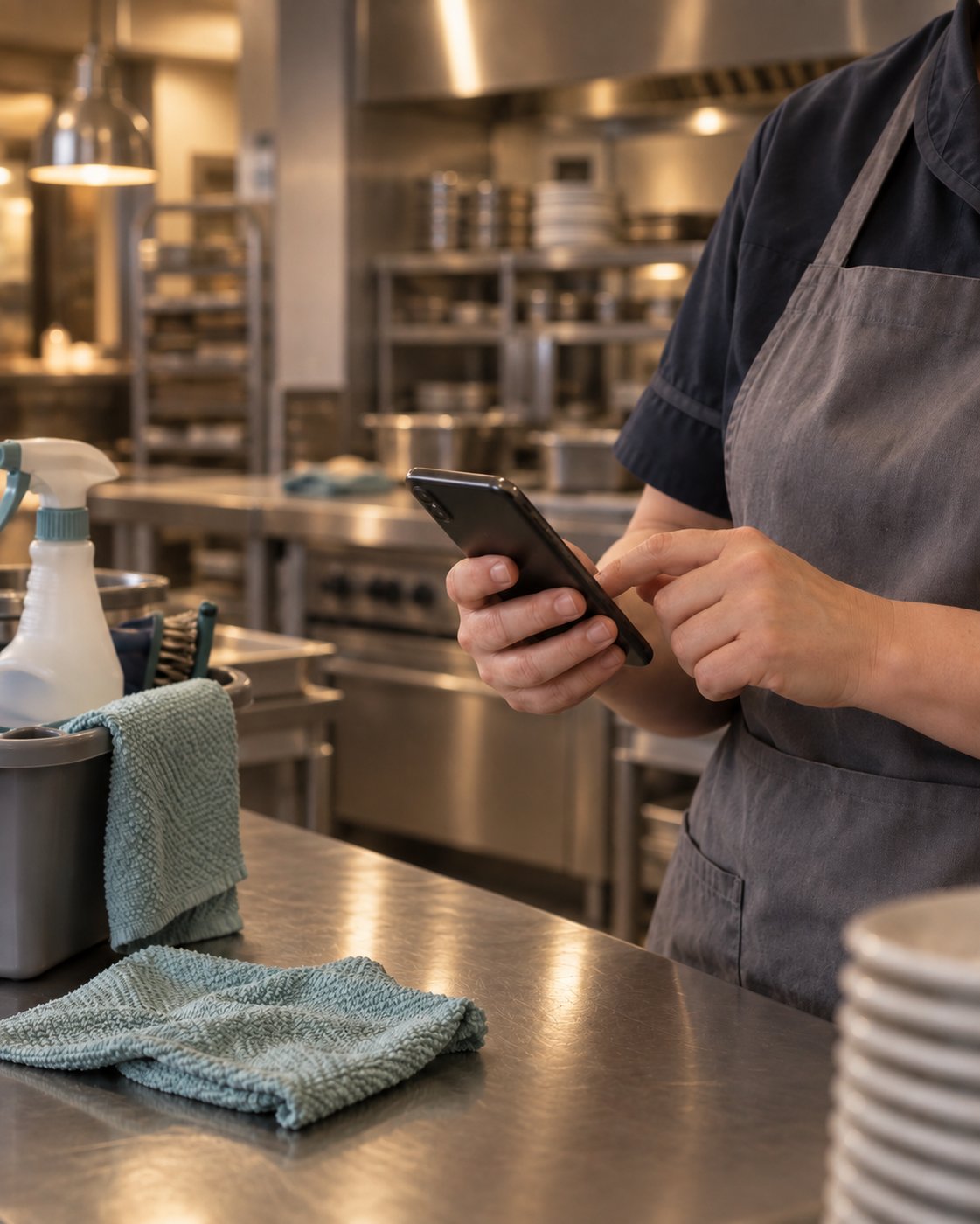
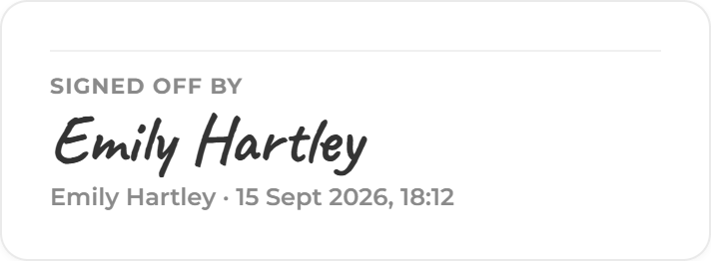
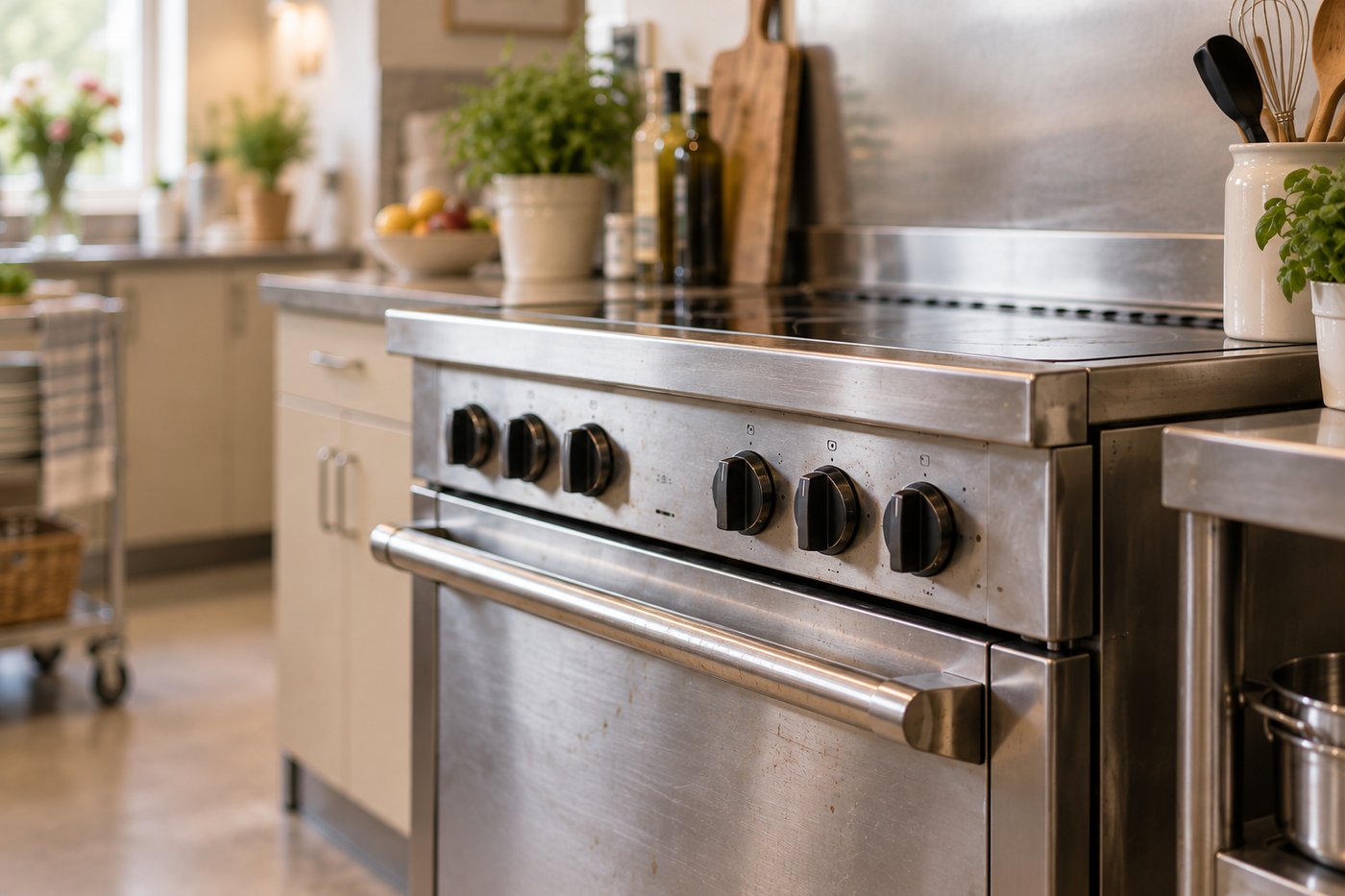
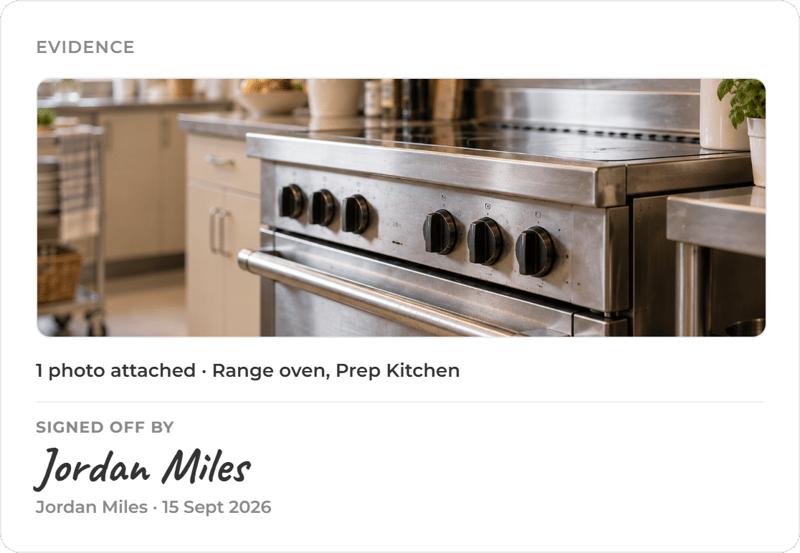
What was cleaned, by whom, and how you know.
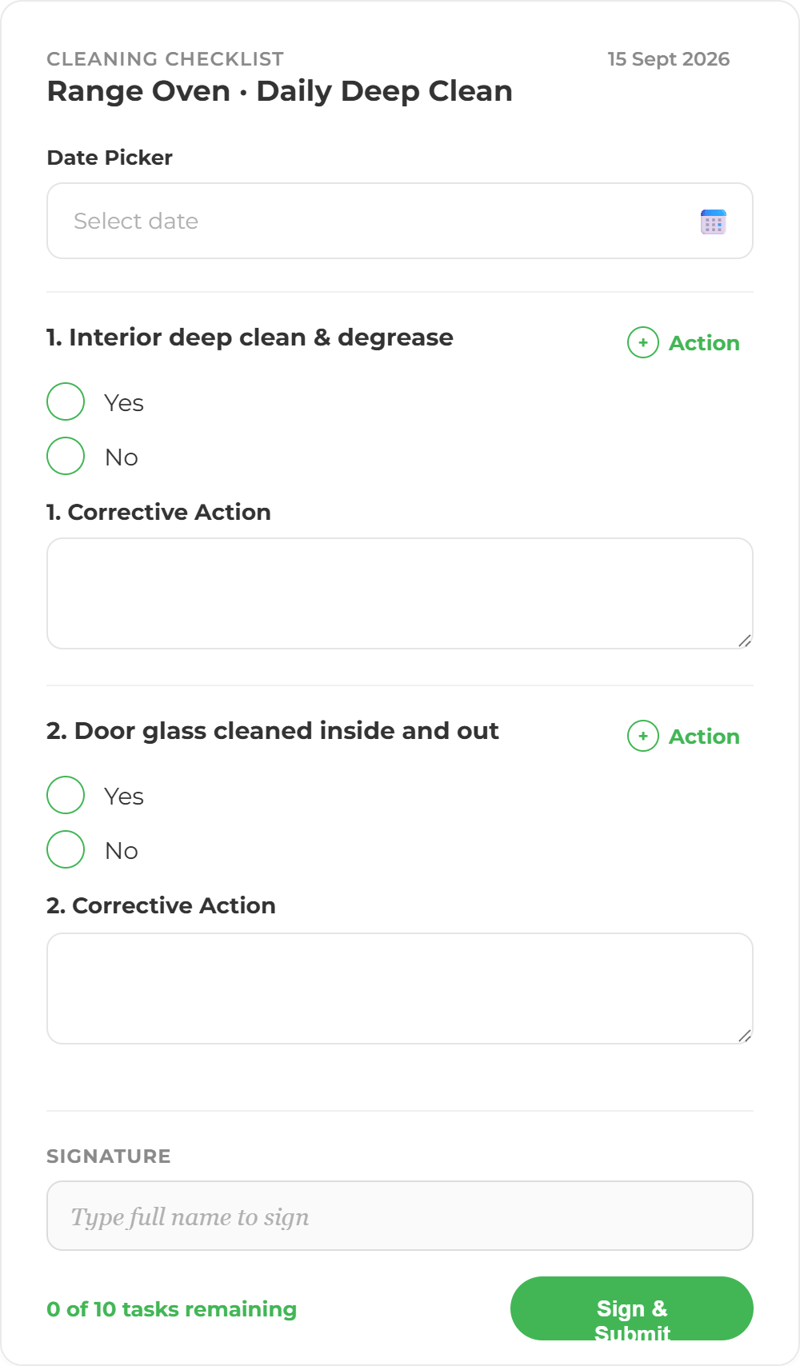
Daily, weekly, periodic and deep clean tasks run on schedule with an owner attached, and photographic evidence where you ask for it.
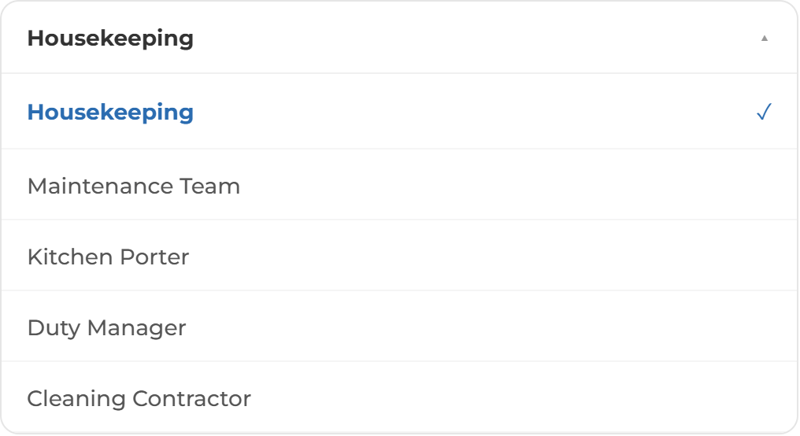
Assigned for the way your business operates
Set schedules by room, by area and by shift, so the list matches the way your business actually runs rather than the way a template assumes it does.
Evidence where it is needed
Set which tasks require a photo or a signature before they can be marked complete, for the small number where it genuinely matters.
See what was done, without walking the floor
Completion shows by room, by area and by shift, so a manager can see what has been done without walking the building or asking at handover. Anything outstanding is visible while there is still time in the day to pick it up.
Keep track of your cleaning schedules.
More ways to use ocapii
Facilities & PPM
Planned work, reactive jobs, statutory checks and contractor visits, per building and across the estate.
Find out more →
Food Safety
Every check, from goods-in to final plate, captured, timestamped and logged in real time.
Find out more →
Asset Management
Scan the label on any piece of equipment and its full record opens: history, safety status, open work and what's due next.
Find out more →Cleaning checklists commonly asked questions
It turns a cleaning schedule into assigned, scheduled tasks with named owners, captures evidence at the point of completion, and shows live what has been done and what is overdue across sites.
Yes. You set the evidence requirement per task. A task can require a photograph, a reading, a signature or a document before it can be closed.
Cleaning, sanitation and infection control tasks can be built as scheduled workflows with evidence requirements and corrective actions. The clinical standard itself is set by your own policies and qualified staff.
Where dishwasher or equipment sensors are fitted, hygiene cycle temperatures are monitored and a failed cycle raises a maintenance job or corrective action against the machine.