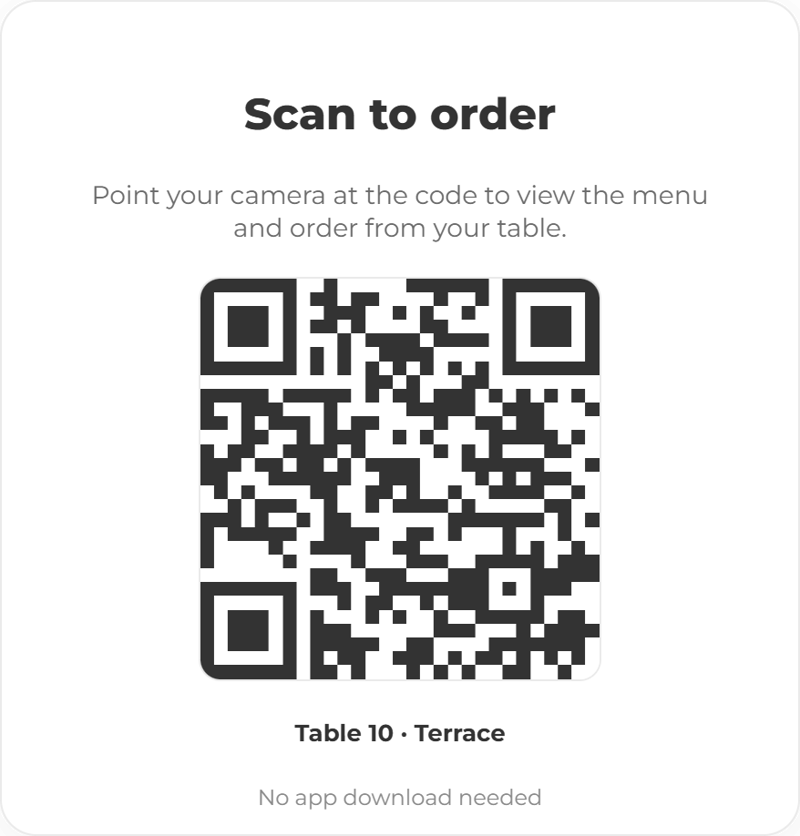
Let guests order from where they are sitting.
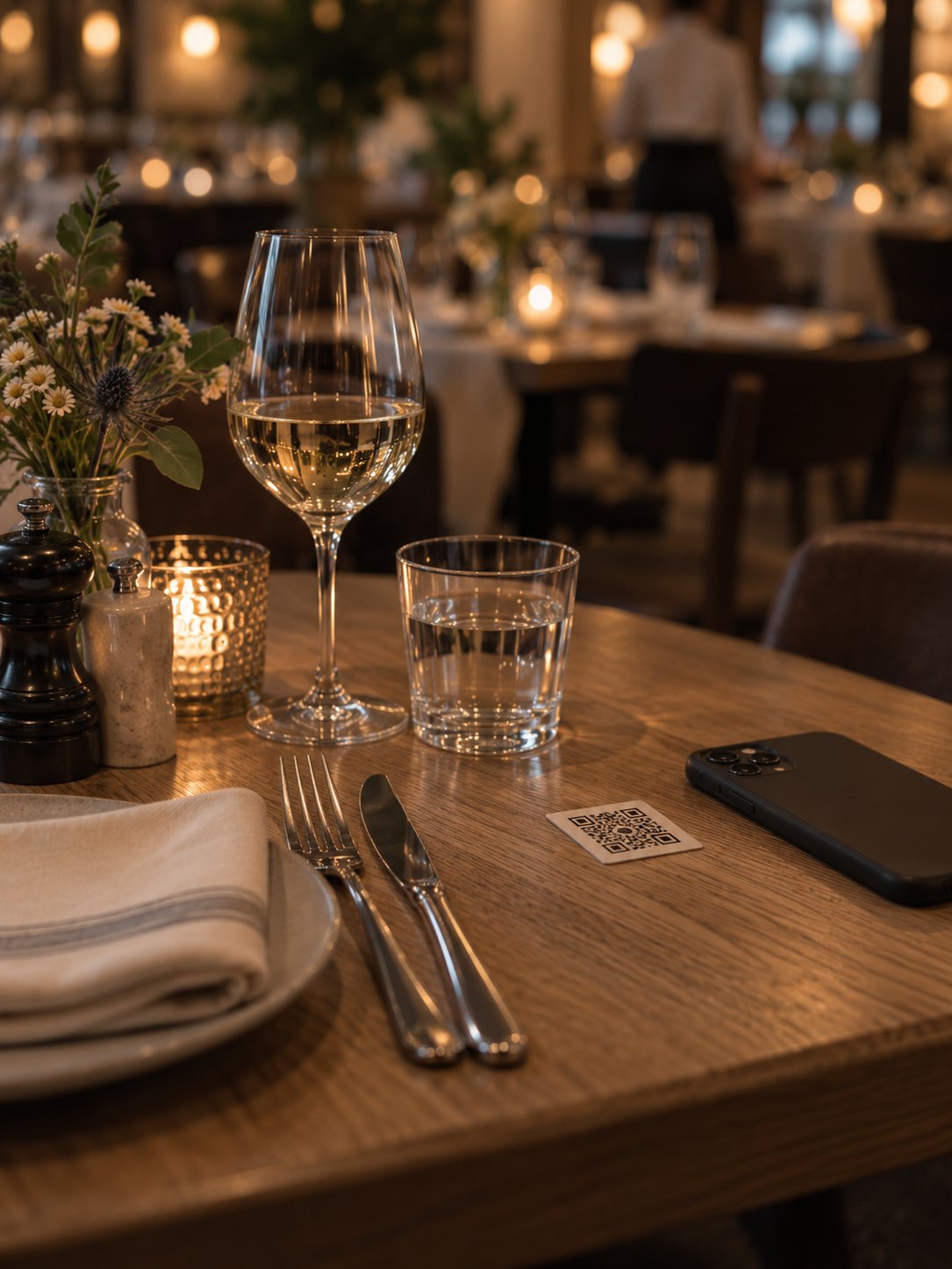
Ocapii puts your live menu on their phone at the table, in the room or in the seat without downloading an app.
One menu, however they order
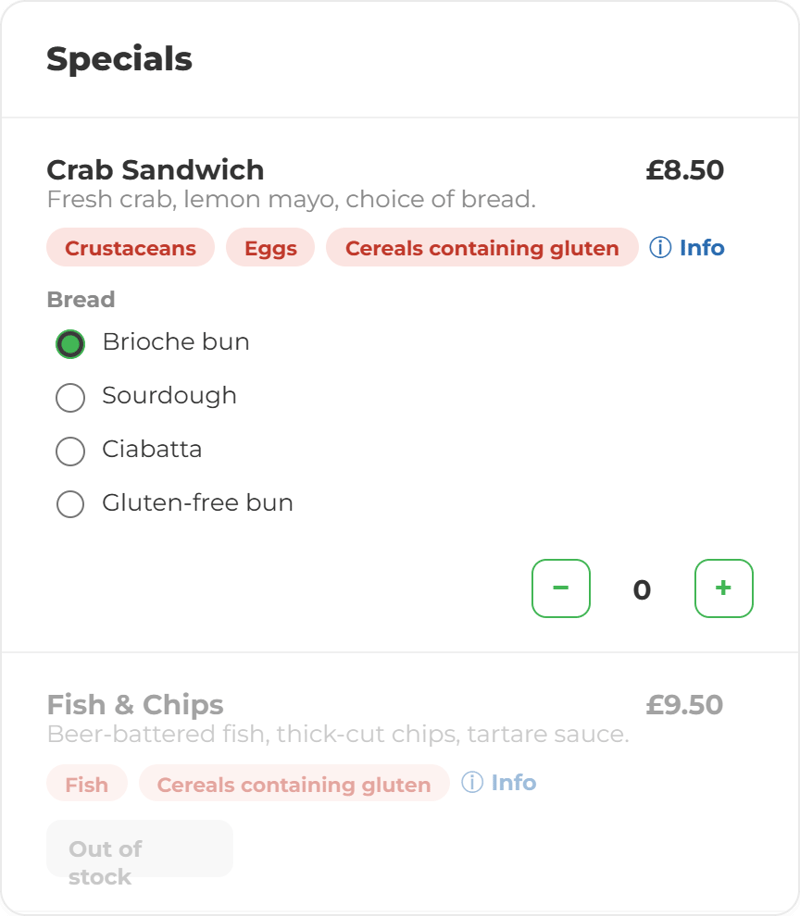
Guests see exactly what the till sees. Prices, options, sold-out items and allergen information all come from the same place, so a guest cannot order something the kitchen cannot make.
A guest order is a real order
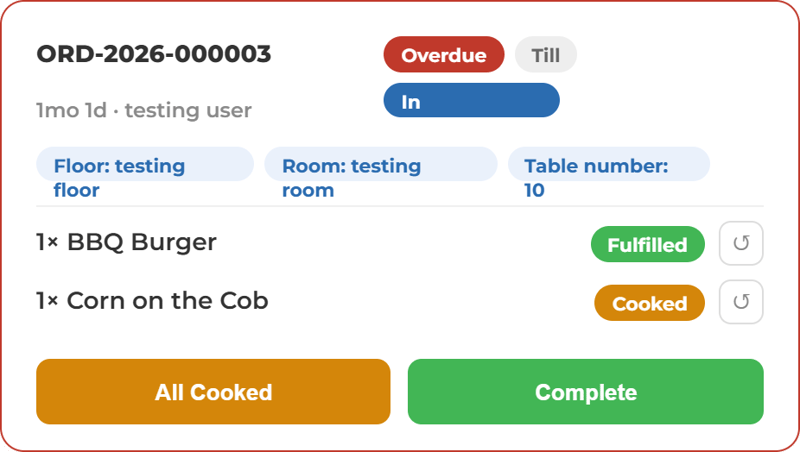
It routes to the right station and joins the same queue as everything else. Your team does not work from a second screen or a tablet in the corner.
Allergen information where the choice is made
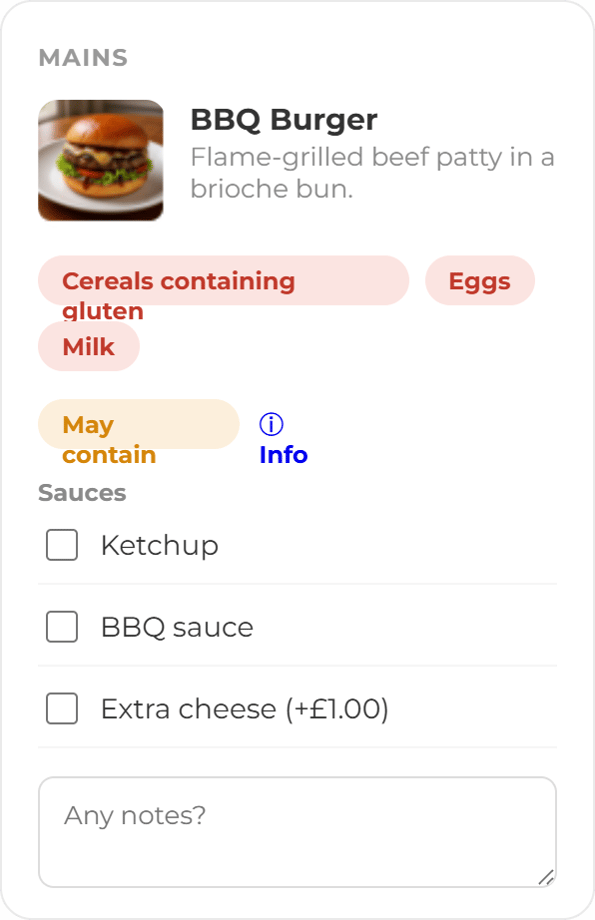
Allergen and ingredient data sits with the product, so it reaches the guest's screen without anyone retyping it. Guests filter and check before they order. This supports allergen accuracy, it does not replace your own allergen management.
Ready to let your guests order with ease?
More ways to use ocapii
Kitchen fulfilment
Orders, diets and portion counts on one screen, grouped the way the kitchen actually works.
Find out more →

Menu Management
Ocapii holds one menu, connected to your recipes, your stock and your allergen data.
Find out more →Self ordering common questions
No. Guests scan a QR code and the menu opens in their phone's browser. Nothing to download, no account, no login.
Yes. Guest orders and staff-taken orders arrive on the same board. Most venues run both rather than replacing one with the other.
It becomes unavailable on the guest screen at the same moment it becomes unavailable on the till. Availability comes from one place.
Yes. Allergen and ingredient data shows on the guest screen and the menu can be filtered by allergen. This supports allergen accuracy, it does not replace staff verification.
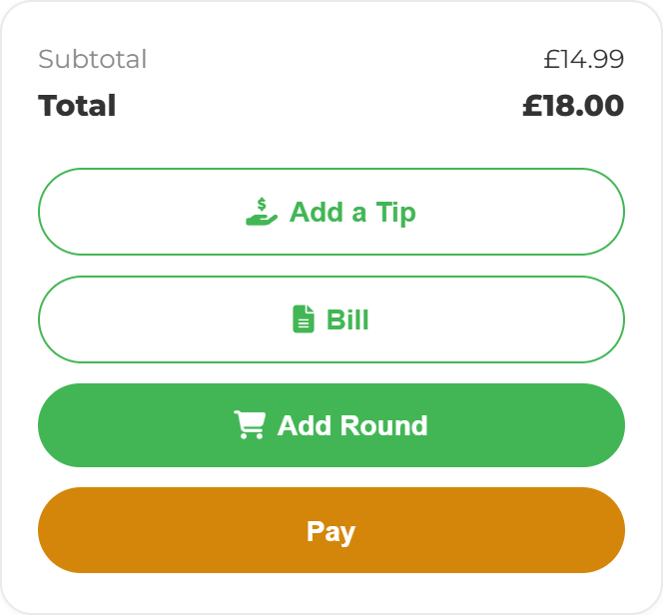
Yes. They can pay as they order, or run a tab and settle at the end. Staff can also take payment at the till for the same order.
Guest ordering is part of ocapii POS and works with the ocapii Till out of the box. For another till system, talk to us before assuming it connects.