Order Management

Make every order easier to fulfil and track.

Bring order requests, fulfilment tasks, updates and evidence into one connected flow, helping teams deliver with less manual chasing.

One live queueNew → preparing → fulfilled
Routed + ownedEvery order has a next step
Proven doneEvidence per fulfilment
The gap between order and fulfilment

Disconnected systems turn orders into manual chasing.

Food orders are often captured, but the fulfilment work sits across paper notes, kitchen tickets and disconnected systems. That leaves teams chasing updates, missing dietary or allergen notes, losing visibility of preparation status and struggling to prove what was ordered, changed and delivered.

With Ocapii

Food orders, connected from request to fulfilment.

Ocapii turns food orders into connected fulfilment workflows, linking preparation, allergen information, updates and delivery evidence so teams stay aligned and customers get a more reliable order experience.

Watch

Inside the OCAPII order management

An end-to-end walkthrough of how OCAPII manages food orders from request to completion.

[ video · upload via HubSpot or paste URL ]
Order management workflows

One connected system for orders, requests and fulfilment.

Order capture

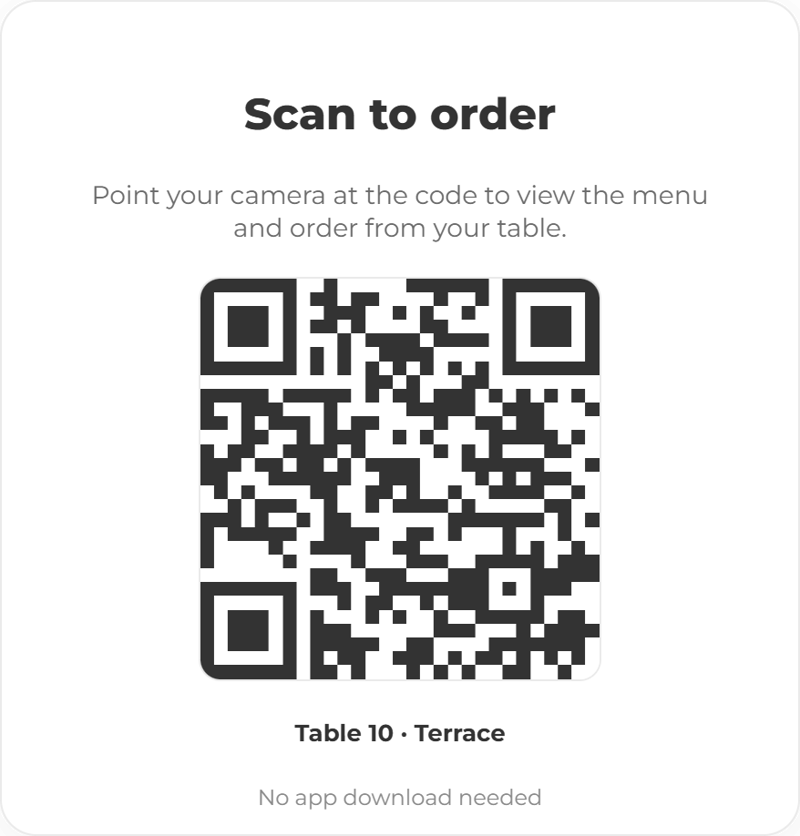
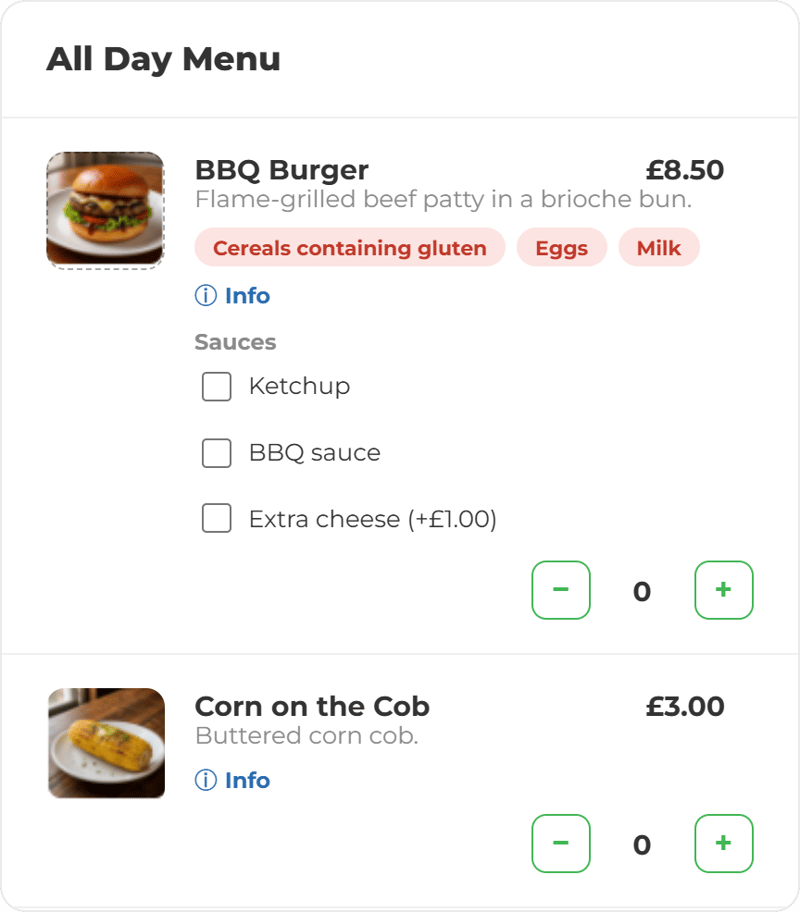
Capture food order details, timings, locations, customer notes, dietary needs, allergen information and fulfilment instructions in one place.

Request routing

Route orders to the right team, site, department or workflow so responsibility is clear from the start.

Status tracking

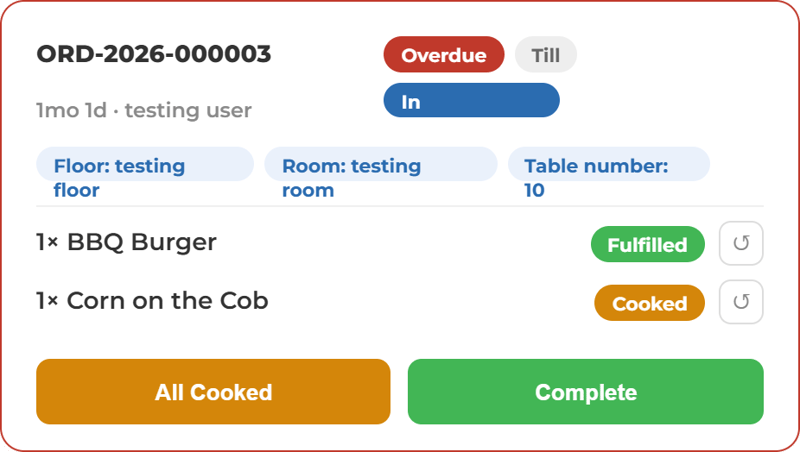
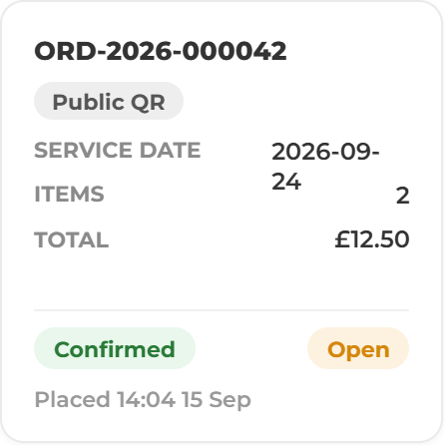
Track food orders from received and accepted through to preparation, fulfilment, delay or closure.

Fulfilment tasks

Turn orders into assigned tasks, preparation steps, checks, handovers, approvals or service actions.

Stock & availability

Connect order workflows with stock, inventory, product, expiry or availability checks where configured.

Reporting & insight

Review order volumes, fulfilment times, delays, exceptions, missed requests and performance across teams or sites.

Built around operational outcomes

Faster fulfilment. Fewer missed requests. Better control.

Improve speed

Route orders and requests to the right team faster, with clearer ownership and next steps.

Faster from request to action

Reduce errors

Keep order details, notes, requirements, status and fulfilment tasks connected in one workflow.

One record, no re-keying

Strengthen visibility

See new, in-progress, delayed, completed and escalated orders across sites, teams or departments.

Every stage, in one view

Prove fulfilment

Capture timestamps, comments, completion evidence, handoff records and status history against each order.

Evidence travels with the order
20%
Increase in customer spend
82%
Customers prefer self ordering
10%
Less time spent on orders
23%
Increase in order accuracy
From request to completion

Customer order to kitchen action and delivery.

A food order should move straight into fulfilment, not wait for someone to chase the next step. OCAPII connects each request to the right preparation tasks, allergen or dietary notes, stock checks, status updates and delivery evidence.

Teams can see what needs preparing, what has changed, what is delayed and what has been fulfilled, helping create a smoother order experience for the customer and a clearer workflow for the operation.

Order activity Notifications LIVE
Order received — Table 12
Café order captured: 2 flat whites, 1 panini. Routed to kitchen.
F&B · Site 07 · just now
Fulfilment task assigned
Kitchen preparation created for room-service order #4816.
Hotels · Rm 214 · 12s ago
Order delayed — awaiting stock
Line A replenishment paused: component below threshold. Escalated.
Manufacturing · Site 03 · 40s ago
Service request routed
Facilities request sent to estates team with priority flag.
Facilities · Site 12 · 1 min ago
Order fulfilled — signed off
Catering order for 40 covers completed; handover evidence attached.
Education · Hall B · 2 min ago
Order ready for handover
Stores replenishment prepared and checked, ready for collection.
Manufacturing · Site 03 · 3 min ago
Built for orders across every operating environment

Order management for teams that need to fulfil requests reliably.

Evidence behind every order

Create a clearer trail from request to completion.

OCAPII brings order details, status changes, assigned tasks, stock context, notes, evidence and completion history into one connected operational record so teams can prove what was ordered, who handled it, what changed and when it was fulfilled.

Reporting by site / teamCompletion evidenceHandoff recordsDelay / exception reasons
1 Order received - Table 12Type: café · source: front of house CAPTURE
2 Routed - kitchen workflowOwner assigned: S. Mensah ROUTE
3 Customer note attachedAllergen: nut-free · priority covers NOTE
4 Fulfilment tasks createdPrepare · check · plate · handover PREPARE
5 Stock check - line A flaggedAwaiting stock · escalation raised EXCEPTION
6 Status - ready for handoverPrepared and checked · 11:36 STATUS
7 Completion evidence attachedHandover photo + service ticket EVIDENCE
8 Order fulfilled - signed offJ. Okafor · 11:42 · syncs to reporting by site, team and order type FULFILLED
From scattered orders to connected fulfilment

A better way to manage orders across teams and sites.

Manual order managementOCAPII-connected Order Management
Connected order capture
Clear kitchen workflows
Live order status
Fewer missed details
Proof of fulfilment
Order intelligence

Ready to make every food order easier to manage?

Bring food orders, allergen notes, preparation tasks and delivery updates into one connected flow, so teams can fulfil faster and customers get a smoother experience.

Free resource

Unlock the guide.

Most operational guides tell you what a platform can do. This one starts somewhere different. It identifies where the gaps are, what they cost, and what a more connected approach makes possible.

  • PDF guide
  • 10 min read
  • 12 pages
  • Operational Guide

 A guide which covers a part of your operation that typically runs on a combination of experience, habit, and systems that were not designed to talk to each other.  

Get the guide

Tell us where to send it.

⚠ Set a HubSpot form GUID under Gate → HubSpot form GUID, or upload a file / add a video to deliver the asset.

We never share contact details with third parties. Unsubscribe anytime.

FAQ

Order management - common questions

OCAPII can support customer orders, internal requests, catering orders, service orders, facilities requests, stock requests, production requests, equipment requests and other operational fulfilment workflows.

No. OCAPII is not positioned as a standalone e-commerce platform. It helps organisations connect orders and requests to the operational workflows, tasks, evidence and reporting needed to fulfil them.

Yes. Orders can be configured to trigger preparation tasks, fulfilment steps, stock checks, notifications, approvals, handovers or escalation workflows.

Yes. Teams can track status stages such as received, preparing, delayed, ready, fulfilled or closed, depending on how the workflow is configured.

Yes. OCAPII's conversational AI capability can support customer-facing use cases such as order status questions, service requests and request routing into operational workflows where configured.

Yes. OCAPII is designed for single-site and multi-site operations, helping local teams manage fulfilment while giving leaders visibility across demand, delays, exceptions and performance.